Connect Coachway to the rest of your tools with Zapier
When a lead comes in, a client signs up or someone asks to cancel, Coachway can tell Zapier, and Zapier starts the next step in the tools you already use: a row in a sheet, a text to you, a new contact on your email list.
In short
Coachway connects to Zapier, so events in your coaching business can start work in your other tools. Nine events are available: new leads, lead status changes, accepted offers, new clients, a client's first app login, purchases, subscriptions starting or ending, and cancellation requests. You set it up under Settings > Account > Integrations. It is one-way: Zapier hears what happens in Coachway but cannot change anything in your account.
Also connected
Stripe, watches and your website are connected without Zapier
Watches and health apps
Steps and activities sync into the client app from Apple Health on iPhone and Health Connect on Android. Garmin works on both, and Fitbit and Samsung watches reach it through those platforms. See activity tracking.
Stripe
Client payments run through your own Stripe account, connected under Settings > Stripe. Coachway takes 2.4% per transaction plus Stripe's fees. See payments.
Your website and ads
Embed your Coachway lead form on your own landing page or use its public link in ads and your bio, and every submission lands under Leads. See leads.
The full list of what connects and how is in the guide coaching software integrations.

Set it up once
How do I connect Coachway to Zapier?
Go to Settings > Account > Integrations. Create an API key and give it a name, open the Accept Zapier invite link to reach the Coachway app in Zapier, paste the key when Zapier asks you to sign in, then build your Zap on one of the nine events. The Coachway Zapier app is private, so you will not find it by searching Zapier's public directory.

Nine events
Which Coachway events can start a Zap?
Nine events: three for leads, three for clients and three for purchases and subscriptions. That is the full list, so check your workflow fits before you build it. Lead changes status lets you pick one status, such as Won or Lost, or leave it empty to catch every change. Each status change carries both the new and the previous status, so a Zap can react to the direction of the move instead of firing on every update.

Keys and access
One key per connection, and you can revoke any of them
Keys belong to the Coachway account, not to one team member, and anyone holding a key can receive the account's events. So create one named key for each Zapier connection and treat it like a password. If one is exposed, revoke it and the others keep working. Only people with permission to manage the account see the Integrations page, which you control in team roles.

Know the limits
What can't the Zapier integration do?
The integration is one-way. Zapier is told what happened in Coachway, but it cannot create or change anything in your account. There is no public REST API and no developer documentation, and the API key only lets Zapier subscribe to the nine events, so it does not work from Make, n8n or your own HTTP requests. Plan your workflows around that before you build them.
Compared to the old way
No more copying names between tabs
Without a connection, you open the dashboard to see if a lead came in, copy the name into your sheet by hand, add new clients to your email list once a month, and learn about a cancellation the next time you look. With Zapier listening to Coachway, those steps run when the event happens. Messages to clients stay inside Coachway, where Automations handle onboarding flows and check-in reminders.
Ways coaches use it
The Zaps worth building first
Every new lead in your follow-up sheet
New lead created adds a row to a Google Sheet, so your follow-up list fills itself while you coach.
A text or email for every new lead
The coach app already sends a New Lead push. A Zap on New lead created can also email or text you, or a colleague who does not use the app.
Call the client the same day
Client requests cancellation sends you a text, so you can call the client the same day.
Only when a lead turns into a sale
Filter Lead changes status on the direction of the change, for example only from Offer sent to Won, and start your own sales follow-up from there.
New clients on your email list
New client created adds the client to the email tool you already use for newsletters, without exporting a list.
A welcome on the first login
Client logs into the app for the first time can start a welcome email from your email tool on the day the client actually shows up.
The lead events follow the pipeline you run in Leads, and who can open Integrations is set in team roles.
Everything the Zapier integration does
See all featuresSee your first Zap fire
Start a trial, create a key under Settings > Account > Integrations, then fill in your own lead form once and watch the row land in your sheet.
What coaches ask about integrations
Does Coachway integrate with Zapier?
Yes. Go to Settings > Account > Integrations, create an API key and open the invitation link to the Coachway Zapier app. Nine Coachway events can then start Zaps in your other tools.
Which Coachway events can I use in Zapier?
Nine: new lead created, lead changes status, lead accepts an offer, new client created, client logs into the app for the first time, purchase completed, subscription started, client requests cancellation and subscription ended. On status changes both the new and the previous status are included, so a Zap can react only when a lead moves from Offer sent to Won.
Can Zapier create clients, leads or messages in Coachway?
No. The integration is one-way, from Coachway to Zapier. Zapier cannot create clients or leads, read onboarding form responses, create or assign meal plans, upload files, PDFs or progress photos, or send messages to clients.
Where do I find my API key?
Under Settings > Account > Integrations, where you create a named key for each Zapier connection. The key is shown once only, so copy it straight away. If you lose it, revoke it and create a new one.
Why can't I find Coachway in the Zapier app directory?
The Coachway Zapier app is private, so it does not show up in Zapier's public directory. You reach it through the Accept Zapier invite link on the Integrations page.
Can I use the API key with Make, n8n or my own code?
No. Coachway has no public REST API and no developer documentation. The key only lets Zapier subscribe to the nine events, so it does not work from Make, n8n or your own HTTP requests.
Who on my team can set up the Zapier connection?
Someone with permission to manage the account. Team members without account admin rights do not see the Integrations page, so the owner or an admin sets it up.
Can I get notified when a new lead comes in?
Yes. A new lead shows under the bell on the web platform, and the coach app sends a New Lead push that opens the lead. With Zapier's New lead created event you can also email or text yourself, or add new leads to a spreadsheet.
Can I send leads from my own landing page into Coachway with Zapier?
No, Zapier cannot create leads in Coachway. Use your Coachway lead form instead: link to it from your ads or embed it on your landing page, and every submission lands under Leads.
What should I do if an API key gets out?
Revoke that key on the Integrations page; your other keys keep working. Turn off its Zaps in Zapier first, because existing webhook subscriptions may keep delivering until they are disconnected there.
Articles & guides
all guidesHow to take payments as an online fitness coach
How online coaches actually collect money: recurring billing vs invoicing, why failed cards cause churn, Stripe, and keeping checkout simple.
Read the guideHow to Automate the Admin in Your Coaching Business
The admin that eats a coach's week - onboarding, check-in reminders, follow-ups - is rule-based and repetitive, which is what automation is for. What to automate, what to never automate, and how to build each sequence once so it runs for every client.
Read the guideLead generation automation for coaches and personal trainers (2026)
How to automate lead capture, qualification, and follow-up as a fitness coach: forms that replace DM chaos, a pipeline with source tracking and statuses, follow-up reminders, and automated onboarding once a lead says yes - plus the parts of selling you should never automate.
Read the guideKeep exploring
Explore more features
Payments
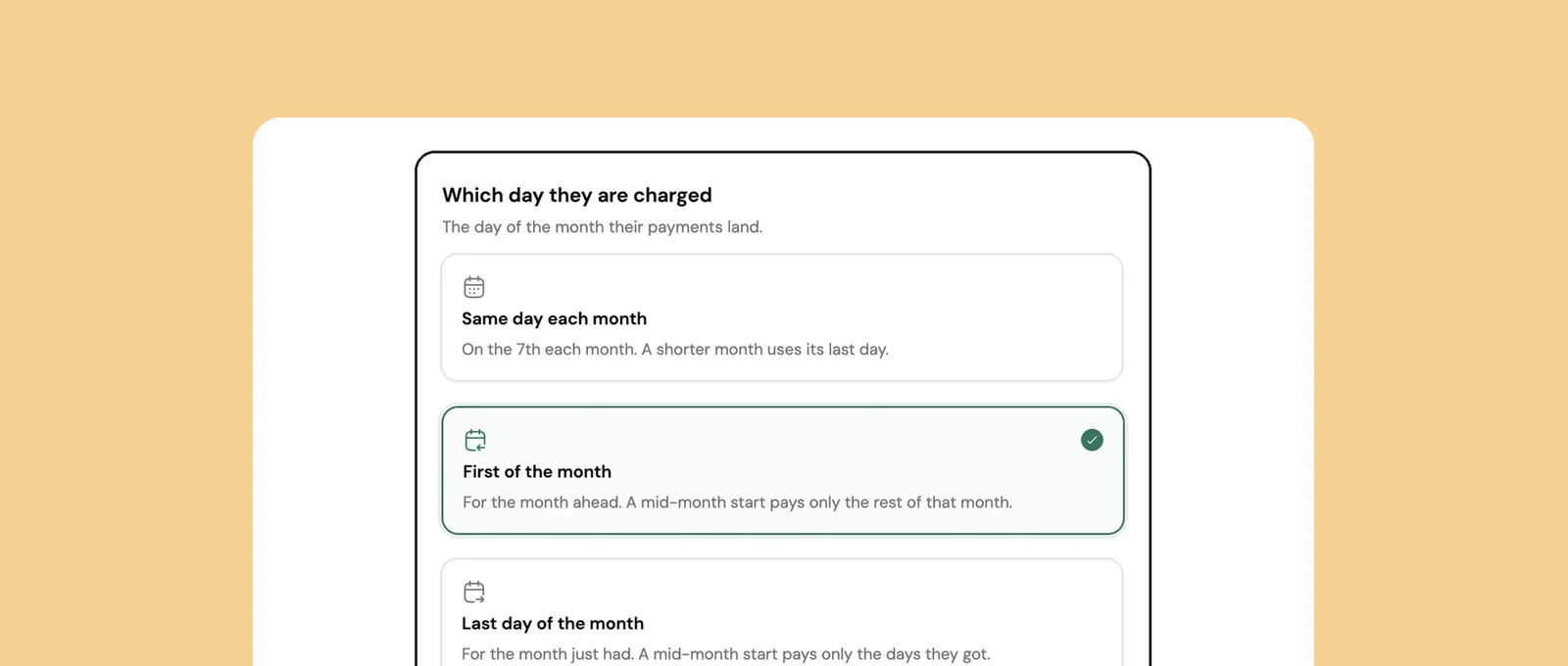
Subscriptions on your own Stripe account, charged on the day you choose. Coachway takes 2.4% per transaction plus Stripe's fees.
Client management
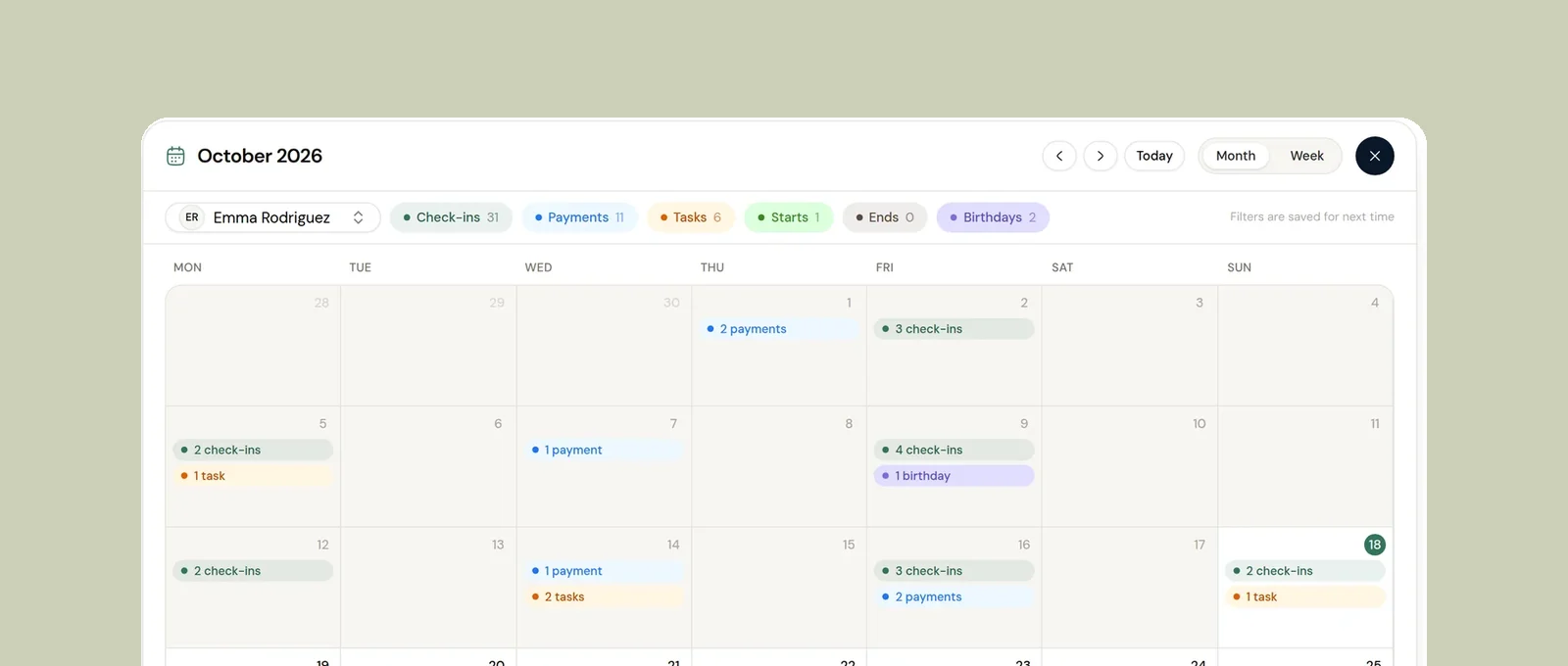
Pause clients, decide their app access when they end, and see every client date on one calendar.
Food logging
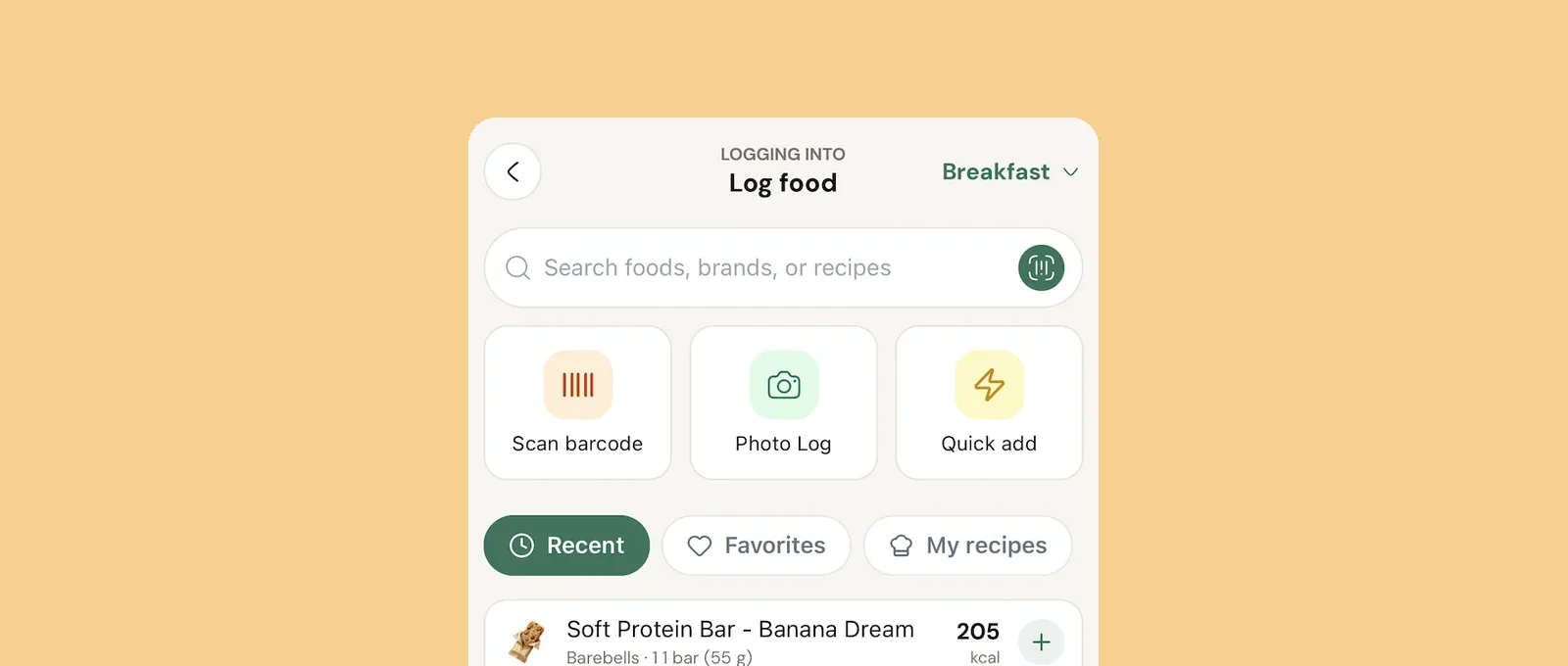
Clients log by search, barcode, photo or an AI estimate they confirm, and you see every day.
See what Coachway can do for your coaching business
Coachway was built on knowledge from working with 150 online coaches over 6+ years, who all hit the same wall - slow platforms, clunky workflows, wasted hours. Start your 14-day free trial and see what we fixed - the whole platform, no charge today, cancel anytime under Billing.