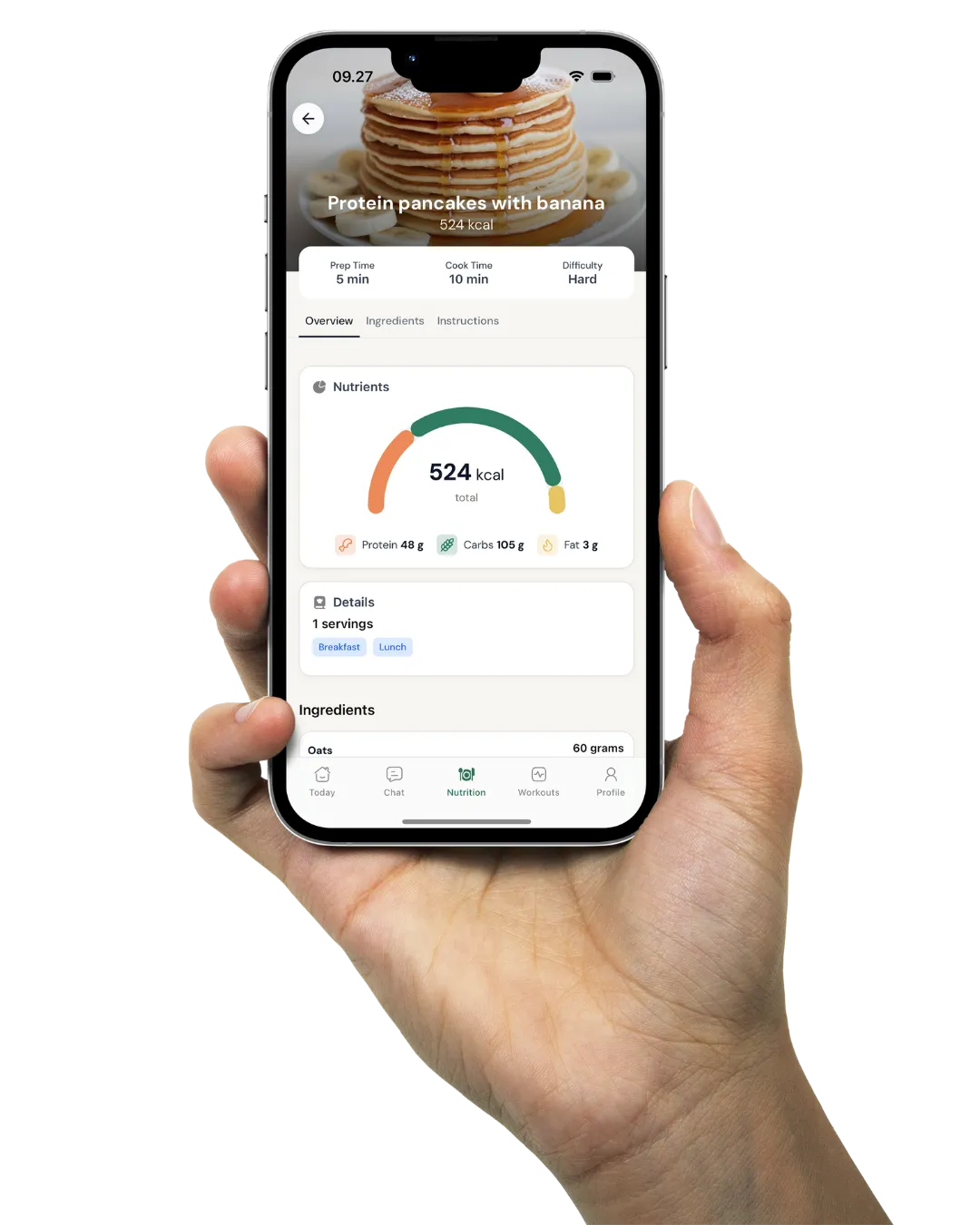
Revenue, client numbers and sales per rep on one Insights page
Insights puts your active clients, revenue, leads and sales per rep in one tab of the Coachway web platform. Pick a period and read the answer, instead of piecing it together from payments, a lead sheet and a spreadsheet.
In short
Insights is the business dashboard in the Coachway web platform. Pick a date range and it shows active clients, paid and expected revenue, clients started vs ended, top clients by revenue, check-ins completed per week, leads won, lost and open with your closing rate, and monthly sales per sales rep. It reads the clients, invoices and leads already in your account, so there is no spreadsheet to keep up to date.
Coaching alone? The overview, revenue and Started vs ended clients work from your first client. Leads by rep and Sales by rep start to matter once sales reps join your team.

Revenue
What has come in, and what is still on its way
Insights keeps paid revenue apart from expected revenue, so you know what has already been paid and what is still due. Projected revenue adds the two together. Top clients by revenue lists who paid the most in the period, based on paid invoices rather than the plan price.

Clients
Who started, who ended, and who is still checking in
Started vs ended clients puts new clients next to the ones who finished, month by month. A client counts as ended once their end date is today or earlier, so someone finishing on the 28th does not show up early, and pending clients are not counted as started. Active clients over time gives you the end-of-month count for the last 12 months.

Leads
See which leads close, week by week
Leads over time groups your leads by the week they came in and splits them into won, lost and open, with your closing rate drawn as a line on top. Both follow the period you pick. Leads by rep shows the same outcomes per sales rep. Together they tell you whether a change comes from more leads, a better closing rate or fewer lost leads.

Sales by rep
Commission you read off, instead of rebuilding
Monthly sales by rep shows paid sales, refunds and net for each sales rep in the month you pick, with tax included or left out. The rep is stored on the payment plan when the sale is made, and for as long as that plan keeps being paid, the revenue keeps counting for the rep who closed it.
Compared to the old way
Three tabs and a spreadsheet, every month
The usual month-end routine is a payment dashboard for what came in, a lead sheet for who said yes and a commission spreadsheet you rebuild by hand. Each answers part of the question, and keeping them in step is its own job. When a rep's client pays for a fourth month, someone has to remember to add it.
Insights reads the same clients, invoices and leads you already work with in Coachway. Pick a period at the top and read it. Sales stay credited to the rep who closed them, and leads come from the same Leads pipeline you work in every day.
Ways coaches use it
What coaches check in Insights
The first-of-the-month review
Open Insights, set the range to last month and read it top to bottom: active clients, projected revenue, who started, who ended. No spreadsheet.
Paying commission
Open Monthly sales by rep, pick the month, choose whether tax is included and work out each rep's commission from the Net column. Net is paid sales minus refunds.
A month where more clients ended
When the red bars in Started vs ended clients catch up with the green ones, you see it in the month it happens, while there is still time to talk to the clients who are close to the end.
Fewer leads or fewer closes?
Leads over time shows volume and outcome together. If lead volume held and the closing rate fell, look at how leads are followed up before you spend more on marketing.
Who is checking in
Check-ins completed per week shows whether your clients keep sending their check-ins. A drop is a prompt to look at who has gone quiet.
Numbers for the owner only
Insights is its own permission in Roles. Your assistant coaches can coach every client without seeing the business numbers in Insights.
Revenue is read from your invoices (see Coachway payments), the lead numbers from Leads, the check-ins from check-in forms, and who sees all of it is set in team roles. Browse all Coachway features to see how the pieces fit.
Everything Insights shows
See all featuresSee your own numbers in Insights
Start the trial, add your clients and payment plans, and the Insights tab fills in from there.
What coaches ask about Insights
What does Insights show?
Active clients, paid and expected revenue, projected revenue for the month, average revenue per active client, top clients by revenue, started vs ended clients, active clients over time and check-ins completed per week. It also has a Leads section with leads won, lost and open and your closing rate, and a Sales section with monthly sales per sales rep.
Where do I find Insights?
In the Insights tab in the left-side menu of the Coachway web platform. A date range picker at the top sets the period the numbers cover.
What is the difference between paid and expected revenue?
Paid revenue is what has already come in. Expected revenue is what is still due to come in. Projected revenue for the month is the two added together.
What does the amount next to a client in Top clients by revenue mean?
It is the total of that client's paid invoices in the period shown, for example the last 30 days. It is not their monthly subscription price, so a prorated invoice or an extra payment can make it differ. The client's Payment tab shows the plan price and invoice history.
How does Insights count ended clients?
A client counts as ended once their end date is today or earlier. A client with an end date later this month is not counted until that date. Started clients exclude pending clients.
Does the closing rate follow the date range?
Yes. The closing rate and the leads chart follow the period you pick. Leads are grouped by the week they were created, and their outcome stays with them as won, lost or open.
Can I track commission for my sales reps?
Yes. Monthly sales by rep shows paid sales, refunds and net per sales rep for the month you pick, with tax included or not. As long as a subscription keeps being paid, the revenue keeps counting for the rep who closed it.
How does a sale get credited to a sales rep?
The rep is stored on the payment plan when it is created. When you convert a lead or add a payment plan there is a sales rep field, prefilled with the lead's rep, and if you leave it empty the lead's rep is used.
What happens to sales that show as Unassigned?
Sales from before the report launched on 28 August 2026 could not be assigned reliably, so they show as Unassigned. Someone with billing access can open the client's payments and use Change sales rep, and the correction applies to the whole plan, including months already counted. The button is only shown to people with billing access, so a sales rep cannot move credit to themselves.
Can I hide Insights from my assistant coaches?
Yes. Insights is its own permission in Roles, described as access to account-wide insights and reporting. You choose which roles have it under Settings, Team, when you add or change a role.
Articles & guides
all guidesPersonal Trainer KPIs: The Metrics That Matter (2026)
Personal trainer KPIs split into two groups: client-progress signals you read weekly and business numbers you check monthly like churn, retention and LTV. Which to track, how often, and why leading indicators beat lagging ones.
Read the guideClient churn rate for coaches: how to calculate and cut it (2026)
Client churn rate is the percentage of clients who leave over a period. The formula with a worked example, voluntary vs involuntary churn, and the levers that bring the number down.
Read the guideThe Online Coaching Sales Funnel: Followers to Clients
A stage-by-stage map of the coaching sales funnel - attract, capture, nurture, offer, payment, deliver - built around the one fork: closing with a call, or without one.
Read the guideKeep exploring
Explore more features
Payments
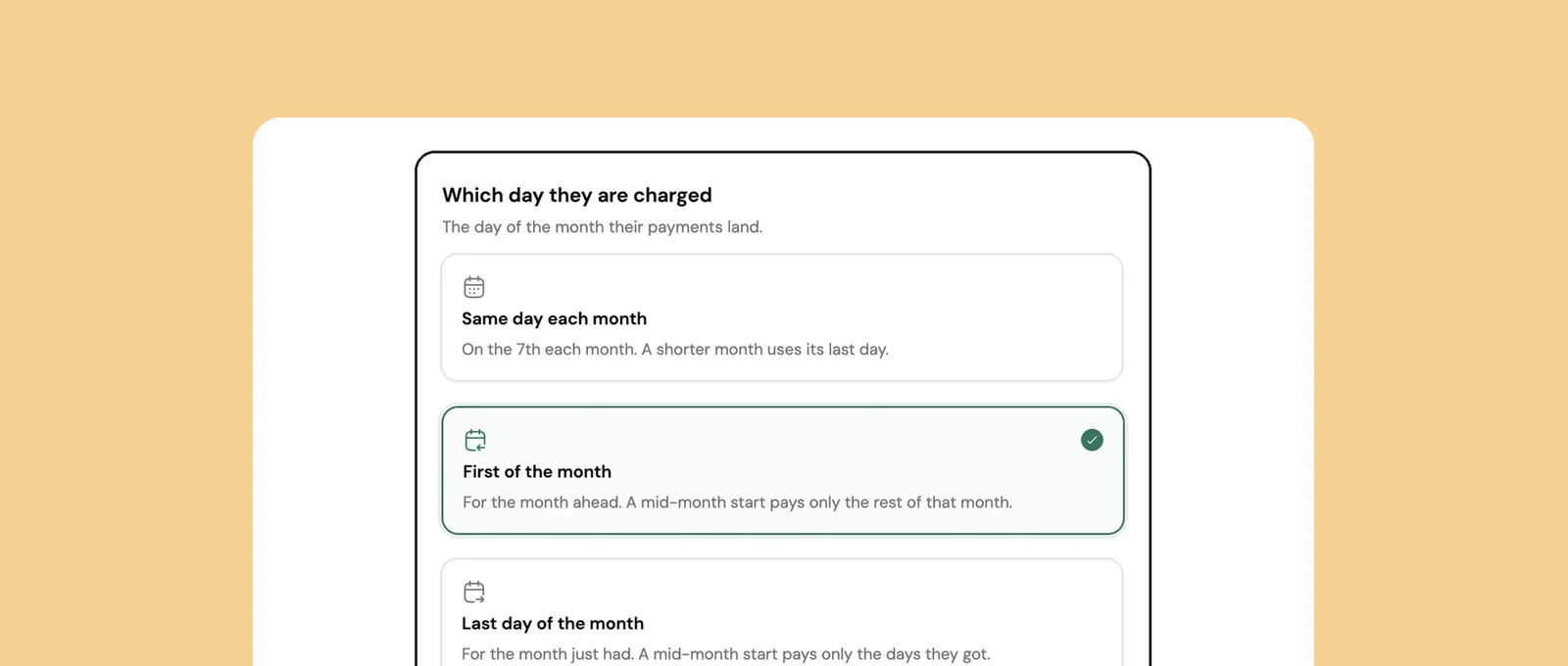
Subscriptions on your own Stripe account, charged on the day you choose. Coachway takes 2.4% per transaction plus Stripe's fees.
Client management
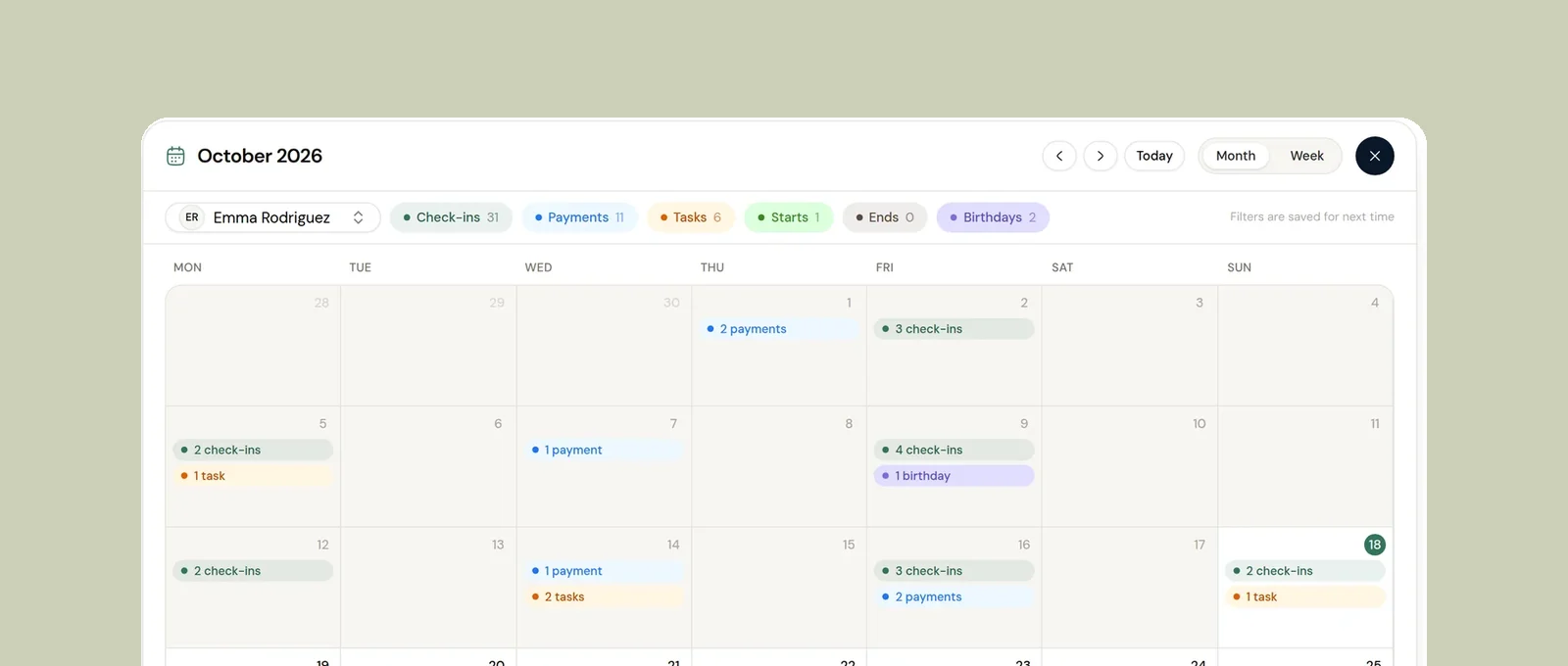
Pause clients, decide their app access when they end, and see every client date on one calendar.
Check-ins & forms
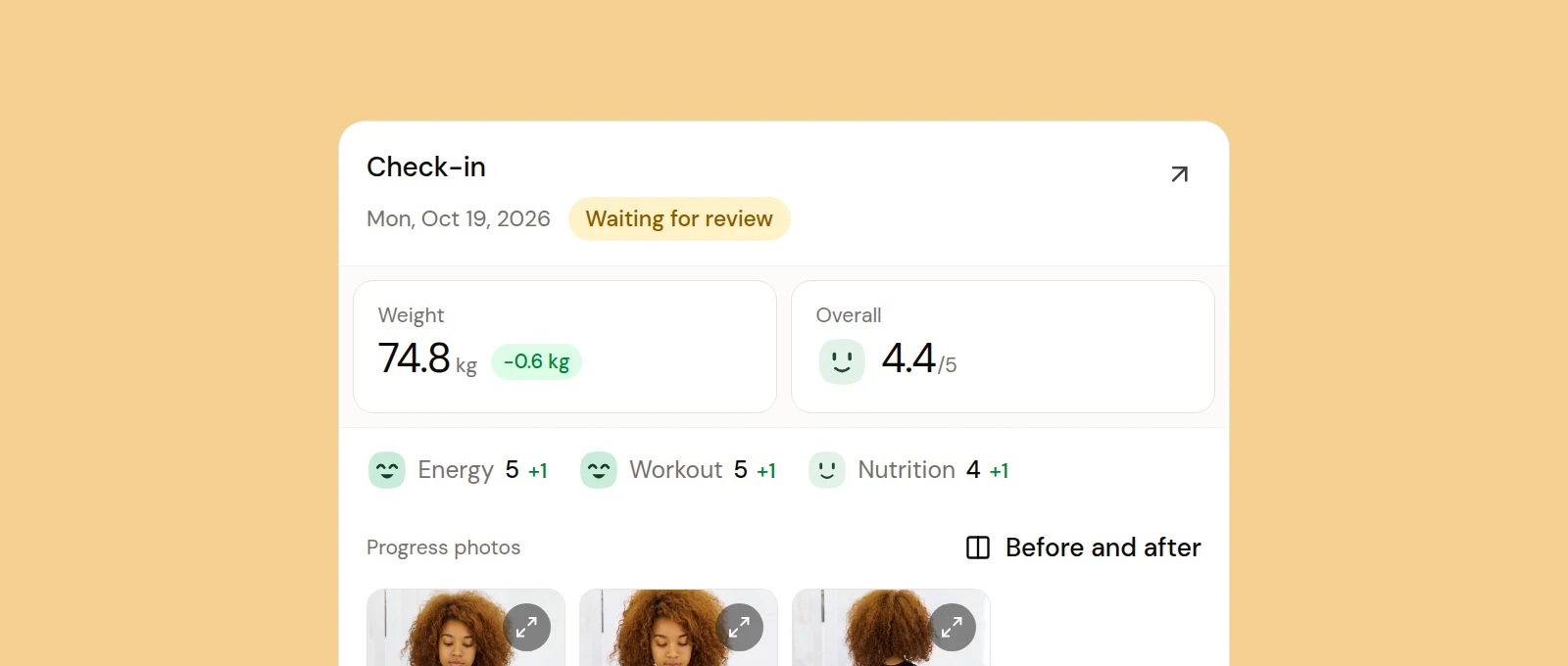
Onboarding and weekly check-in forms you build yourself, with skips for holidays and a first check-in date.
See what Coachway can do for your coaching business
Coachway was built on knowledge from working with 150 online coaches over 6+ years, who all hit the same wall - slow platforms, clunky workflows, wasted hours. Start your 14-day free trial and see what we fixed - the whole platform, no charge today, cancel anytime under Billing.