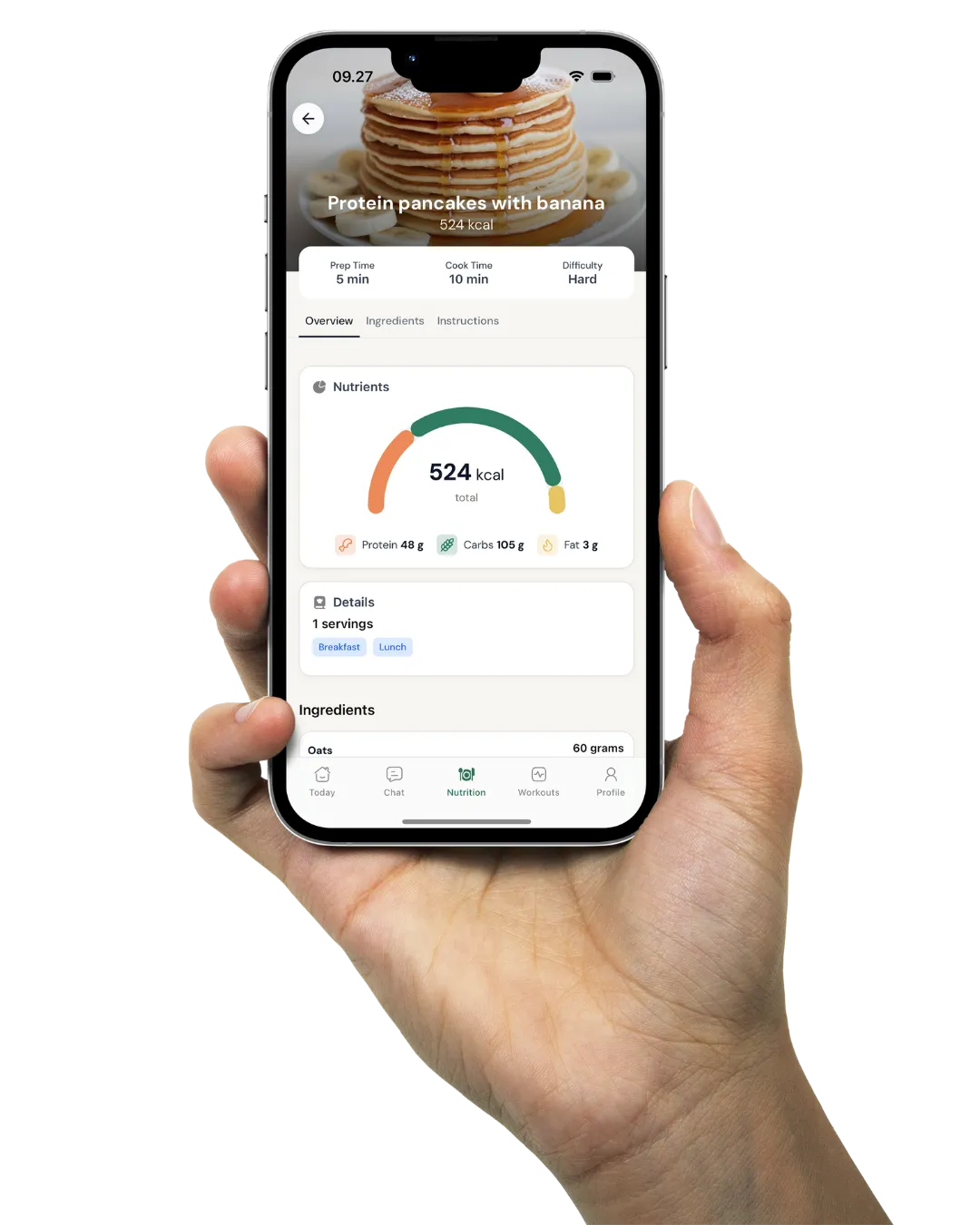
Coach clients in kg, pounds or stone
Pick Metric, US or UK units for your own account, and let every client see the app in theirs. You keep reading kg while a client in Texas sees pounds and a client in Leeds sees stone.
In short
Coachway shows weights, measurements and distances in three unit systems: Metric, US and UK. You set the units for your account, and each client can have their own, set by you or by the client in the app. Everything is saved in kg, cm and km and only converted for display, so a client who logged 80 kg sees 176.4 lb after switching to US.
Metric, US and UK
What does each unit system show?
Units cover Coachway's own fields: the weigh-ins and measurements in metrics, distance and pace from activity tracking, weights in the workout builder and amounts in recipes.
| Measurement | Metric | US | UK |
|---|---|---|---|
| Body weight | kg | lb | stone and lb |
| Body measurements | cm | inches | inches |
| Height | cm | ft and in | ft and in |
| Distance | km | miles | miles |
| Pace | per km | per mile | per mile |
| Weights in workouts | kg | lb | kg |
| Recipes | g, kg, ml, l | oz, lb, tsp, tbsp, cups | g, kg, ml, l |
UK is a mix on purpose. Body weight is in stone and lb, and measurements and distances are imperial, but workout weights and recipes stay in kg and grams, as most UK gyms and food labels use them. The cells in green are where UK differs from US.

Your account
Set the units you and your team work in
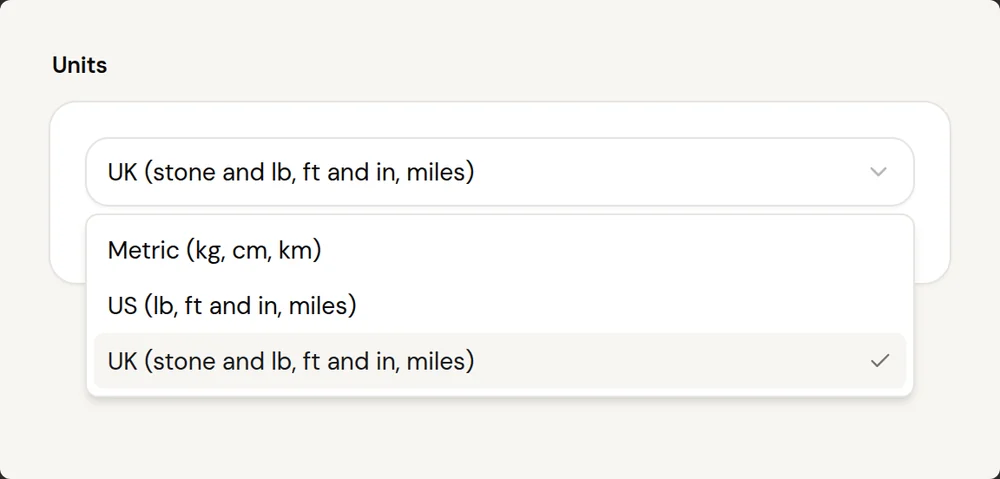
Go to Settings → Account → Business and pick Metric, US or UK under Units. That choice decides how weights, heights and distances show for you and your team on the web platform, in the coach app and in the workout program PDFs you create.

Each client
Every client sees the app in their own units
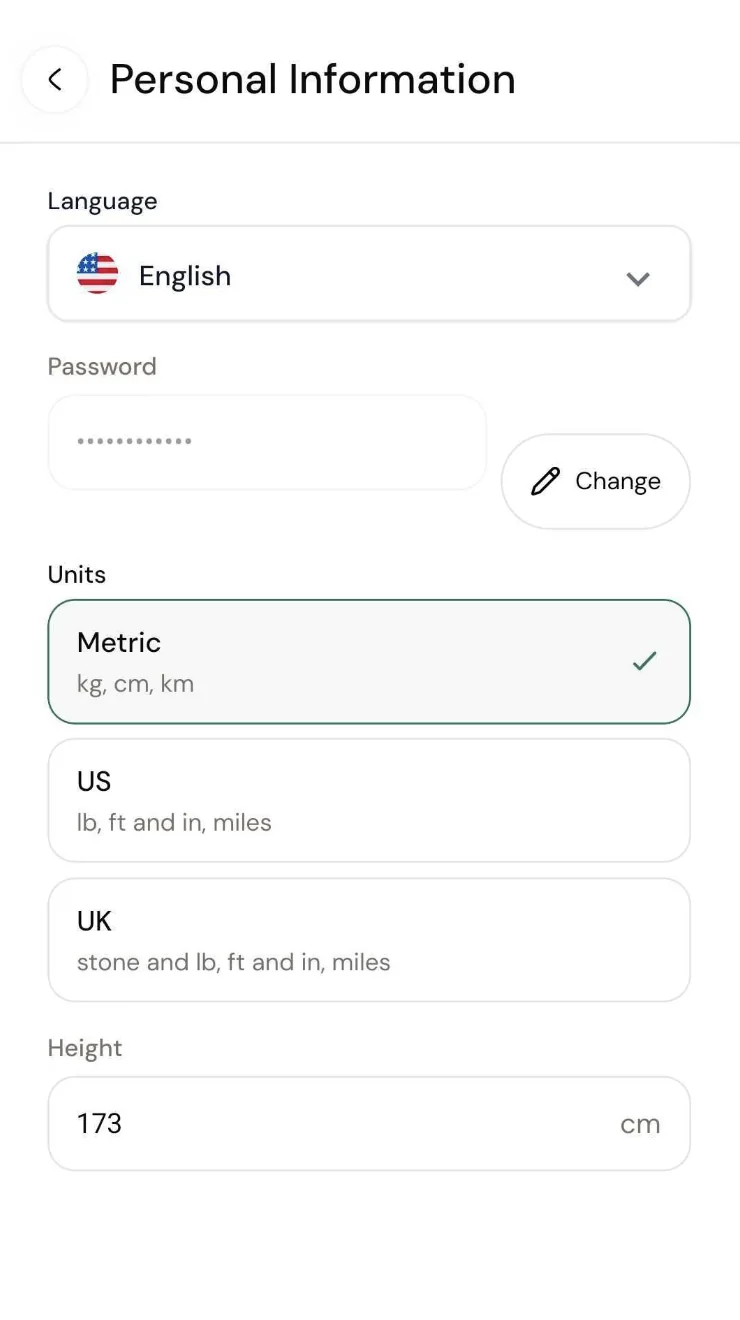
A client's units do not have to match yours. A Danish coach can have a UK client who sees stone and miles while the coach keeps seeing kg and km. Set it for the client under Client settings → General, or let them pick it themselves in the app under Profile → Personal Information → Units.

New clients
New clients start in the units of their country
You do not have to remember to switch anyone. New clients and new accounts start in their country's units: the USA starts in US, the UK starts in UK and everyone else starts in Metric. Clients from the USA, the UK, Canada, Ireland and Australia are also asked which units they prefer when they set up the app.

Nothing changes underneath
Switch units any time, the history stays the same
Everything is saved in kg, cm and km behind the scenes and only converted when it is shown. You or your client can switch units whenever you like without changing a single weigh-in, measurement, workout or recipe. You can see one number while your client sees another: it is the same weigh-in shown two ways.
Compared to the old way
No more converting pounds in your head
With a metric-only app, the client reads the scale in pounds, converts it, types it into a kg field and hopes they rounded it the same way as last week. With units in Coachway the client logs in the unit on their scale, you read it in yours, and the trend line is built from one saved value.
Units work alongside the eight languages of the client app, so an American client can have English and pounds while a Norwegian client has Norwegian and kg.
Ways coaches use it
Coach anyone, in the units they grew up with
A European coach with US clients
You keep working in kg and km. Your clients in the US log and read their weight in pounds and their runs in miles, without either of you converting anything.
UK clients who think in stone
Their weigh-ins show in stone and lb, measurements in inches. Workout weights stay in kg, the same as the plates in most UK gyms.
One roster, three systems
Set units per client. A Danish, an American and a British client can sit side by side on your client list, each seeing their own units in the app.
Runners and walkers in the US
Distance shows in miles and pace per mile, so a client reads their activity in the units they already run in.
Recipes for US kitchens
US clients see recipe amounts in oz, lb, tsp, tbsp and cups, the measures they already cook with.
A program PDF for a client abroad
A PDF you create for a client follows that client's units and language, so it matches what they see in the app.
The same units show up in the coach app, in client progress, and for everyone on your team with team roles. Browse all Coachway features to see how the pieces fit.
Everything units can do
See all featuresTry it with your own clients
Set your account units, switch one test client to US or UK, and see the same weigh-in in both views.
What coaches ask about units
Which unit systems does Coachway support?
Three: Metric, US and UK. Metric uses kg, cm and km. US uses lb, inches, ft and in, and miles. UK shows body weight in stone and lb with imperial measurements and distances, but keeps workout weights and recipes in kg and grams.
How do I change the units for my account?
Go to Settings → Account → Business and choose Metric, US or UK under Units. Your account units decide what you and your team see on the coach platform on the web, in the coach app and in workout program PDFs.
How do I change the units for one client?
Open the client, go to Client settings → General and choose their units. The client can also change it in the app under Profile → Personal Information → Units.
What units do new clients start with?
New clients and new accounts start in the units of their country: USA starts in US, the UK starts in UK, and everyone else starts in Metric. Clients from the USA, the UK, Canada, Ireland and Australia are also asked which units they prefer when they set up the app.
Does switching units change my client's data?
No. Everything is saved in kg, cm and km and only converted when it is shown, so weigh-ins, measurements, workouts and recipes stay the same. A client who logged 80 kg sees 176.4 lb after switching to US, and 80 kg again if they switch back.
Can my client and I see different numbers for the same weigh-in?
Yes. If you use Metric and your client uses US, you see their weight in kg and they see it in lb. It is the same weigh-in shown two ways.
Why does UK keep workout weights and recipes in kg and grams?
UK is a mix on purpose. Body weight is in stone and lb, and measurements and distances are imperial, but workout weights and recipes stay in kg and grams because most UK gyms and food labels use them.
Which units do workout program PDFs use?
A workout program PDF you create yourself follows your account units. A PDF created for a client follows that client's units and language, so it matches what they see in their app.
Are custom metrics converted?
No. Units apply to Coachway's own fields, such as weight, measurements, height and activity distance. A custom metric with a unit you typed yourself stays exactly as you set it up.
Articles & guides
all guidesHow to coach online clients across different time zones (2026)
When your clients are spread from Los Angeles to Singapore, the real problem is not distance, it is that you are never awake at the same time. This guide shows how to go async-first so coaching does not depend on overlapping hours: deadlines in the client's local time, recorded and voice feedback, fair scheduling of the few live calls, and structured check-ins that keep it personal.
Read the guideClient Progress Tracker: How to Track Beyond the Scale
A client progress tracker that only reads the scale misleads you about half your clients. The multi-metric method good coaches run: six signals read together on a fixed cadence, so a flat morning never overrules a month of real change.
Read the guideHow to track client progress photos: a coach guide (2026)
How coaches take, standardize, store, and compare client progress pictures - lighting, angles, frequency, consent and privacy - and read progress pics alongside weight, measurements, and other metrics so a single photo never misleads.
Read the guideKeep exploring
Explore more features
Food logging
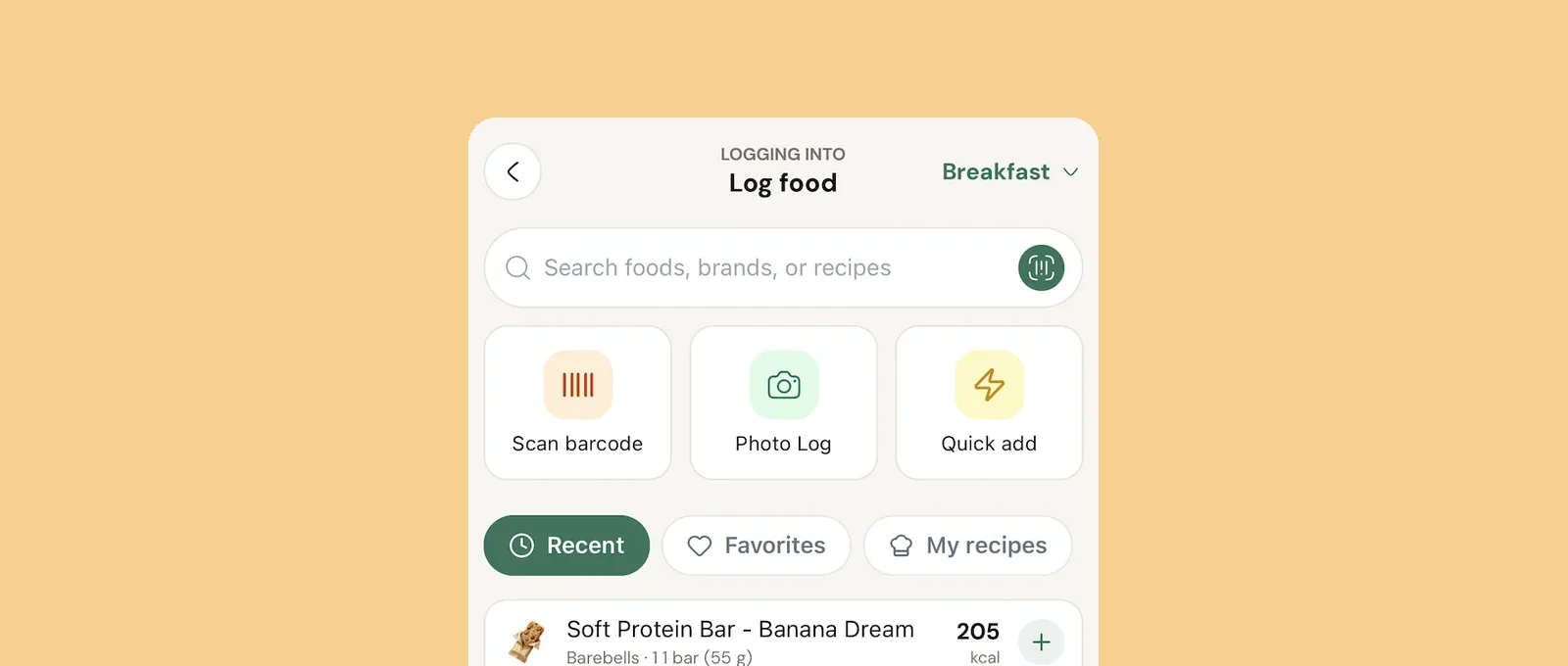
Clients log by search, barcode, photo or an AI estimate they confirm, and you see every day.
Client progress
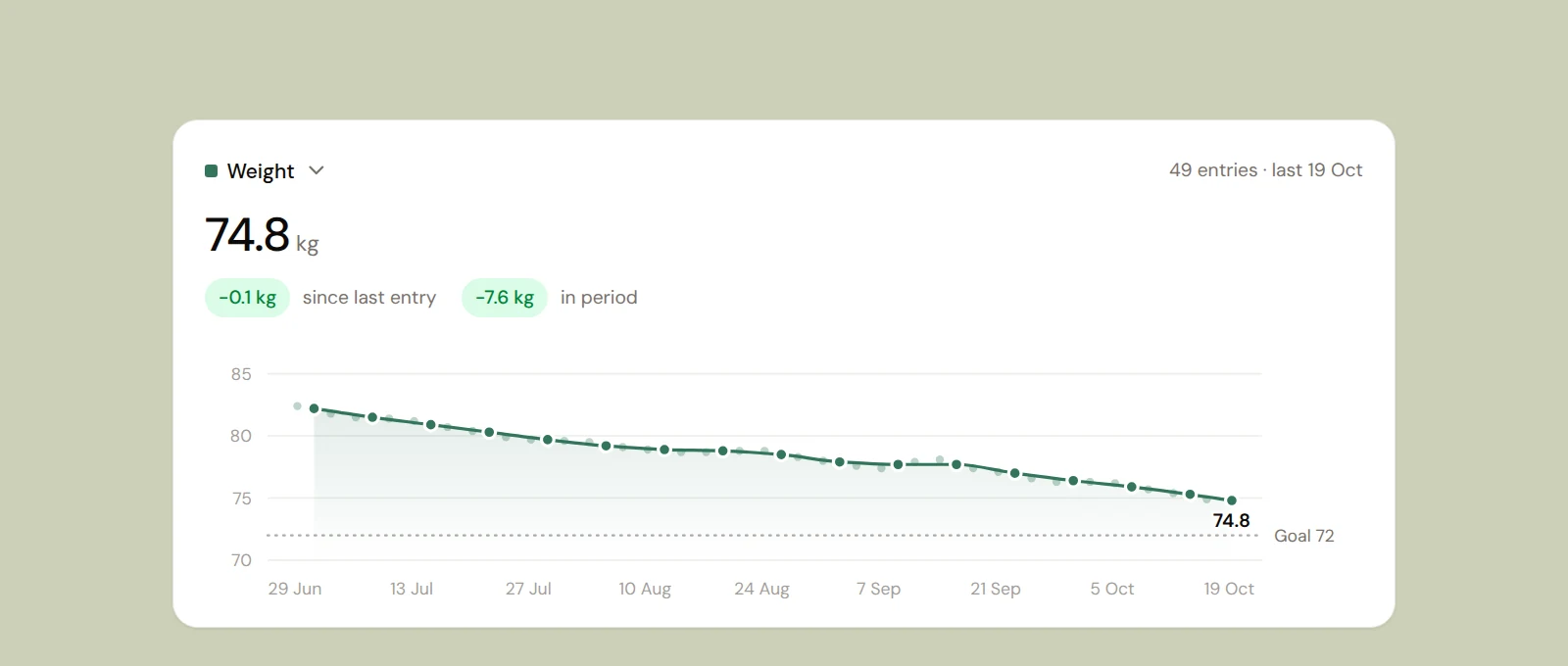
Weight, measurements, photos and workouts on one page, with charts that show change over time.

Meal planner
Build meal plans from 1,100+ recipes or your own, with every recipe scaled to the meal's calorie and macro target.
See what Coachway can do for your coaching business
Coachway was built on knowledge from working with 150 online coaches over 6+ years, who all hit the same wall - slow platforms, clunky workflows, wasted hours. Start your 14-day free trial and see what we fixed - the whole platform, no charge today, cancel anytime under Billing.