



Leads
Add a simple lead form to your website in minutes. Every signup lands straight in your dashboard - organized, ready to follow up, and easy to convert. No more leads slipping through the cracks.
In short
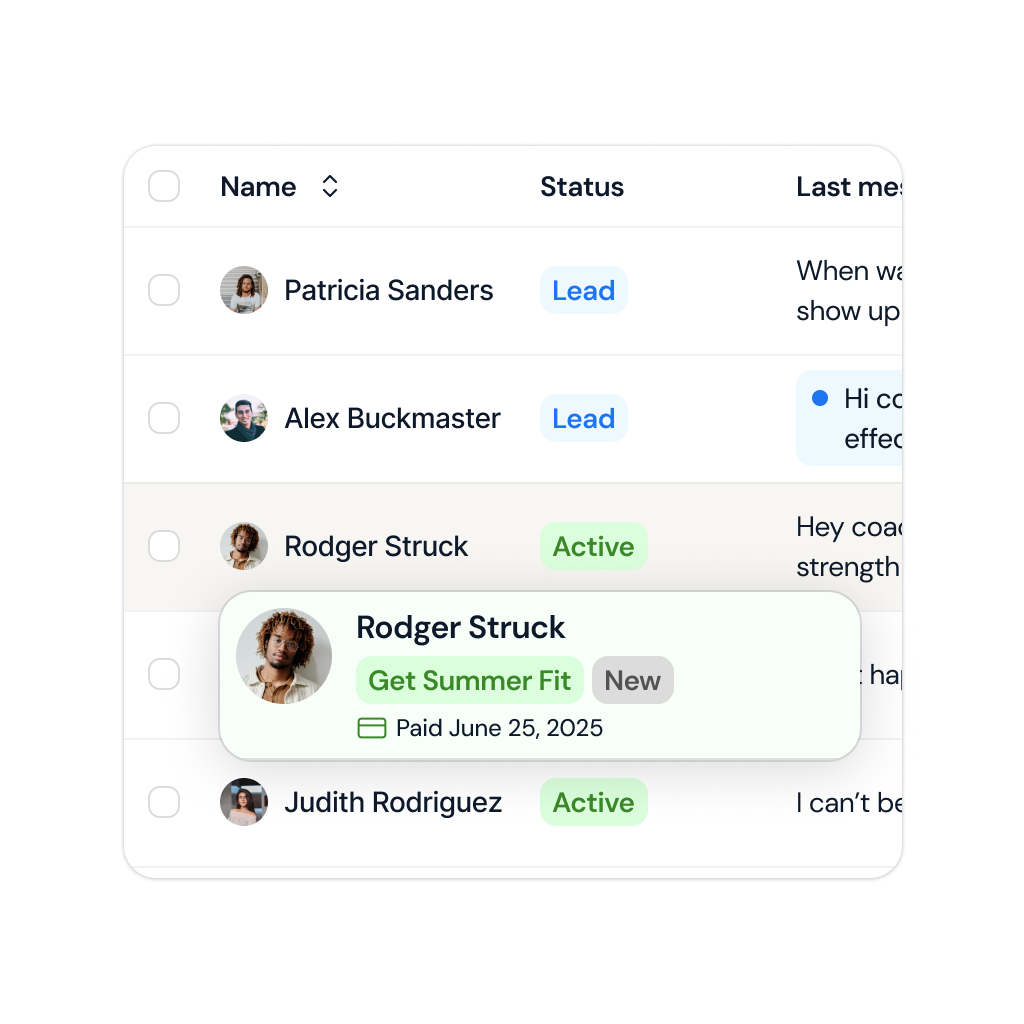
Lead capture for coaches means collecting interested prospects through forms and landing pages, then moving them into a pipeline instead of losing them in DMs. coachway includes lead forms that feed directly into the platform, so a prospect who fills one in today can be onboarded as a paying client without switching tools.
Never lose track of a lead again
Manage your entire pipeline in one simple view. See who just signed up, who you've reached out to, and who's ready for a meeting - all organized by status so you always know your next move.
Capture the right leads with the right questions
No generic forms. Build your own with the questions that matter for your coaching business. Embed it anywhere with one HTML file, and watch leads land directly in your dashboard - organized and ready to convert.
Keep reading
- how to get online coaching clients
Capturing a lead is half the job. This is the other half.
- lead-generation automation for coaches
How coaches wire capture, follow-up and onboarding together so nothing is manual.
Mark lead status
Stay organized, all the time
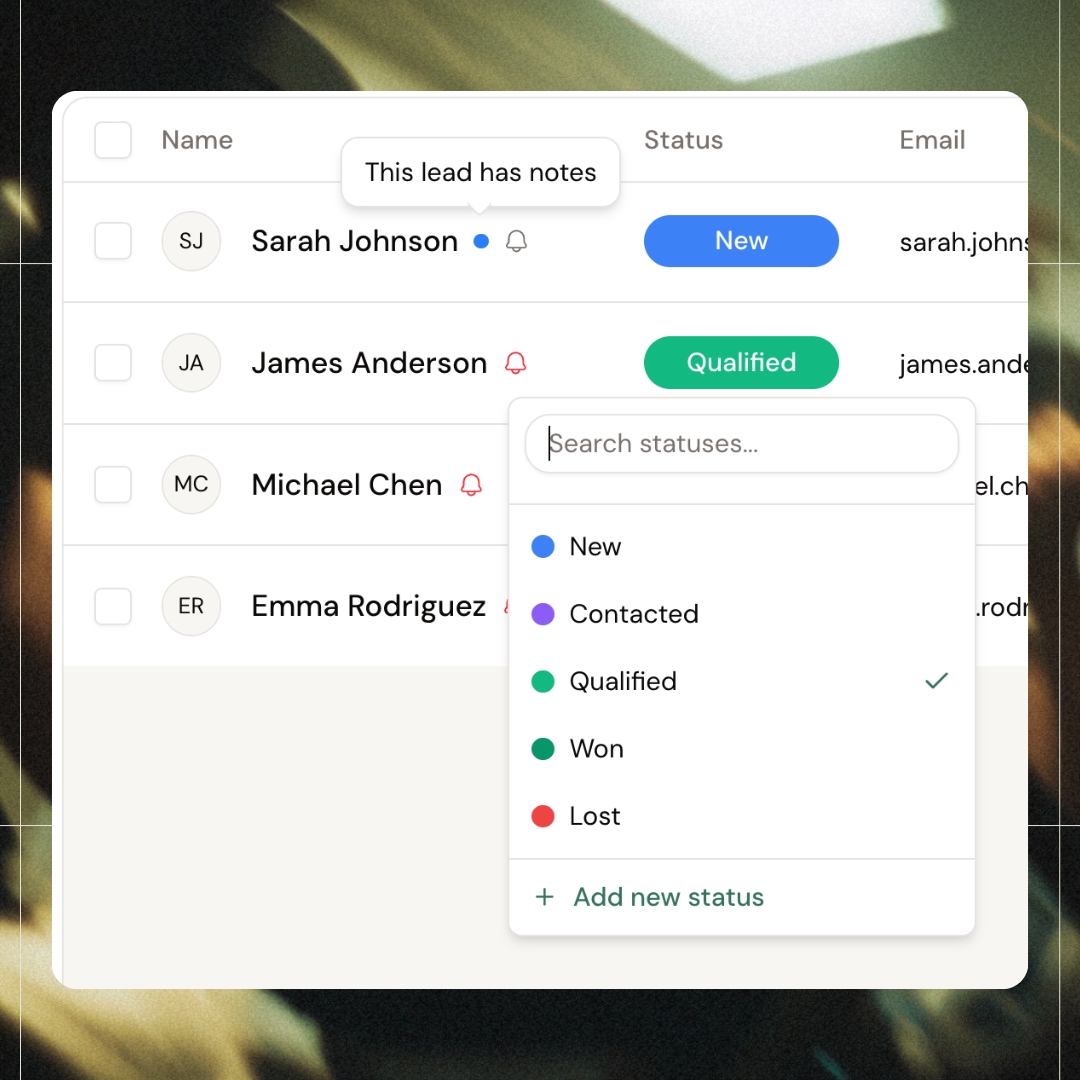
Tag leads as New, Contacted, Qualified, Won, or Lost - and create your own custom statuses if the standard ones don't fit your workflow. Every status updates instantly, so you always know exactly where each lead stands. Never lose track of a potential client or let a hot lead go cold again.
UTM source tracking
Know exactly where leads come from
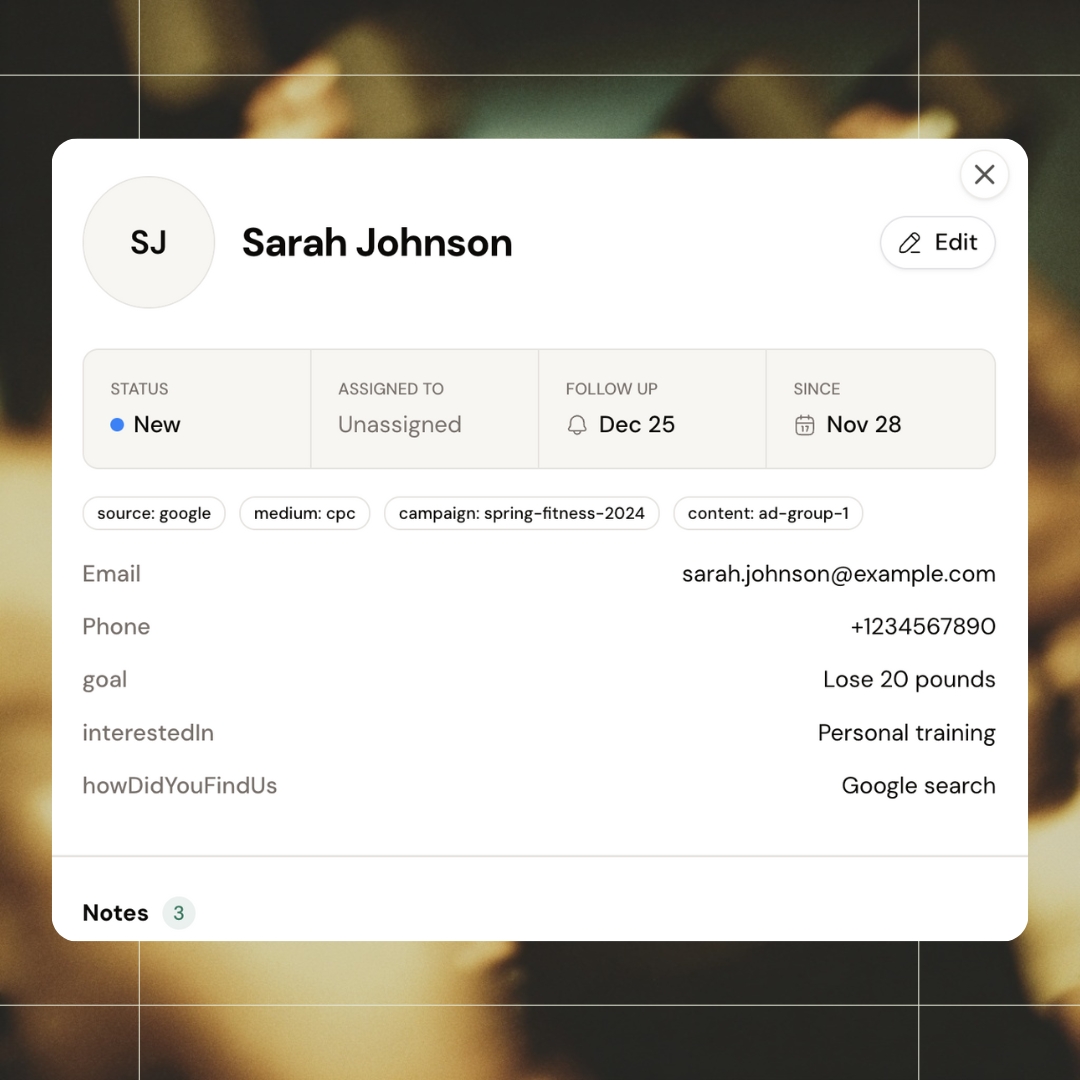
Every lead captures the full UTM trail-source, medium, campaign, and ad group. See at a glance whether they came from Google, Instagram, or that email you sent last Tuesday. Know exactly where your paying clients come from and double down on what's working
Lead notes
Never forget what was said
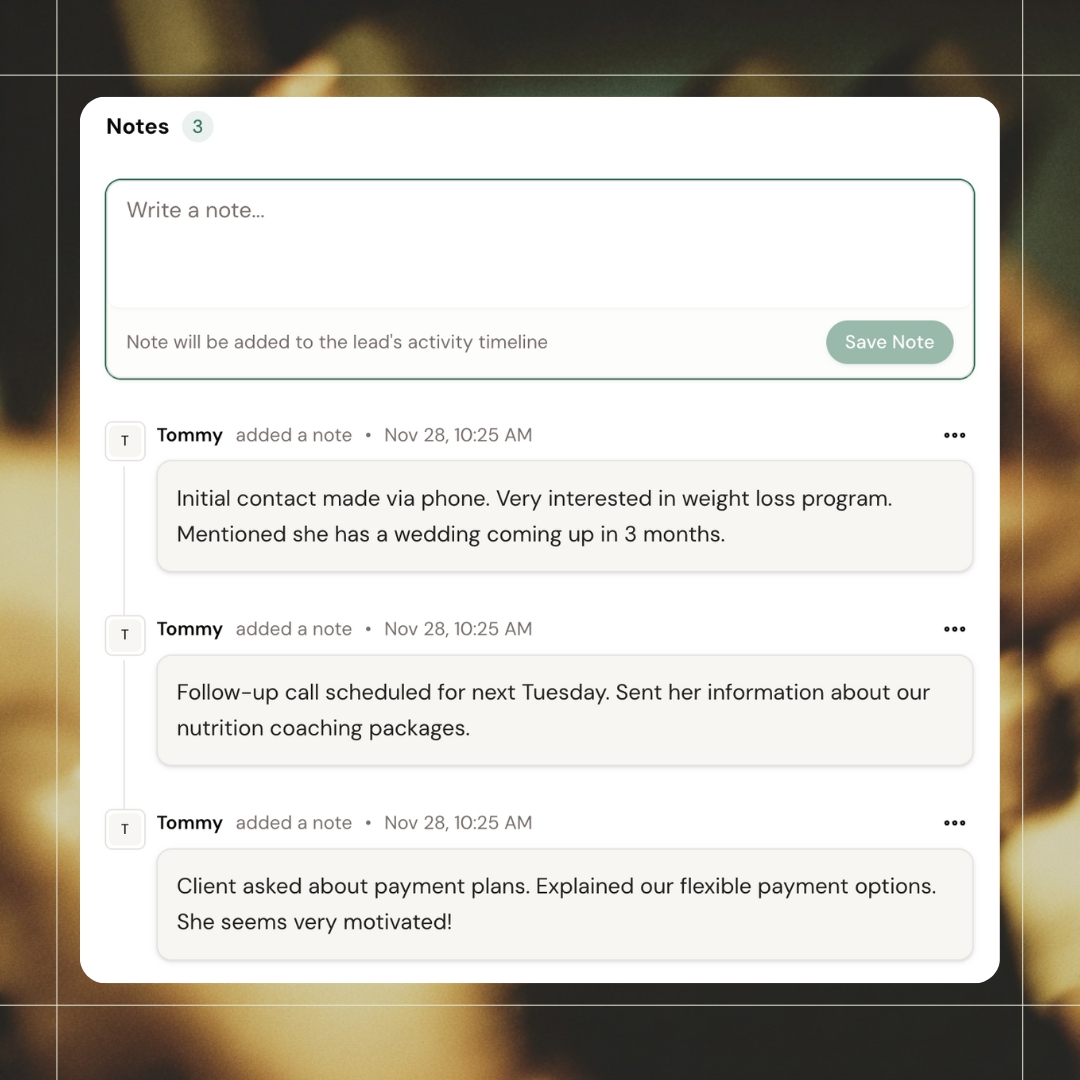
Log notes after every interaction and build a complete history for each lead. When you call them back two weeks later, you'll remember the wedding in 3 months, the payment plan questions, and exactly what you promised to send. Makes every follow-up feel personal.
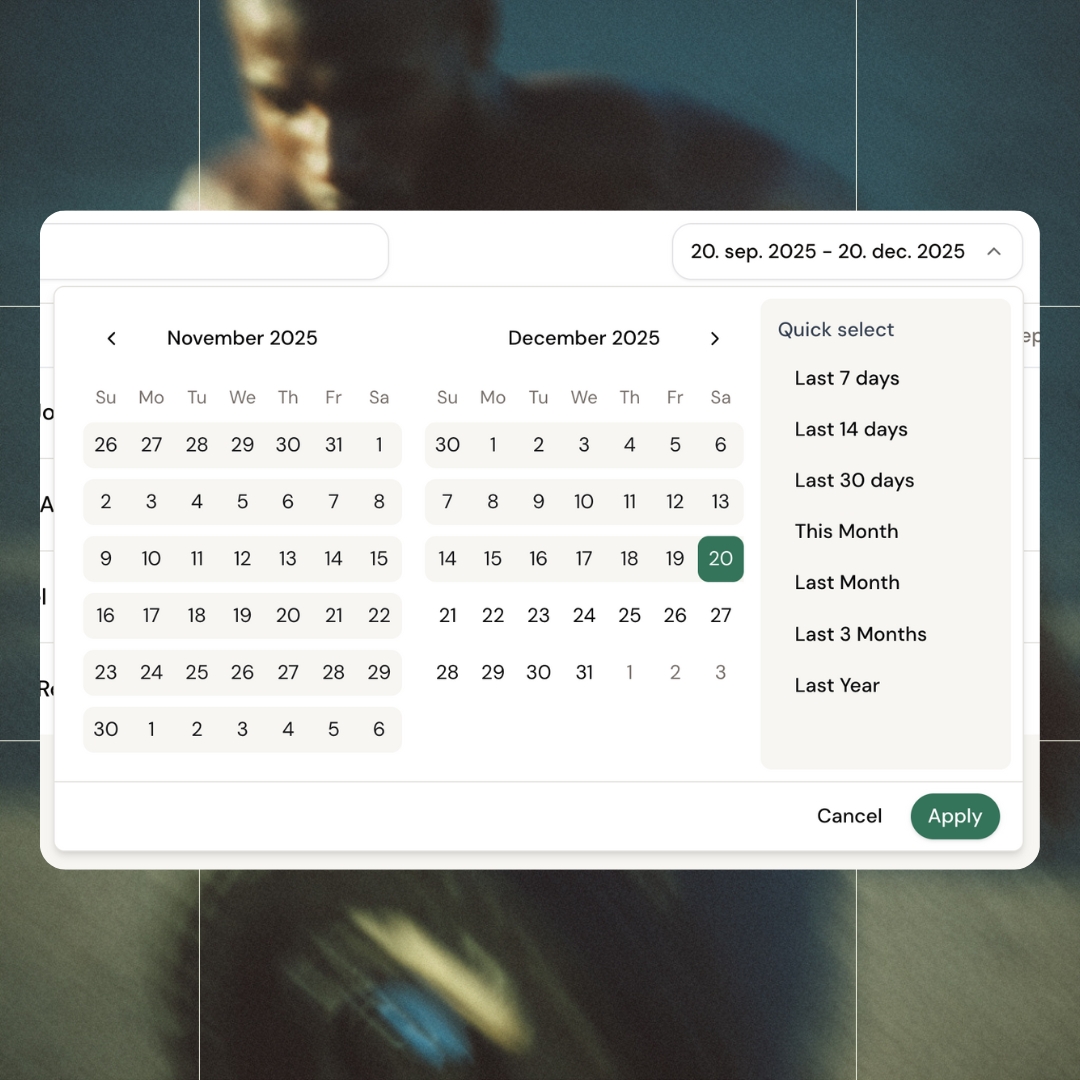
Date filtering
Zoom in on any time period
Pull up leads from the last week, last month, or set your own custom range. Perfect for comparing campaign performance, reviewing slow periods, or prepping your monthly reporting. One click to see exactly what you need.
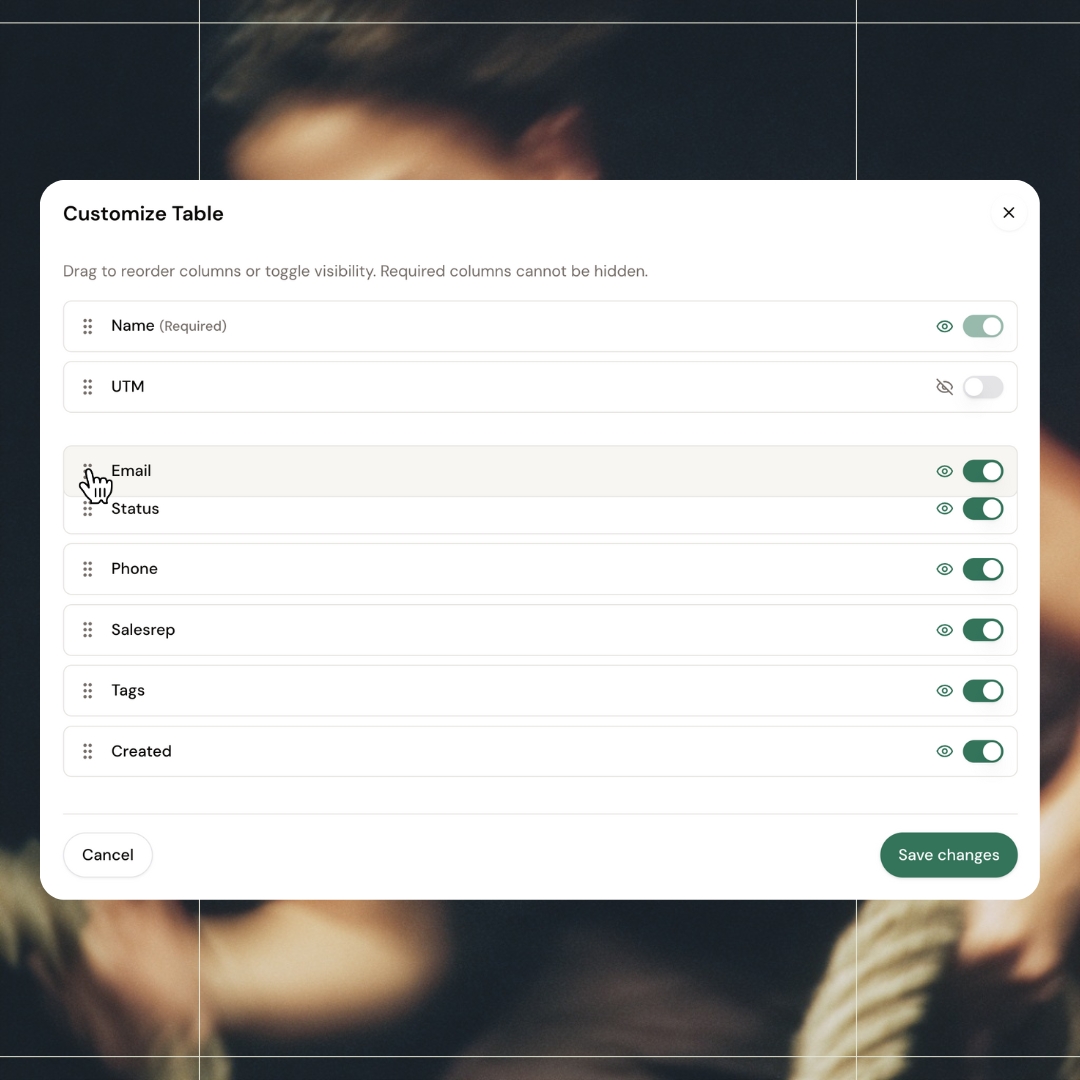
Customizable columns
Cut the clutter, keep the essentials
Toggle columns on or off and drag them into your preferred order. Hide the clutter, surface the essentials. Set it up once and get a clean view that matches how you actually work.
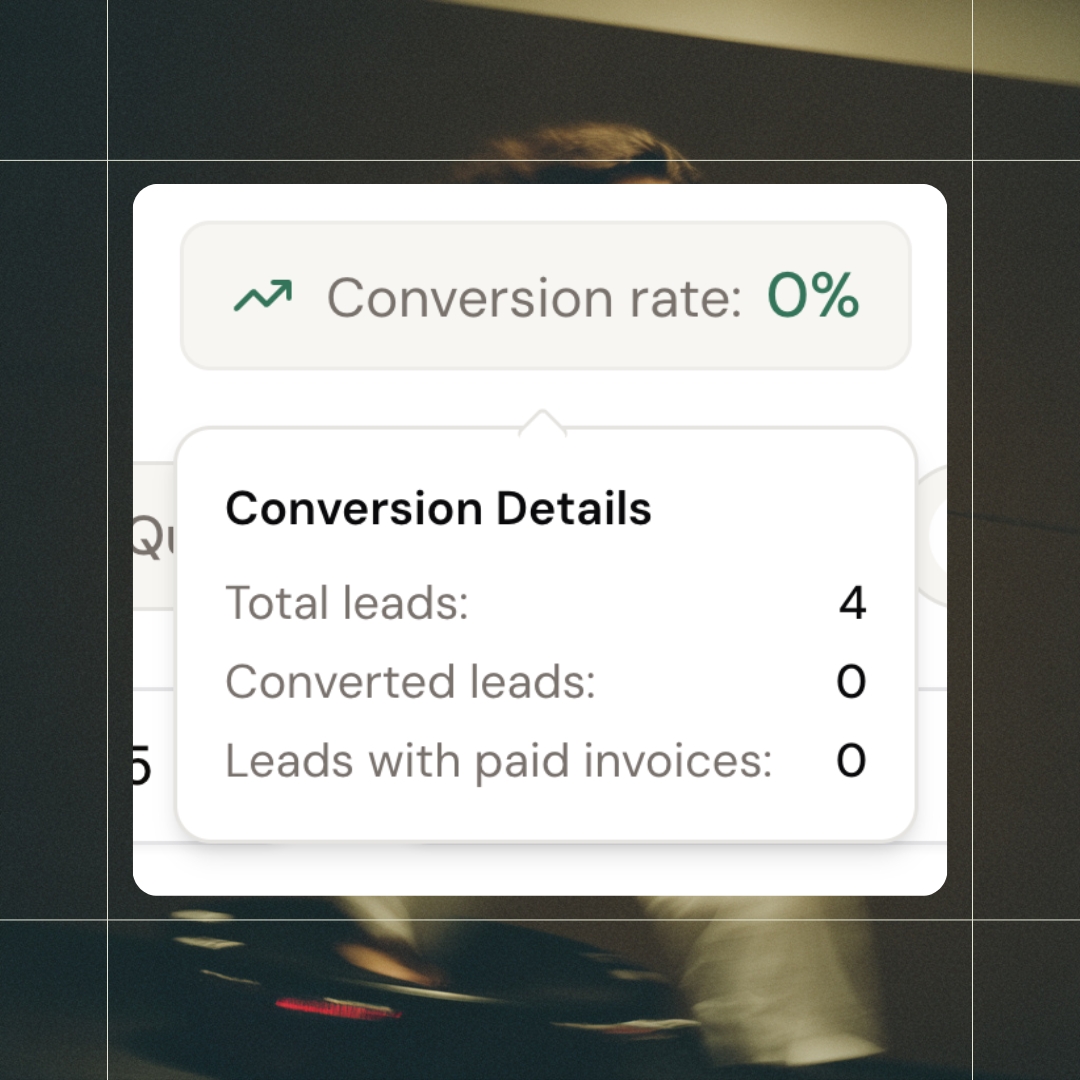
Conversion tracking
See how many leads become clients
Track your conversion rate in real time - total leads, converted leads, and paid invoices all in one glance. Know exactly how your sales process is performing without digging through spreadsheets or guessing
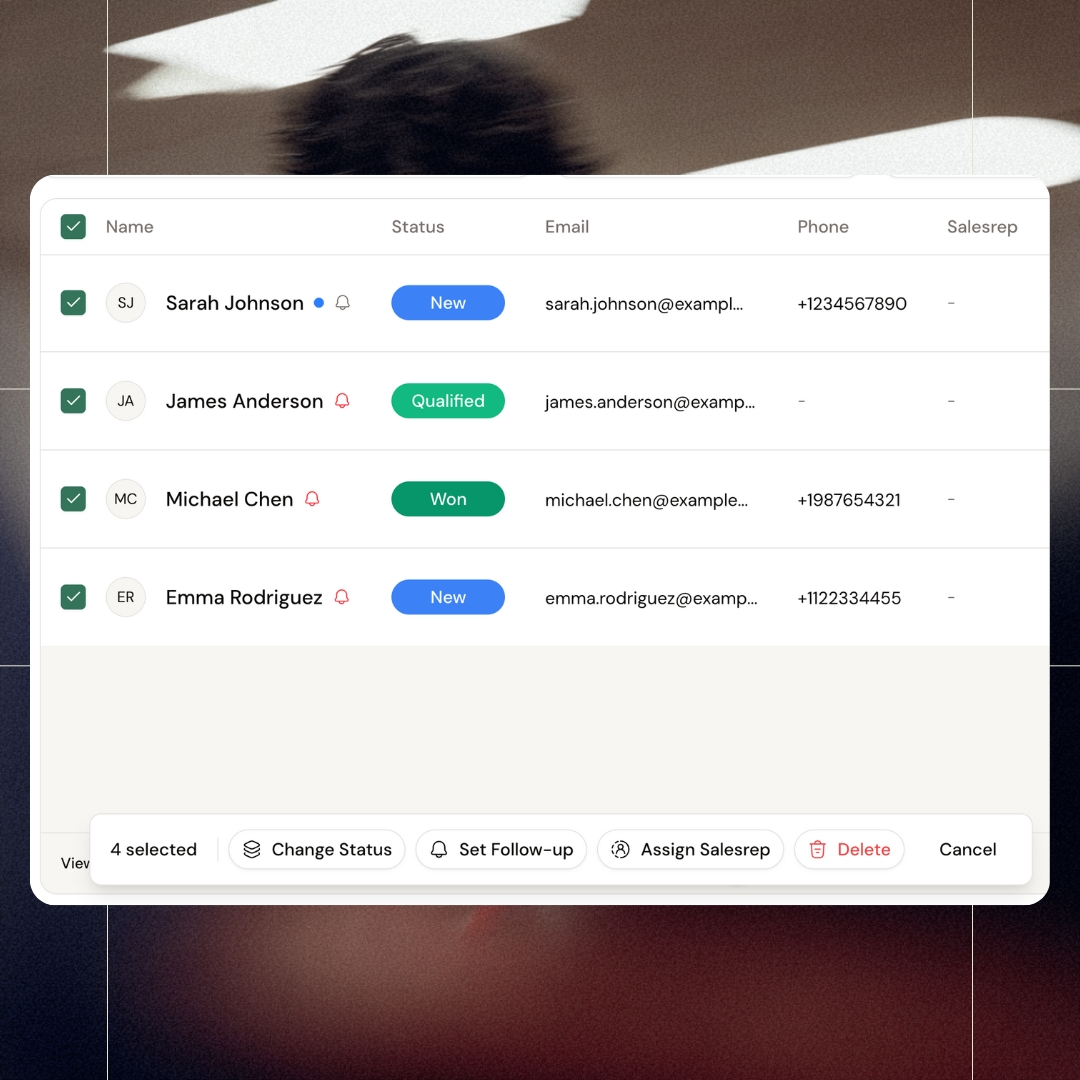
Bulk actions
Manage leads in batches, not one-by-one
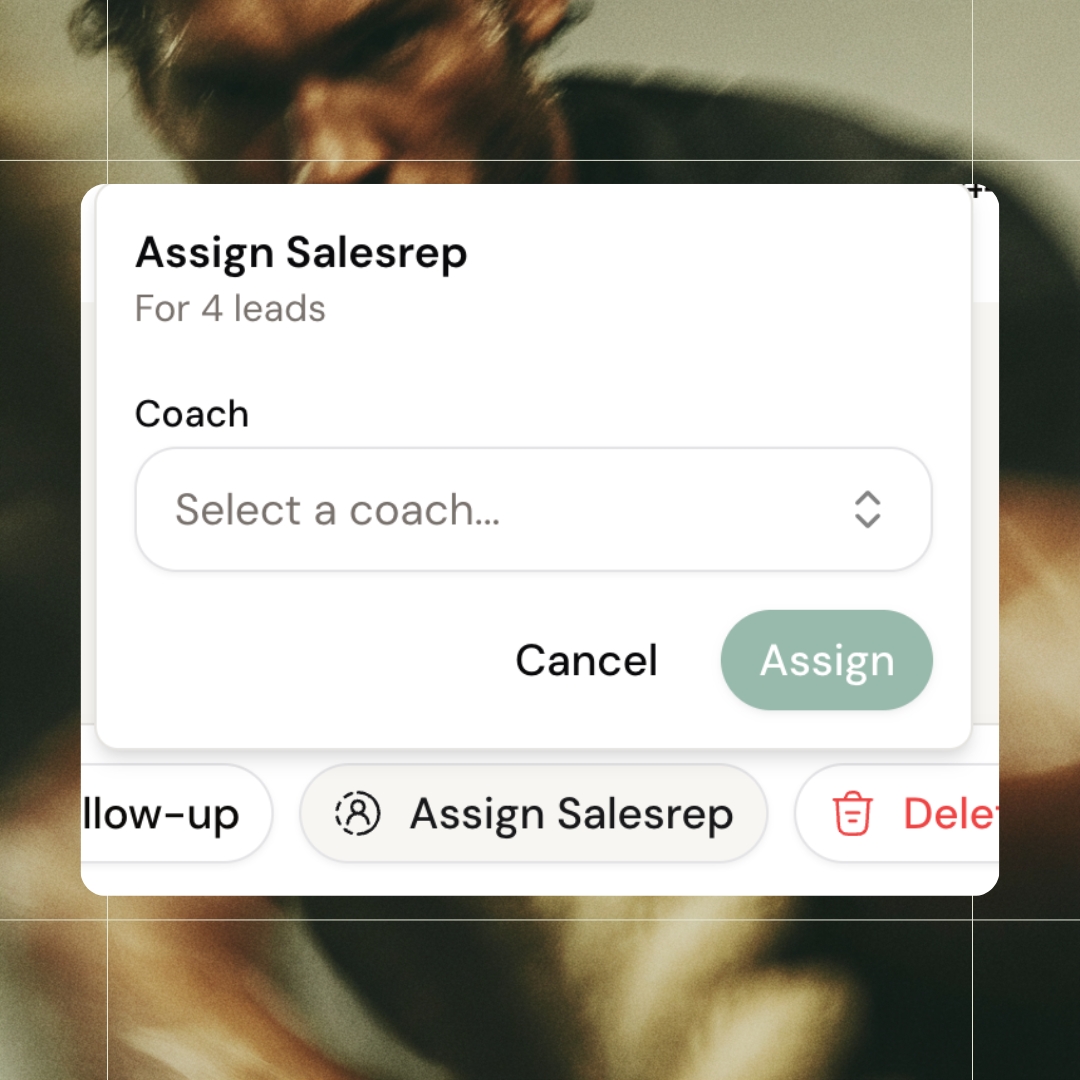
Check the leads you want, then update them all at once. Change status, set follow-up reminders, assign to your team, or delete in bulk. Stop wasting time on repetitive clicks and move through your pipeline faster.
Assign sales rep
Invite sales reps to your team
Invite sales reps from outside your team and assign leads straight to them. They only see what you give them - nothing more. Scale your sales with external help while keeping full control over who sees what.
All features
See all featuresKeep exploring
Explore more features
Client progress
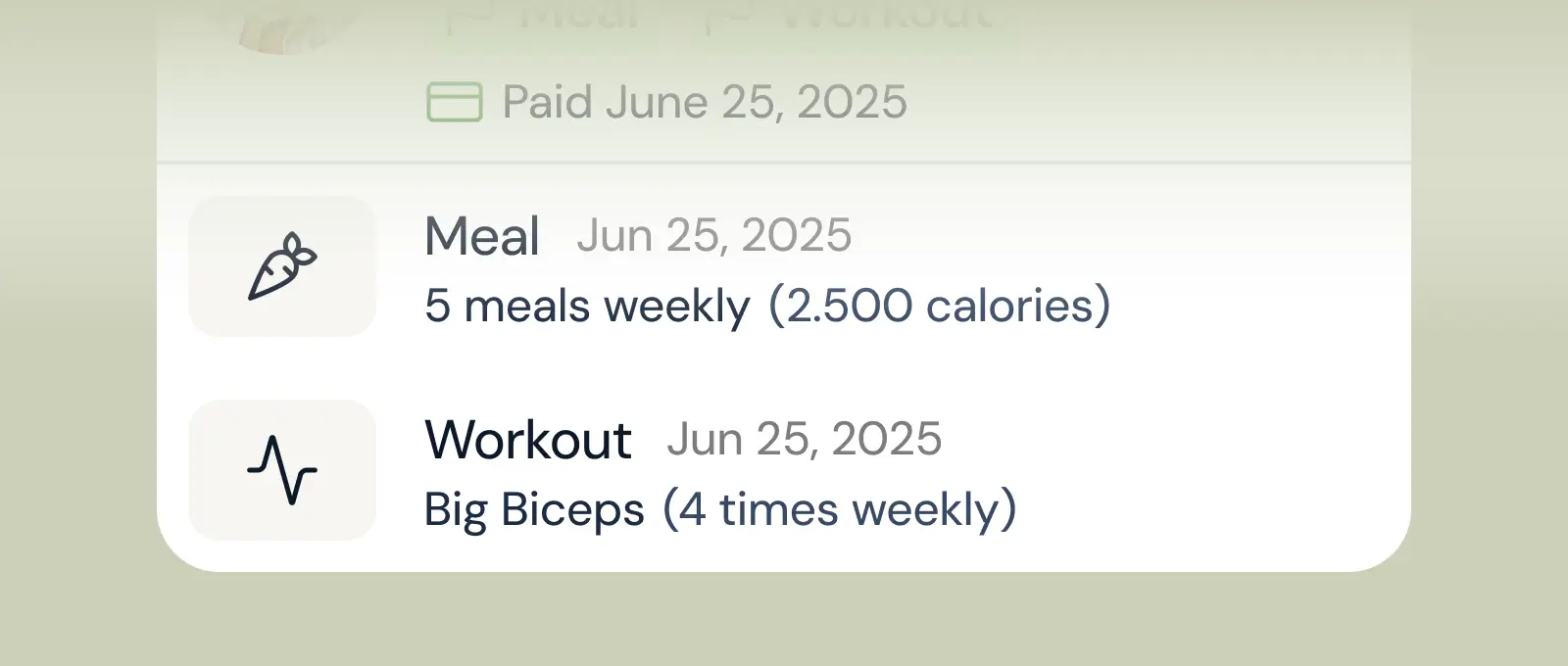
Track workouts, milestones, and personal bests with clear dashboards that show improvement over time.

Meal planner
Create tailored nutrition plans that align with client goals, complete with smart suggestions and easy adjustments.
Check-ins & forms
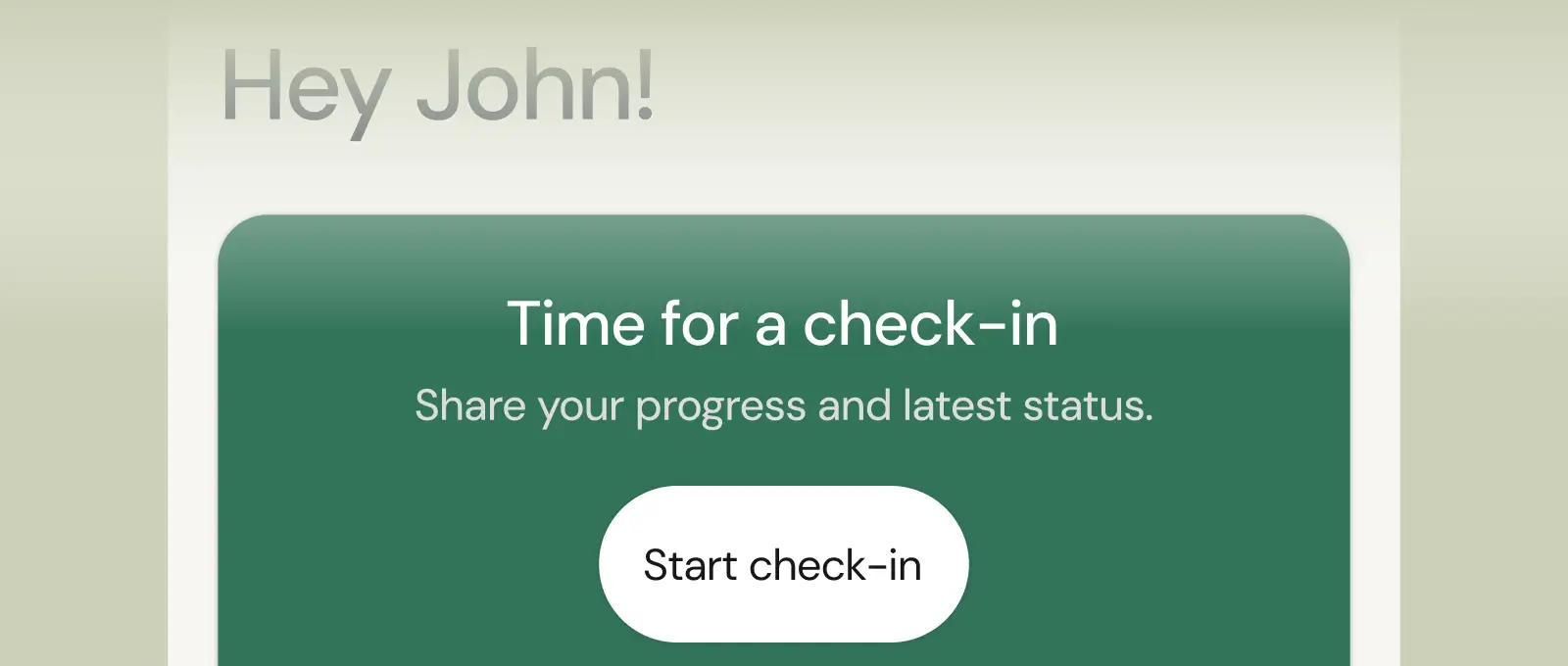
Collect feedback, assess readiness, and stay connected with customizable forms and quick check-ins.
Questions, answered
How does lead capture in coachway actually work?
You share a coachway lead form - on your website, link-in-bio or ads. Submissions land in your coachway pipeline with the prospect's answers attached, so you follow up from the same platform where they will eventually train, pay and check in.
What happens after a lead says yes?
You convert them to a client in a few clicks: they get your client app, an onboarding sequence if you have automated one, and a subscription billed through your own Stripe. No re-entering details across a CRM, an app and a payment tool.
Do I still need a separate CRM as an online coach?
For most solo coaches, no. A fitness coaching pipeline is simple - inquiry, conversation, client - and coachway covers that natively. Coaches running large paid-ads funnels sometimes add dedicated tools later, but it is not required to start.
How do I create a lead form in Coachway?
Go to Forms, click + New Form in the top-right corner and choose Lead Form. Add the questions you want: email is required, and you can add custom fields such as phone number, Instagram handle, goals, training experience or availability, each set as required or optional. Pick a theme, colours, title and description under Settings > Lead, then set the form as Active. Only one form template is active at a time.
How do I embed a Coachway lead form on my website?
Copy the form's iframe embed code and paste it into your site's HTML. It works with WordPress, Webflow, Squarespace and most website builders. You do not need a website at all: every form also gets its own public URL, like leads.coachway.io/yourname, which you can use in your Instagram bio, email signature, on a business card or behind a QR code. Find the link under Settings > Lead.
Where do new leads show up in Coachway, and how do I track them?
Every form submission appears under Leads in the sidebar, with your conversion rate and filters for status, search, date range, sales rep and tag along the top. The default statuses are New, Contacted, Qualified, Won, Lost and DM from Instagram, and you can create your own under Settings > Statuses. Click a lead's status badge to change it, or select several leads and use Change Status.
Can I add a lead from an Instagram DM or a phone call by hand?
Yes. In Leads, click + Add lead in the top-right corner, fill in their details (email is required), assign a status, sales rep and tags if needed, and save. Tags such as Instagram, Facebook Ads or Referral let you filter by source and see which channels convert best. If you built your own landing page, Zapier can send those leads into Coachway too.
Does Coachway notify me when a new lead comes in?
Not as a push notification inside Coachway. You can build one with Zapier, which has a "New lead created" event plus events for status changes and accepted offers, so you can email or text yourself, or push new leads into a spreadsheet. To remember a callback, select a lead, click Set Follow-up and pick a date; a reminder shows in the Leads overview when that date arrives.
How do I see which leads became paying clients?
Mark a lead Won when they convert to a paying client; your conversion rate is the share of leads marked Won. Converted leads also show the same $ symbol as the clients overview, so you can see who has added a card and paid, not only who is marked Won. Deleting a converted lead from the lead list only cleans up Leads: the client profile stays, and your lead notes remain on the client.
Articles & guides
all guidesDM Scripts for Fitness Coaches: 24 Copy-Paste Scripts
Twenty-four DM scripts for every situation - openers, qualifying, the price question, objections without pressure, quiet leads and referrals - each with a why-it-works and the anti-sleaze rules built in.
Read the guideHow to coach older adults online (2026)
A coach-facing guide to training older adults online: why the 55-plus niche is growing, how to program and deliver it well, and how to package, price, and find clients.
Read the guideHow to become a menopause fitness coach (2026)
A growing, underserved niche: what the coaching involves at the fitness level, real specialist certifications, positioning, pricing and finding your first clients.
Read the guideSee what Coachway can do for your coaching business
Coachway was built on knowledge from working with 150 online coaches over 6+ years, who all hit the same wall - slow platforms, clunky workflows, wasted hours. Start your 14-day free trial and see what we fixed - the whole platform, no charge today, cancel anytime under Billing.



Still reading? Start your own Coachway in minutes. Start in minutes.
Explore Coachway