



Build a team without handing over the business
Add assistant coaches with granular per-area permissions, assign clients per coach, and keep head-coach oversight while account settings stay private.
In short
Most platforms make you share one login or hand over the whole account. Coachway lets you add coaches with exactly the access they need - and keep the business yours.
Hiring your first assistant coach is one of the steps in our guide to past the solo plateau. scaling an online coaching business

Granular permissions
Decide exactly what each role can touch
A role sets access area by area - clients, inbox and leads, then workouts, nutrition and forms, then account settings. Give full access, limit it, or switch it off, and scope clients to all or only the ones a coach is assigned. Name it, color it, and reuse it for every coach who fits.

Onboard in seconds
Invite a coach, assign a role, done
Add a coach by email, set the language their app and notifications use, and assign a role now or later. They get their own login under your subscription - no shared password, no separate tool to learn.

Who coaches whom
Assign each client to the right coach
Assign clients to any coach, then filter the whole client list by coach in a click. A coach scoped to assigned clients only sees their own people - while you, as head coach, still see every client, conversation and program across the team.
Where it fits
Ways coaches use a team
Hire your first assistant coach
Hand off day-to-day coaching for a group of clients while you keep the strategy and the business.
Run specialist coaches
Give a nutrition coach Nutrition and Forms, and a training coach Workouts - each sees only their lane.
Bring on a VA or admin
Let an assistant handle inbox and leads without touching programs, payments or your numbers.
Keep the books to yourself
Add coaches who deliver the coaching while revenue, payments and account settings stay with you.
Onboard a coach in their language
Invite a coach, set their app language, and assign their role so they start the same day.
Scale past solo capacity
Grow the client list beyond what one coach can hold, without spinning up separate tools or logins.
Everything Team roles can do
See all featuresAdd your first coach without losing control
Start your free trial and set up roles, permissions and assigned clients on your own account - see how to bring a coach on without handing over the business.
Questions, answered
Who can I add to my team?
Anyone you invite by email - an assistant coach, a specialist coach, or an admin/VA. They join under your account, with their own login, and only the access you give them.
Can I limit what an assistant coach sees?
Yes. Roles set per-area access across client management (clients, inbox, leads), coaching tools (workouts, nutrition, forms) and settings - so a coach sees only what their role allows.
Do assistant coaches see my revenue and payments?
Only if you choose to give them that access. You can build a role that coaches clients without ever touching account settings, payments or business numbers.
Can I assign specific clients to specific coaches?
Yes. Assign each client to a coach, then filter the whole client list by coach. A role scoped to assigned clients only shows that coach their own people - while you still see everyone.
Does each coach get their own login?
Yes - every team member has their own login under your subscription, and you can set their app language when you invite them.
Can I change a role later?
Yes. Edit a role any time - rename it, recolor it, or change its permissions - and the change applies to everyone assigned to it.
What happens when a coach leaves?
Remove them and reassign their clients. Their access ends immediately, and the client history stays exactly where it is in your account.
How do I invite an assistant coach to my coaching business in Coachway?
Go to Settings > Team, click Invite Member, enter their email address, choose a role and click Send Invite. The person receives an email with a link to join your workspace. Once they accept, they show up in your team list.
What roles can I give team members in a coaching app like Coachway?
Coachway lets you create custom roles under Settings > Teams > Add Role and decide what each one can see and do. A setup could include Admin (full access, including billing, settings, team management and integrations), Coach (only their assigned clients, programs, check-ins and messaging), Co-coach (limited access to clients shared with them) and Sales (leads and inbox).
Can a co-coach see my clients without changing their programs?
Yes. A co-coach role can be set up with limited access to specific clients that a coach or admin shares with them. They can view client profiles and check-ins, but cannot change programs or settings unless you grant that permission in the role.
Can I give a sales person access to leads but not client programs or billing?
Yes. Create a role under Settings > Teams > Add Role with access to leads and the inbox, so they can handle inquiries and follow-ups. A sales role typically has no access to client programs, nutrition or billing, which suits a dedicated sales person handling inbound leads and booking calls.
How do I change a team member's role in Coachway?
Go to Settings > Team and open the role, unselect the team member's name and click Save. Then open the new role, select their name and click Save again. Changes take effect immediately, so their access follows the new role straight away.
How do I remove a team member, and why is their invite link not working?
To remove someone, go to Settings > Team, find the member, click the three-dot menu to the right and select Remove from team. Reassign their clients first. Invite links expire after 7 days, so if a new team member sees "Expired" when clicking the link, send them a new invite.
Articles & guides
all guidesPersonal Training Software: 2026 Guide for Online Trainers
A 2026 buyer's guide to online personal training software: what it is, the must-have feature checklist, how to choose, and an honest comparison of Coachway, Trainerize, TrueCoach, Everfit, and My PT Hub.
Read the guideTrueCoach review 2026: features, pricing, pros and cons
An honest 2026 TrueCoach review for online coaches: features, pricing from about USD 30 to 165 a month, strengths, real limitations, and who it suits best.
Read the guideTrueCoach pricing in 2026: what coaches actually pay
TrueCoach pricing for 2026, monthly first: the Starter, Standard, and Pro plans by active-client count, the trial and money-back terms, and where payments work.
Read the guideKeep exploring
Explore more features
Client progress
Track workouts, milestones, and personal bests with clear dashboards that show improvement over time.

Meal planner
Create tailored nutrition plans that align with client goals, complete with smart suggestions and easy adjustments.
Check-ins & forms
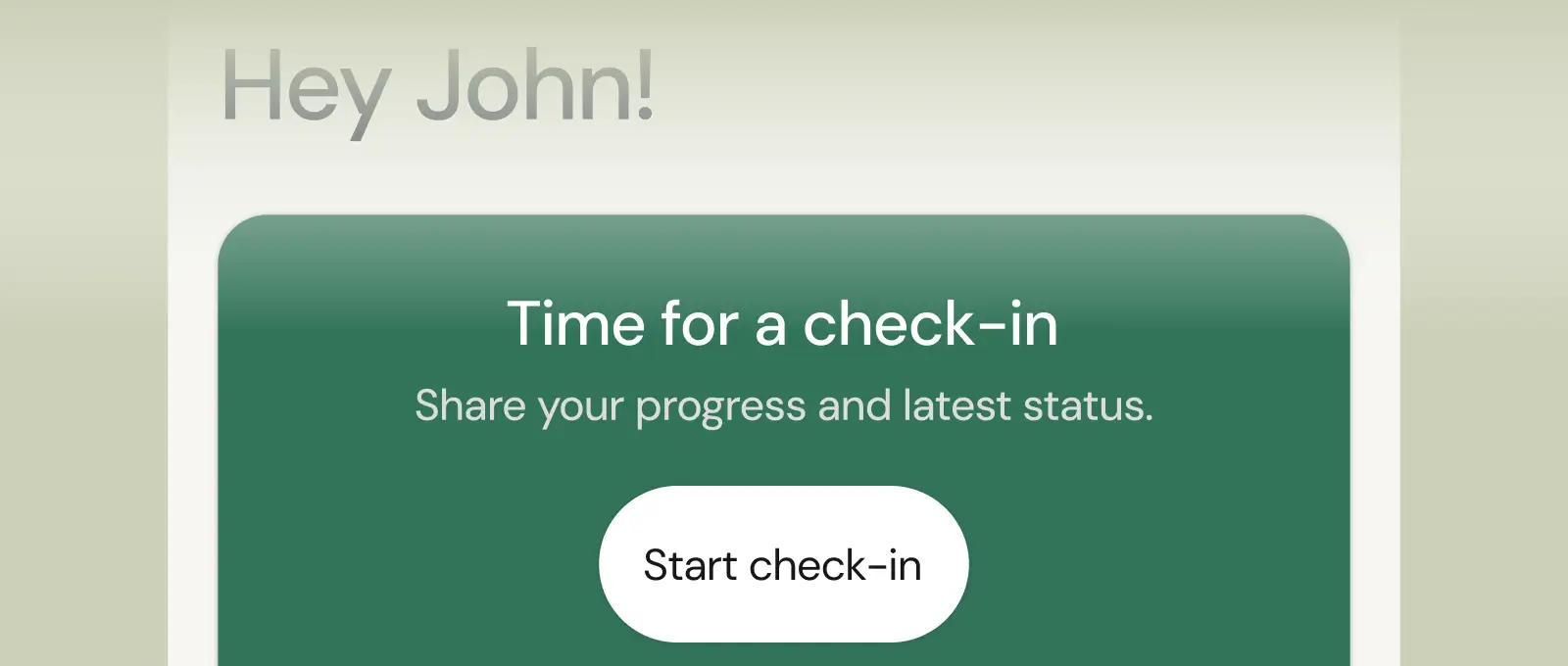
Collect feedback, assess readiness, and stay connected with customizable forms and quick check-ins.
See what Coachway can do for your coaching business
Coachway was built on knowledge from working with 150 online coaches over 6+ years, who all hit the same wall - slow platforms, clunky workflows, wasted hours. Start your 14-day free trial and see what we fixed - the whole platform, no charge today, cancel anytime under Billing.



Still reading? Start your own Coachway in minutes. Start in minutes.
Explore Coachway