Check-ins for membership clients
Membership clients can have their own check-in forms, which they do for themselves. The history is saved if they upgrade to 1:1.



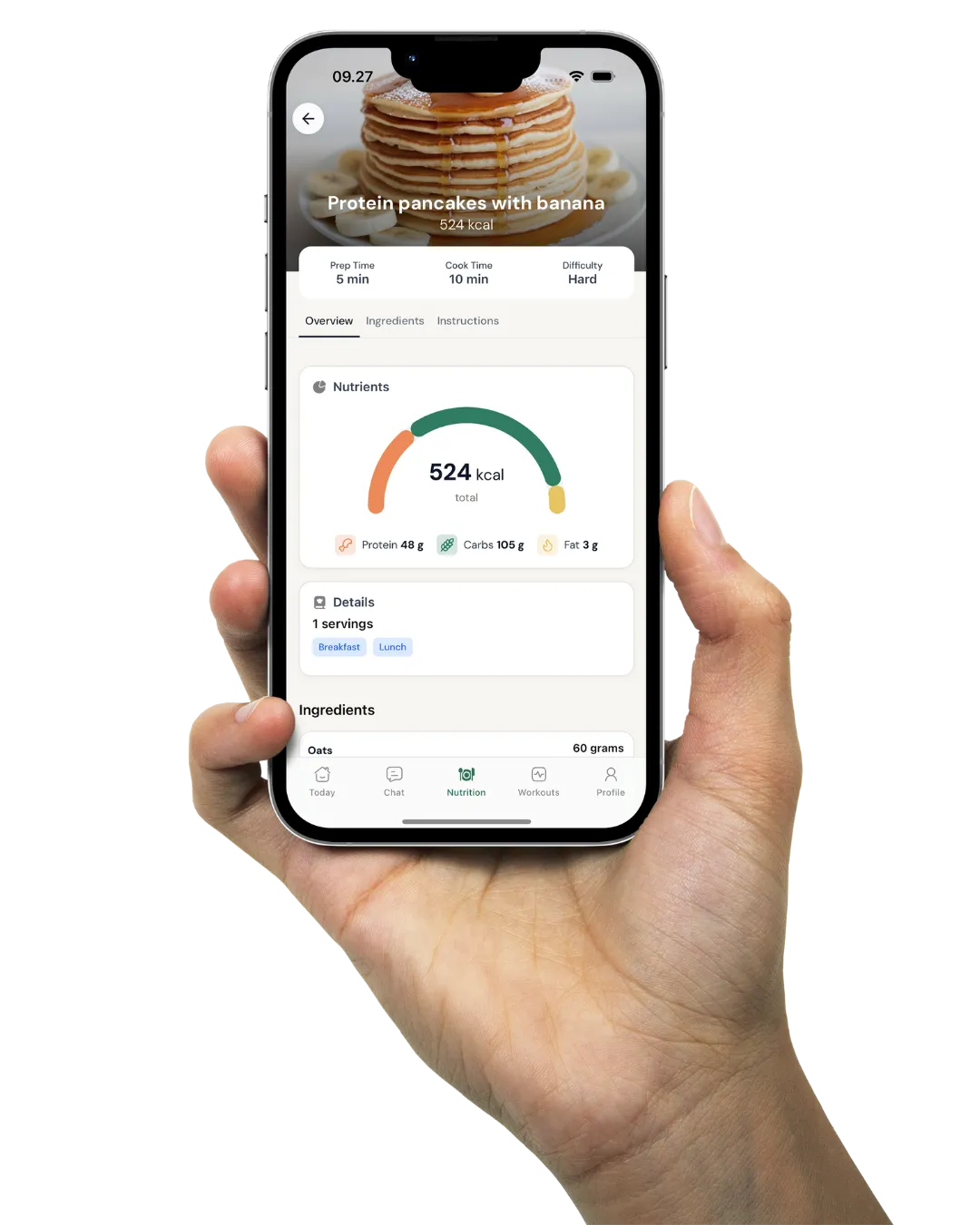
Your clients take a photo of their plate, or describe the meal, and the AI estimates the ingredients, calories and macros. They can change it, rate it and give feedback. Already used 5,500+ times by 1,000+ clients.
Also this week: Audiences, Spotter, an adjustable Power Panel and faster meal plan reuse.

Markus Evers
CEO & Co-Founder, Coachway
This week
Friday update, November 13: the AI food log is live in the client app, and you turn it on or off per client. Audiences let you set access, check-ins and nutrition per group of clients. Spotter is a new optional helper inside the platform. The Power Panel panes can be resized, meal plan templates are easier to re-use, and recipes can be favorited.
AI food log
It estimates the calories in a meal, and your clients can give it more context than just the image.
Clients take a photo of their food and the AI estimates each single ingredient and its calories.
The estimate is divided into single ingredients, so they can correct the amounts to match the actual meal.
If they forget to take a photo, they explain what they ate and the AI shows the ingredients for that meal.
If the estimate is off, they add a comment and the result re-adjusts. They can rate it too.
You turn it on in the settings on a client, and you choose if they can also describe meals to the AI.
In the food diary on the Development tab, the loggings that came from AI are marked.

AI food log
If they forget to take a photo, they explain what they ate and the AI estimates the meal and shows its ingredients. If the estimate is off, they tell it what is different and it re-adjusts.

For the coach
Like every feature in Coachway, you decide if it is part of your nutrition coaching. Two switches in the settings on a client turn on AI estimates of calories and macros, and let them describe meals to the AI. In the food diary on the Development tab you see which loggings came from AI.
Audiences
Access, check-in and nutrition settings used to be set per client or for your whole account. Now you set them once for each group of clients, under Settings and Audiences. There is already one for your 1:1 clients and one for membership clients, so there is nothing you have to do. Create your own from tags, gender or tiers. The order decides which settings a client in several audiences gets.


Spotter
Spotter is trained on all our help articles and answers how-to questions inside Coachway, like how to duplicate a template with the same calories and different macros. He can also draft a suggestion for a check-in reply or fine-tune a message when you want that. He is optional, and our support is exactly the same as before.
Power Panel
Grab the edge of a pane and drag it. The client list, the chat and the client panel resize to match the size of your screen and what you prefer.


Meal plans
When you duplicate a meal plan for a new client, search the template by name, filter by calorie range and see the macro split before you pick. You also see the recipes this client already had, and you get the option to replace them with new ones.

Recipes
Favorite the recipes you use the most and filter by them when you plan for a new client. Hover a recipe to see its ingredients without opening it. The filters for adding recipes are redesigned too, and you can hide every recipe a client has had before.
Also this week
Membership clients can have their own check-in forms, which they do for themselves. The history is saved if they upgrade to 1:1.

Clients on the membership tier can now be added to the communities you set up.

Tick the clients in the client overview and add the tag to all of them.

The activity log on a client now shows the coach or profile behind each change.
Start a trial, add a test client, switch on the AI food log and log a meal from their side and yours.
We push new updates to the platform every week and write up what changed on Fridays.
We build Coachway together with the coaches who use it, and most of what you see on this page started as a request from one of them. Start your 14-day free trial and try all of it - the whole platform, no charge today, cancel anytime under Billing.