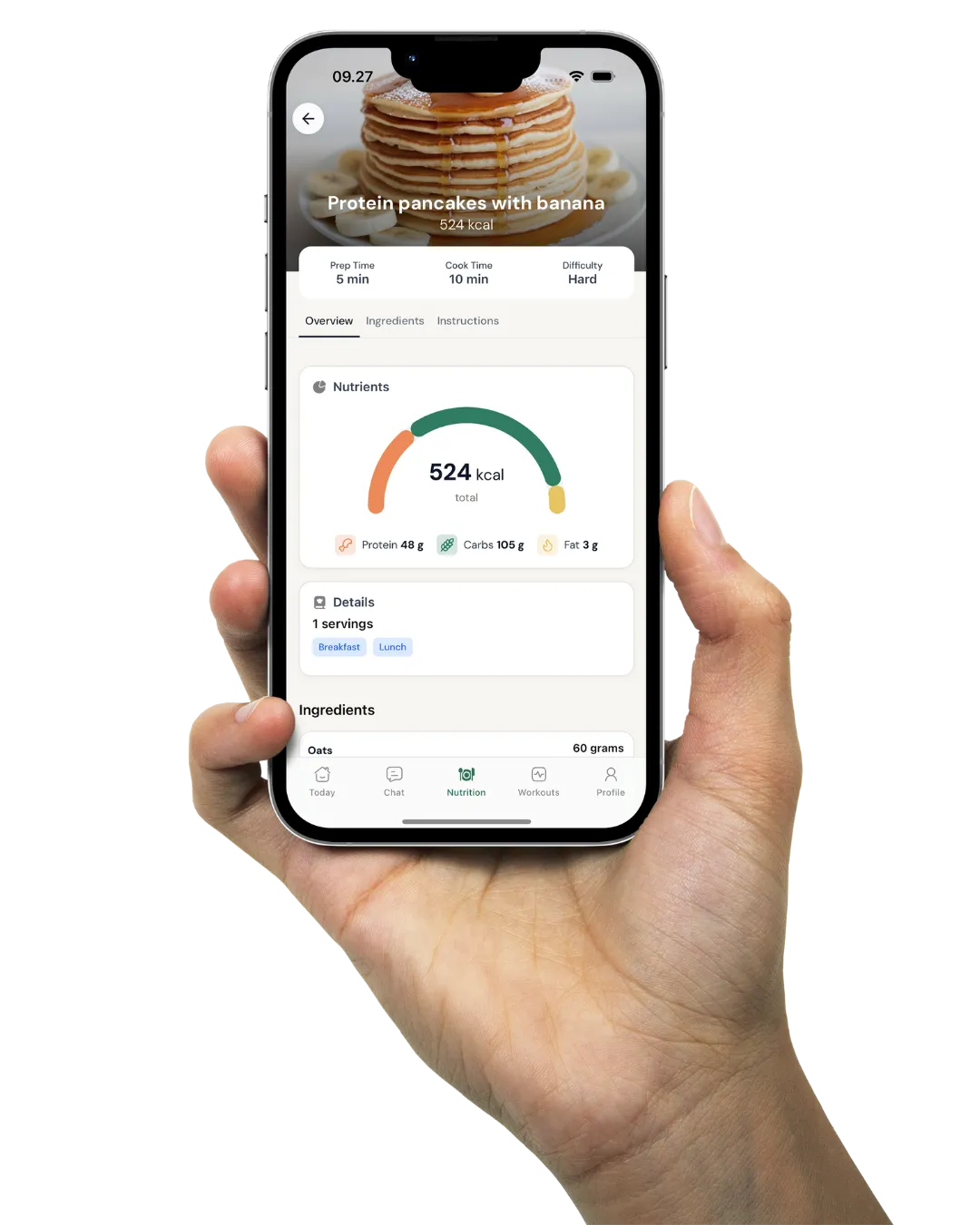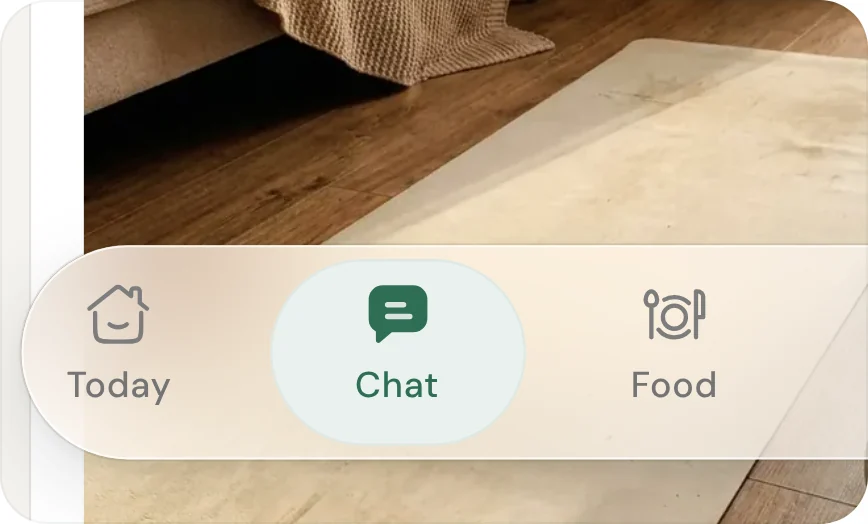
Glass menu bar in the client app
The bottom menu bar and many other places have a glass look, so the app feels fresh and up to date for your clients.



Same app, no download needed, and a lot more you can do on the go: the full client page, their check-ins and timeline, your leads and more notifications.
Also this week: imperial units, a before/after photo studio and nine more updates.

Markus Evers
CEO & Co-Founder, Coachway
This week
Friday update, November 6: Coach app 2.0 is live as an update to the same app, with bottom tabs, the full client page, check-ins, the timeline and leads. Imperial units are live, set per coach and per client. The before/after photo studio makes graphics to share with clients and on Instagram. Nine more updates follow below.
Coach app 2.0
One of the most requested things: doing more in the coach app than chatting.
A new glass look, and more intuitive switching between sections and features.
A full client details page for each client, with more filtering inside the app.
See a client's check-ins, with the unread and reviewed ones at the top, and scroll between them.
See the timeline for the client, right in the app.
Click a check-in card in the chat and it opens that specific check-in on the client.
Your leads are available in the app, and you can change their status.

Coach app 2.0
Notifications from the web now show in the app: a new lead, a failed payment, a completed onboarding form, a newly assigned client and more. In a team, each coach turns them on or off for themselves.

Imperial units
Stones, pounds, miles and mixed combos, like body weight in stone and recipes in metric. You set it for yourself under Settings, Account and Business. Your clients set it under their Personal settings, clients in countries that use imperial are offered it when they onboard, and you can change it for a client under their Settings and General. Everything converts both ways.
Photo studio
Turn check-in photos into a before/after graphic. Zoom and move the photos, choose the dates and add overlays. Share it on Instagram, or send it to the client so they see the difference they have achieved.


Inbox
The check-in card in the chat has a more refined look and new emojis, and it opens straight from the chat. You can collapse or expand all text answers, which helps when a check-in has a lot of questions.

Communities
After the communities launch, a lot of you asked to see who engaged with a post. Open the reactions and you see every member and the reaction they left.

Communities
Add every client in one go, or filter first and add the ones who match.

Check-ins
Skip one single check-in for a client when they are sick or away, and it shows as skipped. You can also set the date of the first check-in, which makes the start more flexible for the client.
Also this week
The bottom menu bar and many other places have a glass look, so the app feels fresh and up to date for your clients.
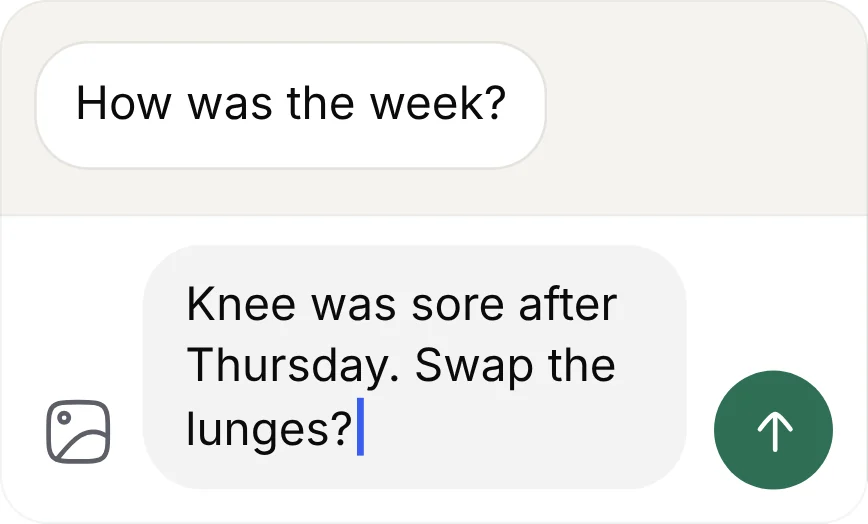
The chat box in the client app grows with the message.
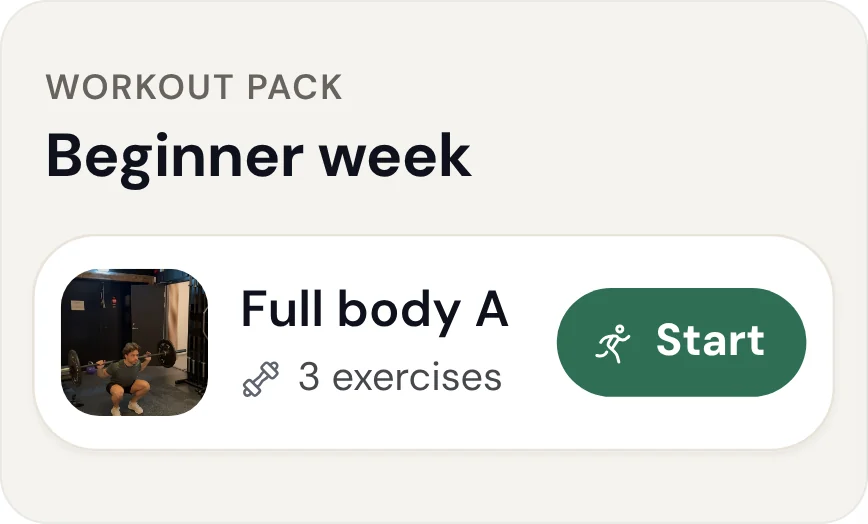
Clients start a workout from the pack and read your article pages in between, for example in a beginner week.
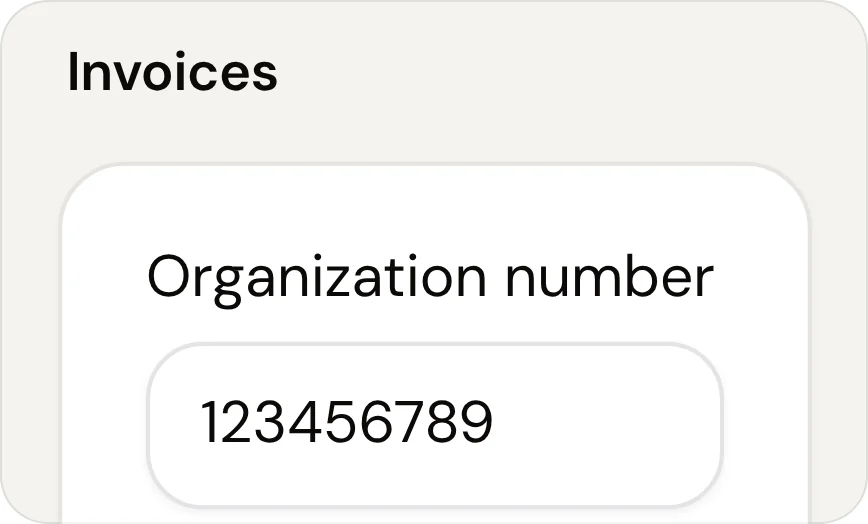
Add your organization number under Settings, Account, Business and Invoices. It is optional and applies to new invoices.
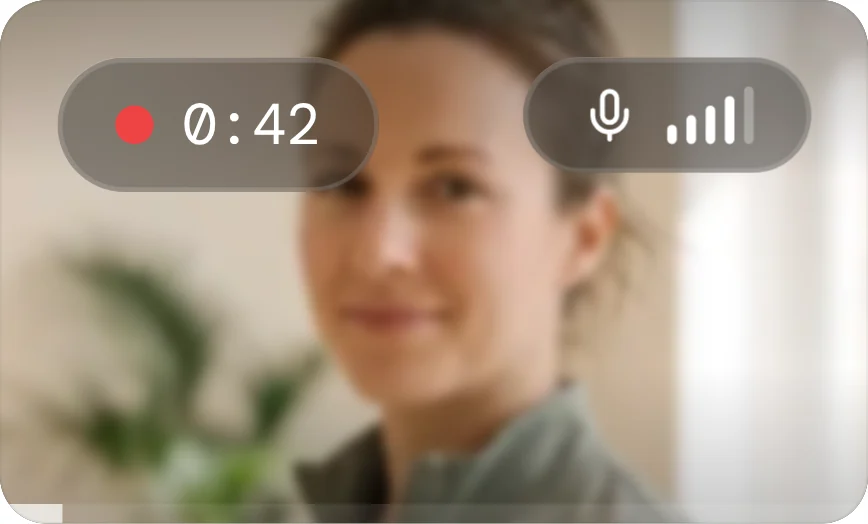
See your microphone level while you record a video, so you know the audio comes through.
Start a trial, add a test client and open the coach app. It is the same app, with everything above in it.
We push new updates to the platform every week and write up what changed on Fridays.
We build Coachway together with the coaches who use it, and most of what you see on this page started as a request from one of them. Start your 14-day free trial and try all of it - the whole platform, no charge today, cancel anytime under Billing.