



Client meal plans: they build it, inside your guardrails
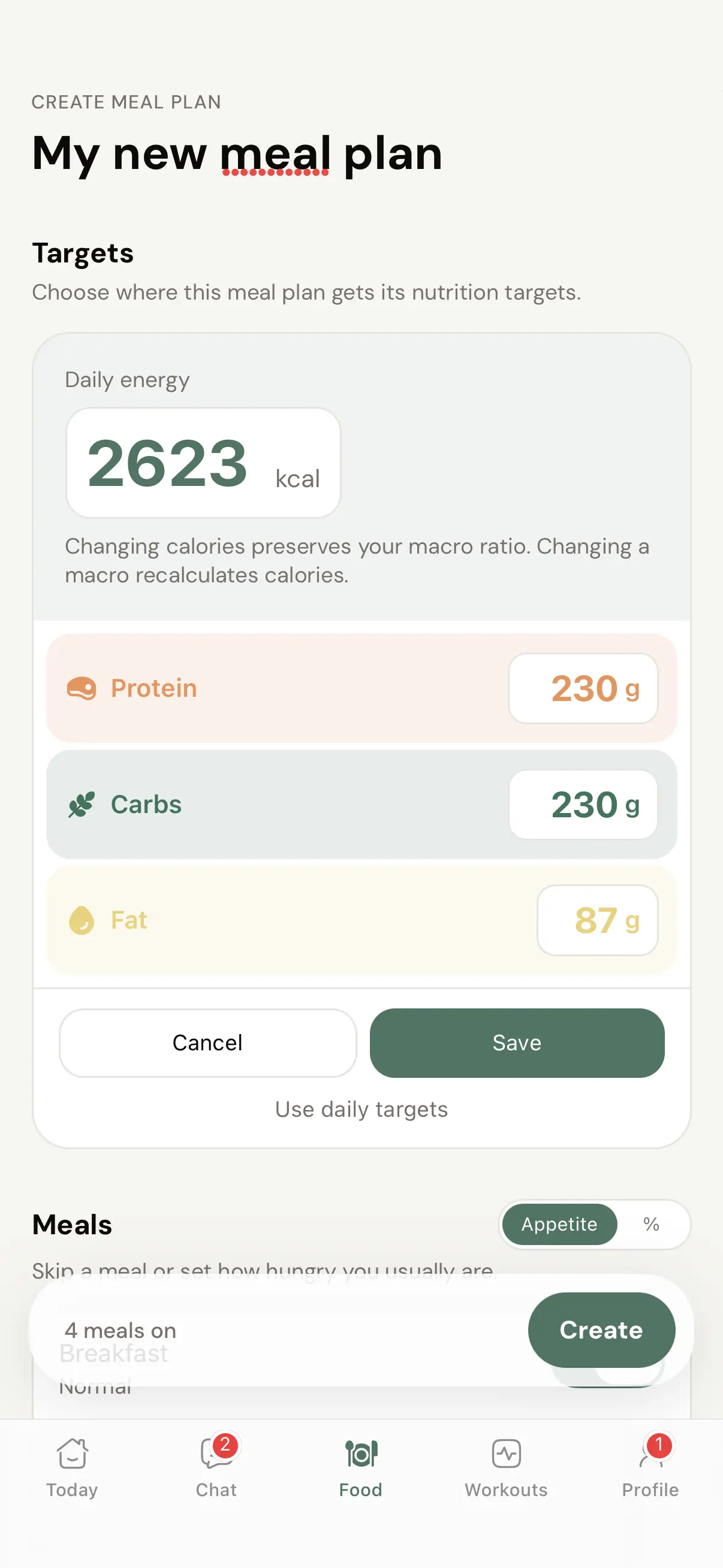
Give a client the keys to their own meal plan - targets pre-filled from the calorie calculator, meals split by how hungry they actually are, recipes pulled from your cookbooks. Their plan is added alongside the ones you assigned, and the whole thing is off until you turn it on.
Flexibility for the client without extra admin for you: they build plans on the targets from the calorie calculator, filled with recipes from your cookbooks - and your assigned plans stay visible right where they were.
Part of Nutrition 2.1 - see the full nutrition system at coachway.io/nutrition-2.

Side by side
Their plan lives next to yours, not instead of it
When you switch personal meal plans on for a client, your assigned plans stay right where they were in the app. The client adds their own plans alongside them: a holiday week, a lighter deficit, whatever they need. You wrote the anchor; they get a sandbox.

The clever part
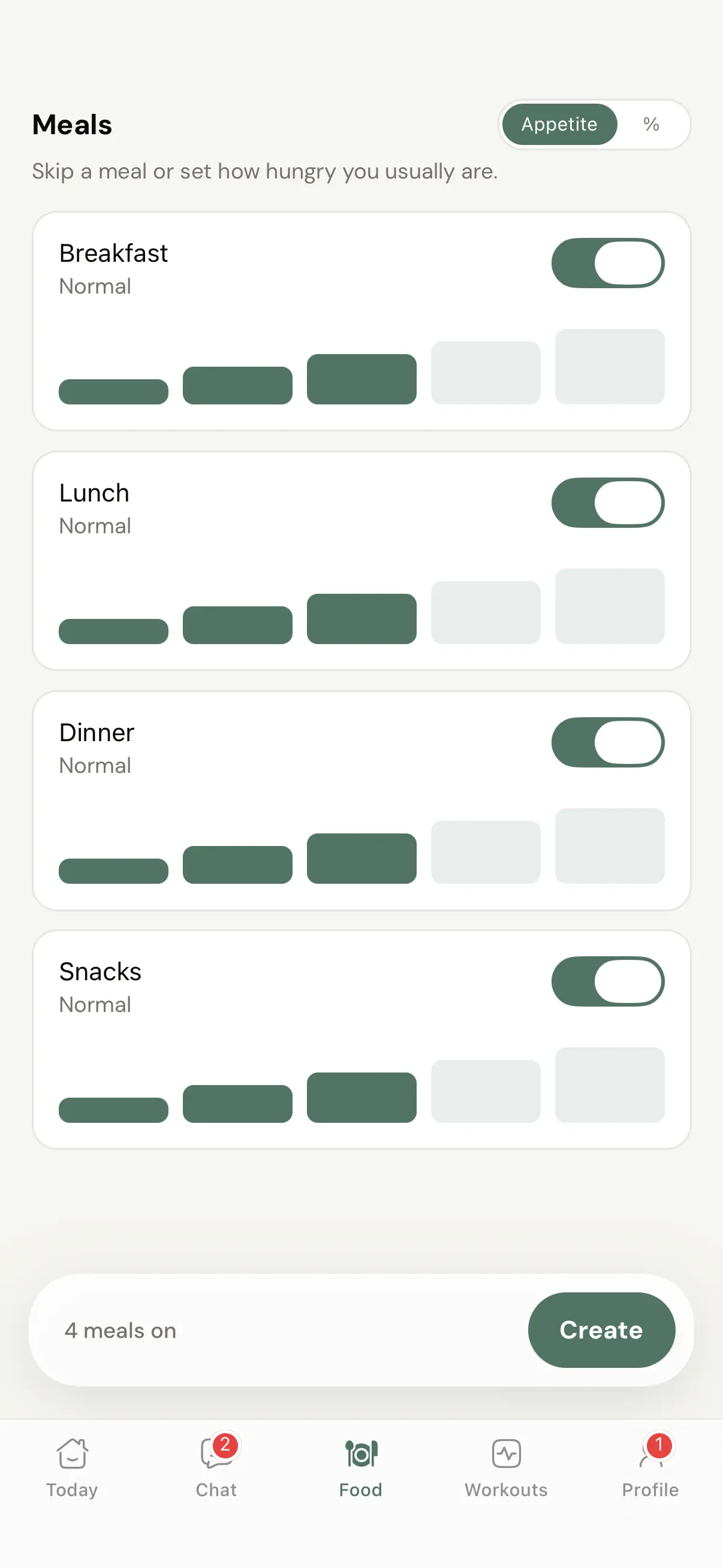
They say how hungry they are - the math does itself
Most people do not think in percentages, so Coachway does not make them. In Appetite mode the client switches meals on or off and sets a five-step hunger level per meal - big breakfast, light lunch, very hungry at dinner - and the algorithm splits the daily calories to match. The number crowd can flip one toggle and split by percent instead.

Built from your cookbooks
A 700 kcal recipe lands at 500 when the meal target says 500
The client fills their plan from the cookbooks you have shared - and if you allowed macro scaling on a cookbook, every recipe they add is rescaled to the calorie and macro target of the meal it goes into. If you left scaling off, they can only change portions. Either way, the food is still yours.

You hold the switch
Everything here ships switched off until you decide otherwise
Client meal plans are off by default for every client. In the client profile under Settings - Nutrition you get seven nutrition controls, four quick presets and a live preview of the client's app - so you decide exactly who gets to build plans, who gets the calculator, and who just follows the plan you wrote. Turning it on for one client changes nothing for the rest.
Set it once per client
Pick how much nutrition freedom each client gets
Every client profile has quick presets that set all seven nutrition controls in one go. Start a new client on Plan only, move them to Full access when they have earned it - or park a finished client somewhere in between for aftercare.
Full access
7 of 7 onEvery nutrition tool available.
Standard
3 of 7 onLog food without personal meal plans or the calculator.
Photo only
1 of 7 onSnap meals, no counting.
Plan only
0 of 7 onFollows the plan, no logging.
In practice
Where letting clients build actually pays off
Aftercare that keeps them
A finished 1:1 client stays on the app at a lower fee with fewer features switched on. They keep their targets and their plans, you keep the relationship - and the lifetime value.
The client who owns their cut
They set the deficit themselves, type the number, and build the plan. You watch the logs instead of fielding messages about adjusting theirs.
Holiday weeks
Your plan assumes a normal kitchen. For two weeks in Spain, the client builds a lighter plan alongside it and comes back to yours, still right there in the app.
The self-starter
Some clients want to tinker. Give them their own sandbox so their tinkering never happens inside the plan you wrote.
Fewer small-change requests
"Can I swap breakfast for something bigger?" becomes something they solve themselves - the appetite split reshuffles the calories, the daily target holds.
Targets that stay coherent
Plans start from the calculator numbers, so a client building their own plan is still building on the targets from the calculator inside your app - not a random app they found.
Pairs with the calorie calculator for targets, your cookbooks for recipes, the meal planner for the plans you build yourself - and your workout packs for the training side.
Everything client meal plans can do
See all featuresSee the client flow, then the switch that controls it
We will walk you through a client building a plan end to end - and the Settings panel where you decide who gets it.
Questions, answered
Is this on for my clients right now?
No. Personal meal plans are off by default for every client. You turn the feature on per client in their profile under Settings - Nutrition, and nothing changes for anyone until you do.
Is a client-built plan separate from the plans I assign?
Yes. A client-built plan is its own plan, added alongside yours in their app - your assigned plans stay visible exactly where they were, not replaced and not built on top of.
What happens to the plans I have already assigned?
Nothing. They stay visible in the client app in the same place as before. When you enable personal meal plans, the client simply gets the option to add their own plans next to them.
Does my client need a new or separate app?
No. It lives in the same Coachway client app they already use - no extra download.
Where do the calorie and macro targets come from?
They pre-fill from the in-app calorie calculator, so a new plan starts at the numbers the client saved there. The targets stay editable - a client heading into a deficit can just type a lower calorie figure.
What is Appetite mode?
Most people do not think in percentages, so instead of splitting calories by numbers, the client sets a five-step hunger level per meal, labelled in plain words like Normal and Very hungry, switches meals on or off, and the algorithm does the calorie split across the meals they kept on.
What if a client prefers exact numbers?
There is a percent mode too. They flip the toggle and split their daily calories across meals with a stepper per meal, and the footer keeps the total honest at the full day.
Where do the recipes in their plan come from?
From the cookbooks you have given them access to. If you enabled macro scaling on the cookbook, a recipe they add is rescaled to that meal's calorie target - a 700 kcal recipe becomes a 500 kcal version if their breakfast target is 500.
Can I let them build plans but not change their daily targets?
Yes. Personal meal plans has a separate sub-option, "Also let them adjust daily targets", that you control independently of the plan-building toggle.
Can I turn it off again later?
Yes, any time, per client, from the same Settings - Nutrition panel. The four quick presets - Full access, Standard, Photo only and Plan only - make moving a client between levels a single choice instead of seven separate controls.
Why would I want clients building their own plans at all?
Flexibility without more admin - holiday weeks, self-starters, and especially aftercare: a finished 1:1 client can stay on the app at a lower fee with fewer features on, keeping their targets and plans instead of cancelling. More lifetime value from work you already did.
Articles & guides
all guidesHow to do nutrition coaching online (2026 guide)
A practical guide to coaching nutrition remotely as a fitness coach: stay in your lane on scope of practice, pick the right approach (habits, macros, or meal plans) for each client, build plans they will actually follow, and track adherence through weekly check-ins that catch drift early.
Read the guideMeal Prep for Clients: A Coach's Adherence Guide
Meal prep is one of the biggest adherence levers a coach can teach. What it is, why it moves results, how to build a simple weekly component-based system that hits macro and calorie targets, and how to teach the skill so it lasts.
Read the guideClient retention rate: how to calculate it (with coaching benchmarks, 2026)
Client retention rate is one of the most important numbers in a coaching business. Here is the exact formula with a worked example, what counts as a good rate for online coaches, and the levers that move it.
Read the guideKeep exploring
Explore more features
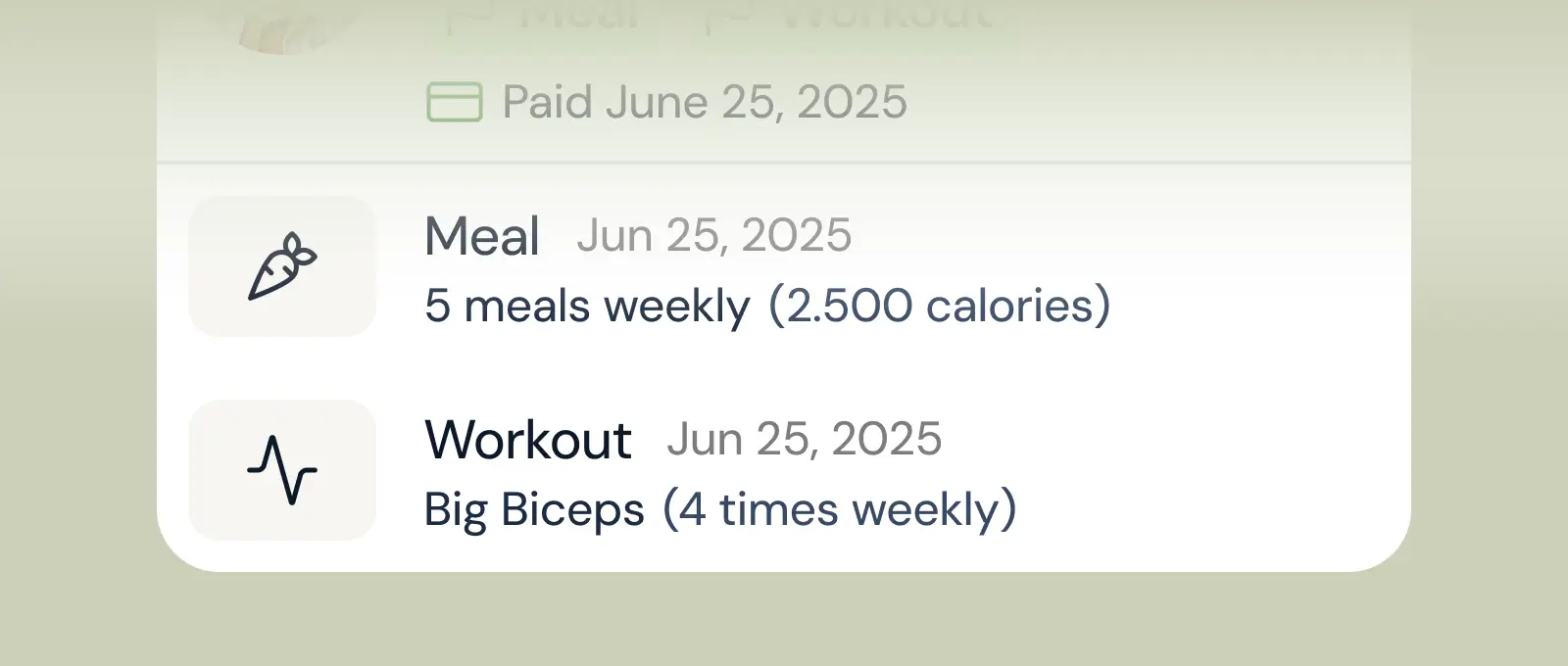
Client progress
Track workouts, milestones, and personal bests with clear dashboards that show improvement over time.

Meal planner
Create tailored nutrition plans that align with client goals, complete with smart suggestions and easy adjustments.
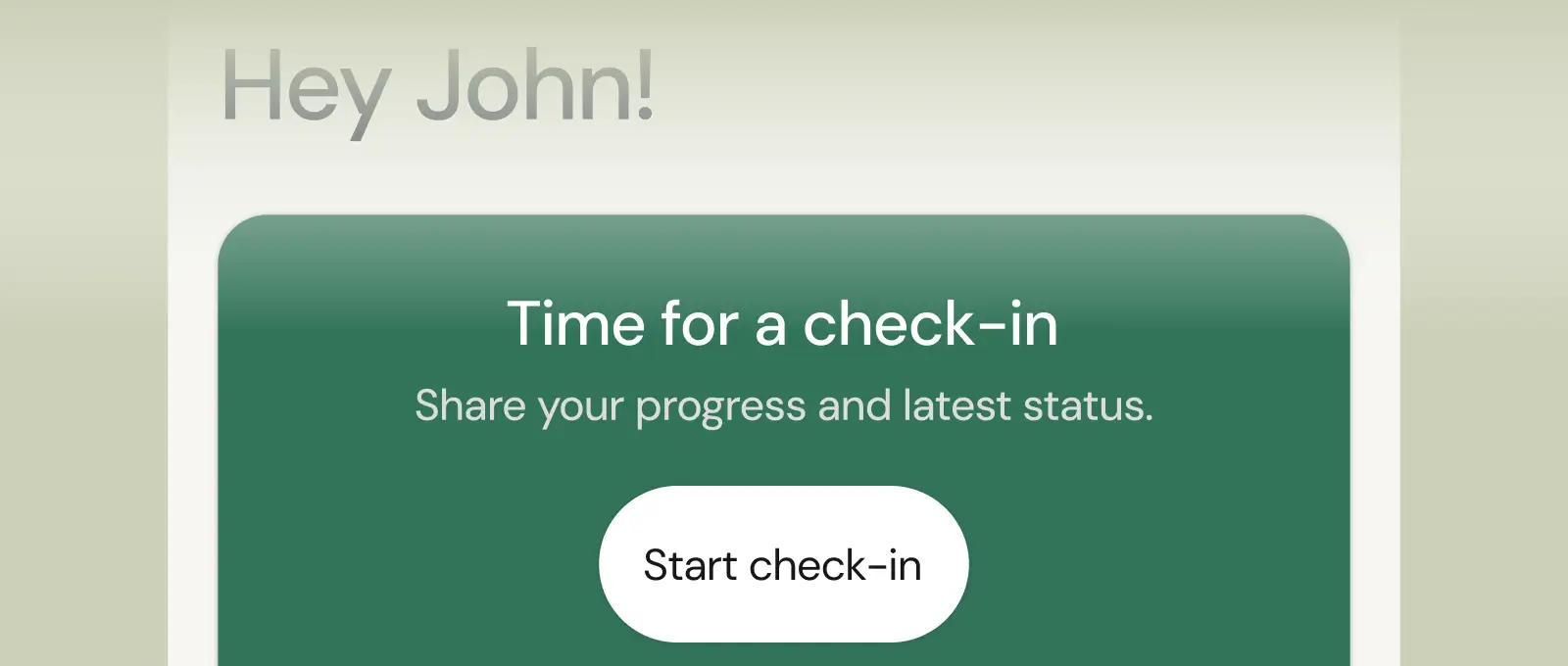
Check-ins & forms
Collect feedback, assess readiness, and stay connected with customizable forms and quick check-ins.
See what Coachway can do for your coaching business
Coachway was built on knowledge from working with 150 online coaches over 6+ years, who all hit the same wall - slow platforms, clunky workflows, wasted hours. Start your 14-day free trial and see what we fixed - the whole platform, no charge today, cancel anytime under Billing.


