



Broadcasts: one message, every client, still personal
Send one Broadcast to every client at once in Coachway - each lands as a normal chat with a push, so it never feels like a mass email to your clients.
In short
Most coaches mean to check in with everyone each week. Broadcasts make it a 30-second job instead of an 80-message chore - so it actually happens, which is one of the simplest ways to retain online coaching clients.

Choose who
Reach exactly the right clients
Open Clients, hit Broadcast, and pick your audience. Send to everyone, narrow to a coach or a tag, or tick the exact clients you want. The panel shows precisely how many will receive it before you send a thing.

Make it personal
Variables and attachments, just like a one-to-one chat
Drop in variables and everyone sees their own details - the client first name, their full name, or your coach name. Build out the message with images, video, voice notes or documents, the same way you would in any single conversation.
When coaches use it
Built for the moments you talk to everyone
Monday client check-in
A start-of-week nudge to your whole active client list - "how did the weekend go?" - in one send.
Launch to a segment
A new 12-week program announced only to your weight-loss tag, or only one coach's clients.
Keep everyone engaged
Holiday-week motivation, a new-recipe drop, or a quick win to celebrate - to everyone at once.
Re-engage the quiet ones
A warm nudge to clients who have gone quiet - sent to just that group, before they drift.
Seasonal challenge kickoff
Rally everyone behind a 4-week step challenge or summer push with one announcement.
Important admin notice
A holiday-hours note or a heads-up about an app update - to everyone, without 80 copy-pastes.
Everything Broadcasts can do
See all featuresMessage your whole client list in one go
Start your free trial and see how to pick a segment, personalize with variables, and reach every client at once.
Questions, answered
Can clients tell it was a broadcast?
No. Each client only ever sees their own one-to-one chat with you - the recipient list, how many people you sent to, and who else got it all stay private to you.
Can I send to just some clients?
Yes - filter the client list by coach or tag, or tick exactly the clients you want with checkboxes, then broadcast to that group.
What happens when a client replies?
Their reply lands in your normal inbox as its own conversation, ready for you to answer like any other message. Other clients never see it.
Can I personalize and attach things?
Yes. Insert the client first name, full name or your coach name as variables, and attach images, videos, voice notes or documents.
Do clients get a push notification?
Yes. It triggers the same push notification as any message you send by hand, so it surfaces on the lock screen and in the app rather than sitting unseen in an inbox tab.
Can I schedule a broadcast, or does it send right away?
A broadcast sends as soon as you hit send. To send messages later or on a schedule, set up an Automation.
Is there a limit on how many clients I can send to?
No fixed cap - it is built to reach your entire active client list in a single send, whether that is a dozen clients or a few hundred.
Do I see who it is going to before it sends?
Yes - you choose the audience and the panel shows the exact recipient count before you send, so you can double-check the group first.
Where do I send a broadcast from?
From the Clients page in the Coachway web dashboard - open it, click Broadcast, and pick your audience.
Articles & guides
all guidesHow to keep online coaching clients accountable (2026)
Online clients fall off in private, with no studio door to walk through. Accountability is how you replace that missing structure: a steady weekly rhythm, small clear commitments, visible progress, fast acknowledgement, and a nudge when someone goes quiet. Honest about the limit too - you cannot want it more than the client does.
Read the guideHow to get client testimonials as an online coach (2026)
Most coaches collect testimonials too late, ask too vaguely, and end up with a wall of "great coach, highly recommend" that convinces nobody. This guide covers when to ask (right after a win), how to ask a few specific questions so you get a real before-and-after story, the consent step most people skip on photos, video versus written, where to place each one, and how check-in data and photos make the words read as true.
Read the guideHow to sell online coaching without being salesy (2026)
Most coaches hate selling because they picture the pushy version, which repels exactly the clients they want. There is a quieter way that works better: sell like a doctor who only prescribes if you truly need it, have a real conversation like catching up with an old friend, ask better questions, be okay with no, frame price as the cost of the outcome, and follow up without chasing.
Read the guideKeep exploring
Explore more features
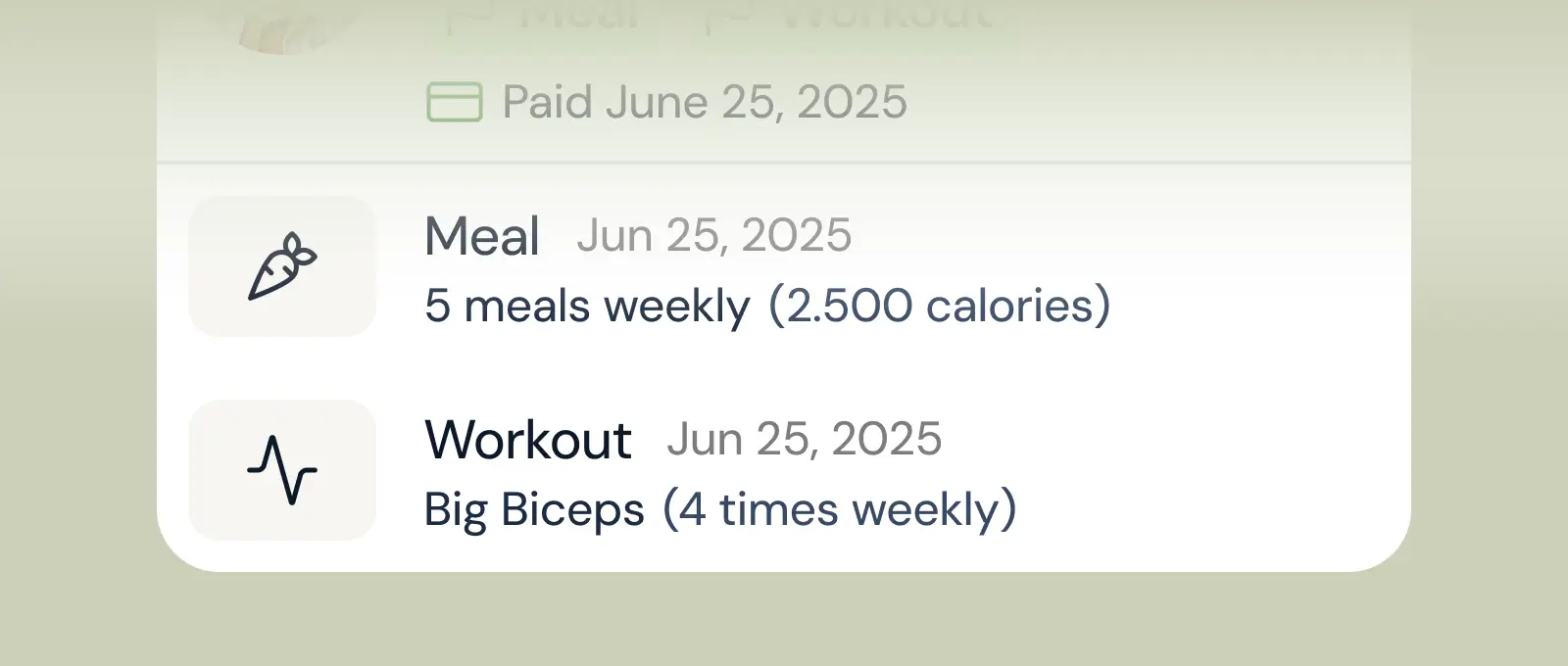
Client progress
Track workouts, milestones, and personal bests with clear dashboards that show improvement over time.

Meal planner
Create tailored nutrition plans that align with client goals, complete with smart suggestions and easy adjustments.
Check-ins & forms
Collect feedback, assess readiness, and stay connected with customizable forms and quick check-ins.
See what Coachway can do for your coaching business
Coachway was built on knowledge from working with 150 online coaches over 6+ years, who all hit the same wall - slow platforms, clunky workflows, wasted hours. Start your 14-day free trial and see what we fixed - the whole platform, no charge today, cancel anytime under Billing.


