



Metrics: track exactly what you measure
Weight, circumference, ratings like sleep and energy - or a custom metric you create per client. Track exactly what you measure, then edit, delete or add to the standard set so the whole system fits how you coach.
Most platforms decide for you which numbers matter. Coachway lets you decide for yourself - lean on the standard set, add a custom metric per client, or do both.

Standard, or your own
The metrics that fit how you coach
The standard metrics come pre-built and ready to use out of the box. When a client needs something extra, a custom metric you create sits in the same library and plots into the same charts - so the standard set and your own work as one.
Out of the box
Track from day one

See the trend
Every metric as a clear chart
The chart at the top of Development plots any metric over any date range, so a client's progress is obvious at a glance - the weight trend, a circumference, a rating, all on one timeline.
Ways coaches use it
Measure what matters for each client
Coach the trend, not the noise
Watch the weight trend line over weeks instead of reacting to one heavy Monday morning.
Track a recomp
Weight plus waist and hip circumference tell the recomp story the scale alone hides.
When the scale barely moves
Log circumference so a client who is recomposing can still see clear progress.
Watch recovery, not just training
Sleep and energy ratings beside the training load flag burnout before it lands.
Migrate a client with history
Bring a new client's history across so their charts begin full, not blank, on day one.
Add a metric for one goal
Create a custom metric for something unique to one client's goal that no standard field covers.
Everything Metrics can do
See all featuresBuild the metrics you actually coach by
See it on a demo client - the standard set, a custom metric, and the charts they feed - in a 15-minute demo.
Questions, answered
Can I track something that isn't in the list?
Yes - create a custom metric to track per client, and it sits right alongside the standard ones and plots into the same charts.
Can I remove metrics I never use?
Yes. Edit the predefined system metrics, and delete any you don't log, so each client's library stays lean and relevant.
Who logs the measurements - me or the client?
Either. Clients enter their own from the Coachway app, or you log from the Development page - you decide per client.
Do clients get reminded to log?
Measurement logging is part of the client check-in flow, so they enter their numbers when they check in; you can also log for a client any time. (Activity and steps sync automatically - see Activity tracking.)
Can I add a measurement with an old date?
Yes. As the coach you can back-date logs, which is ideal when a client migrates in with history from another platform - their chart starts full instead of empty.
Do the standard metrics power the charts and goals?
Yes. Weight feeds the weight chart and goal tracking, and circumference and the standard ratings flow into the Development page automatically - so composition change shows up without a special body-fat field.
What units does it use?
You log each metric as a number, in the units you and your client already work in, and the chart plots the trend over time.
Where do progress photos fit in?
Progress photos live with check-ins and Client progress rather than as a metric, so you get the numbers here and the visual story there.
Client progress
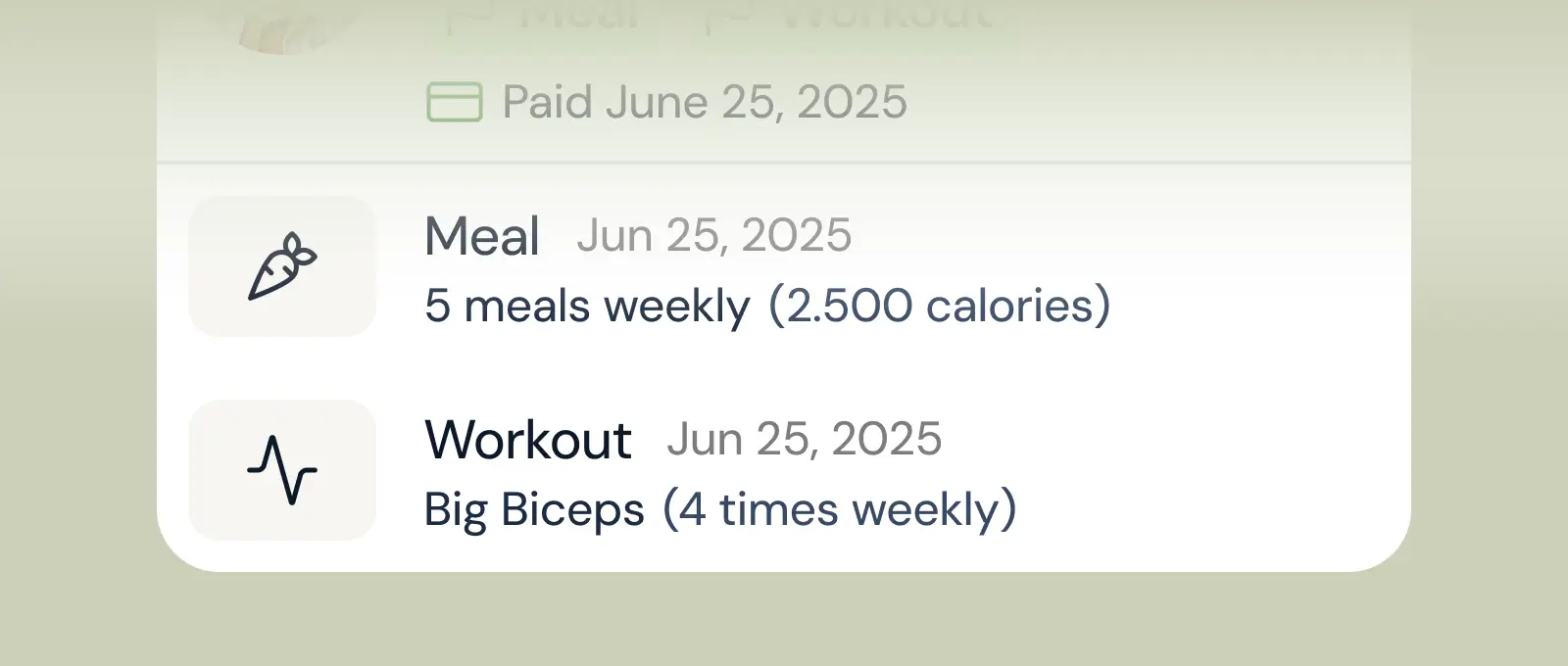
Track workouts, milestones, and personal bests with clear dashboards that show improvement over time.

Meal planner
Create tailored nutrition plans that align with client goals, complete with smart suggestions and easy adjustments.
Check-ins & forms
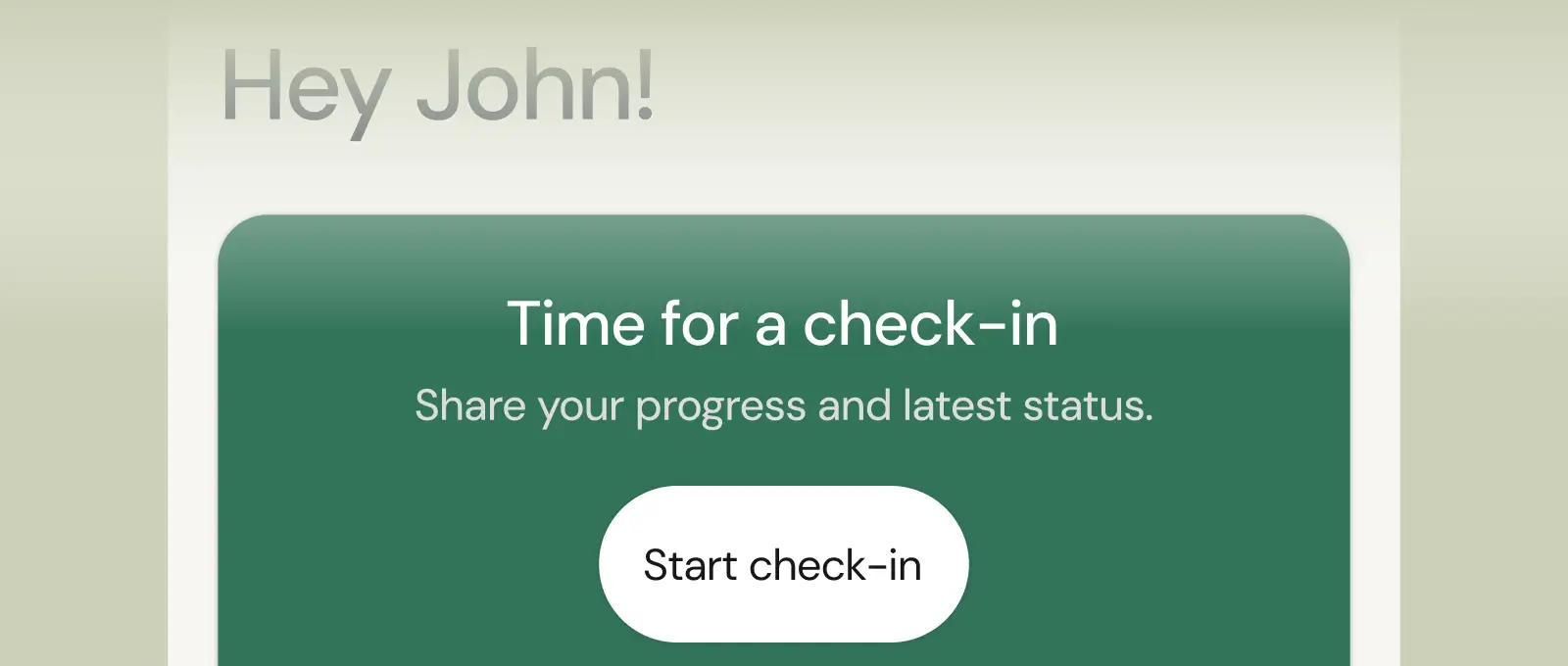
Collect feedback, assess readiness, and stay connected with customizable forms and quick check-ins.
See what Coachway can do for your coaching business
Coachway was built after working with 150+ coaches who all had the same frustrations - slow platforms, clunky workflows, wasted hours. Book a demo and see what we fixed. 15 minutes, and you'll know if it's the right fit.


