



Activity tracking: their training, already in Coachway
Runs, rides, walks and workouts sync from Apple Watch, Garmin and any watch through Apple Health or Health Connect - or clients log them by hand. You stop asking 'how was your run?' and start coaching the actual training.
When the training is already in front of you, coaching gets specific - you respond to what actually happened that week, not to a vague "it went fine".

Two ways in
Auto-syncs from any watch - or log by hand
If your client wears a watch, activities sync in the background: the watch records it, it lands in Apple Health or Health Connect, and Coachway pulls it in automatically. No watch for today's swim or yoga class? They log it by hand in seconds.

Coach from the detail
Splits, calories and a screen per session
Open any activity for the full picture: hero stats up top, a per-kilometer splits table for runs and rides, the client's notes, and the source device it came from. If the watch did not record splits, Coachway generates them - so you always see pace per kilometer.
Connect any watch or app
Works with almost any watch
Coachway does not integrate with each device one by one - it reads from your client's phone health platform, so the watches and apps below are all covered.
Apple Health
iPhoneThe built-in health hub on every iPhone. Coachway reads activities and steps that Apple Watch and other fitness apps write to it.
Google Health Connect
AndroidAndroid's system for sharing health data between apps. Coachway receives data from Garmin Connect, Fitbit, Samsung Health and more.
Garmin
iOS & AndroidFully supported. Garmin Connect syncs to Apple Health or Health Connect, and Coachway pulls it straight through - steps and workouts.
Fitbit
AndroidFitbit syncs to Health Connect on Android and Coachway picks it up automatically. (Fitbit doesn't write to Apple Health, so iOS isn't officially supported.)
Step-by-step connection guides for each live in the Coachway Help Center.
Why coaches turn it on
The data does the asking for you
See the weekend long run
Open Monday's check-in already knowing the Saturday 18 km happened - and how it went.
Catch a skipped week
No cardio logged in five days? You see it without having to ask, and can nudge before it becomes a habit.
Celebrate a pace PB
A new best 5 km pace shows up the day it happens - so you can react while it still feels good.
Verify steps for fat loss
Daily step count is right there, so the NEAT conversation is grounded in data, not vibes.
Spot overtraining early
A spike in training volume is visible before it turns into burnout or injury.
Log the watch-free swim
A pool session or yoga class the watch missed? The client adds it by hand in seconds.
Everything activity tracking can do
See all featuresSee a week of training land in Coachway
We will load a demo client and show you how runs, rides and steps land in Coachway automatically.
Questions, answered
Does Coachway connect to my client's watch directly?
No - it reads from the phone's health platform: Apple Health on iPhone, Google Health Connect on Android. So almost any watch that syncs there works, without a separate integration.
Which watches and apps are supported?
Apple Watch and other apps on iPhone; Garmin, Fitbit, Samsung Health and more on Android. Garmin works on both.
What kinds of activities can it track?
Runs, rides and walks sync from the watch with full detail; and clients can log anything else by hand - swims, classes, yoga, strength - with type, distance, time and notes.
What if a client has no smartwatch?
They log activities by hand - activity type, distance, time, pace, heart rate and notes. Great for a swim or yoga class they would not wear a watch for.
Where do the calories come from?
Calculated from the client's weight, height, age and gender. If they want an exact figure from their device, they can override it.
Can clients edit an activity after it syncs?
Yes. Sessions get auto-generated titles like "Morning run" or "Evening cycle", and clients can edit any detail themselves.
When does an activity show up in Coachway?
The next time your client opens the Coachway app, once their watch has uploaded to Apple Health or Health Connect. There is no manual export step.
Who controls the health data - is it private?
Your client grants access from their own phone and can revoke it any time. Coachway only reads the activity and step data they choose to share.
Does it track daily steps too?
Yes - daily step count syncs alongside activities, and clients get a step goal with progress rings in the app.
Who sets up the connection?
Your client does it once from their own phone, granting Coachway access in Apple Health or Health Connect. Step-by-step guides for each device live in the Help Center.
Does it build a training history?
Yes - every session is kept, so you see a client's training history and trends over time, not just the latest workout.
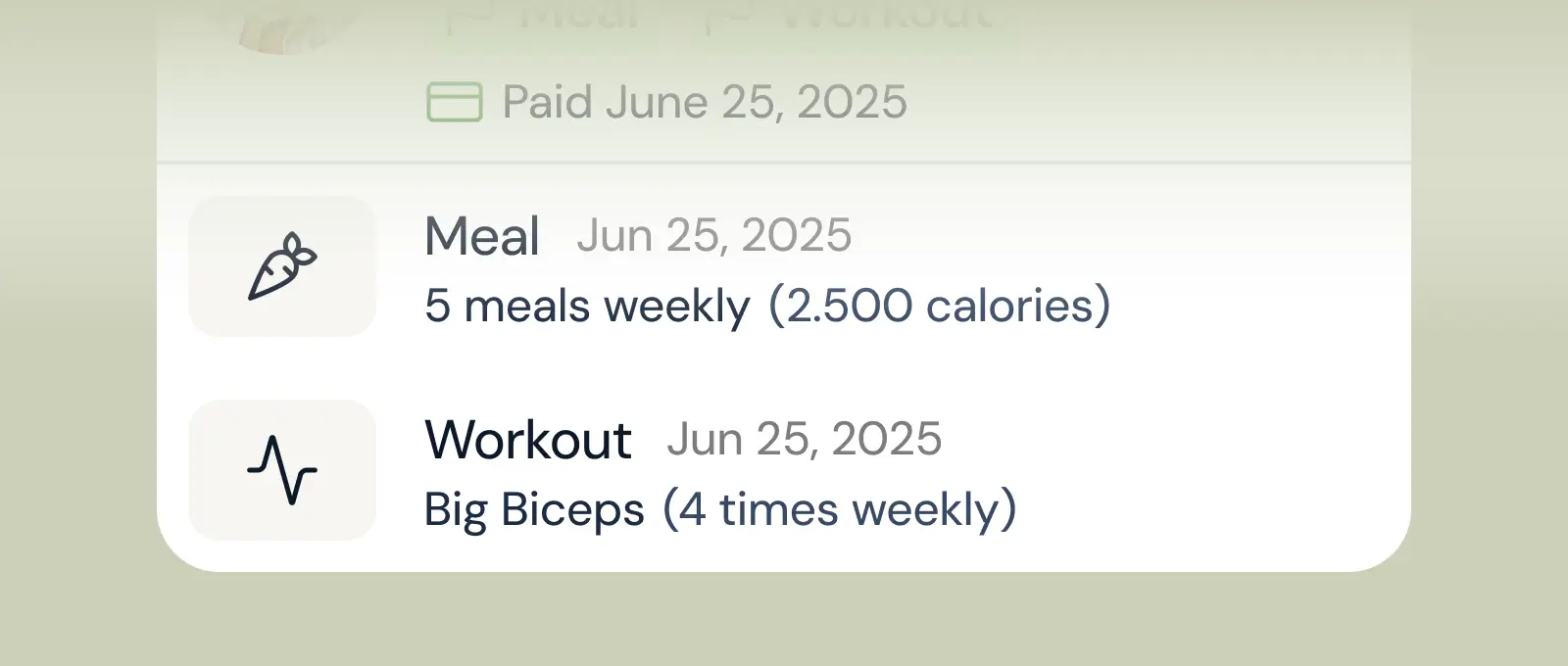
Client progress
Track workouts, milestones, and personal bests with clear dashboards that show improvement over time.

Meal planner
Create tailored nutrition plans that align with client goals, complete with smart suggestions and easy adjustments.
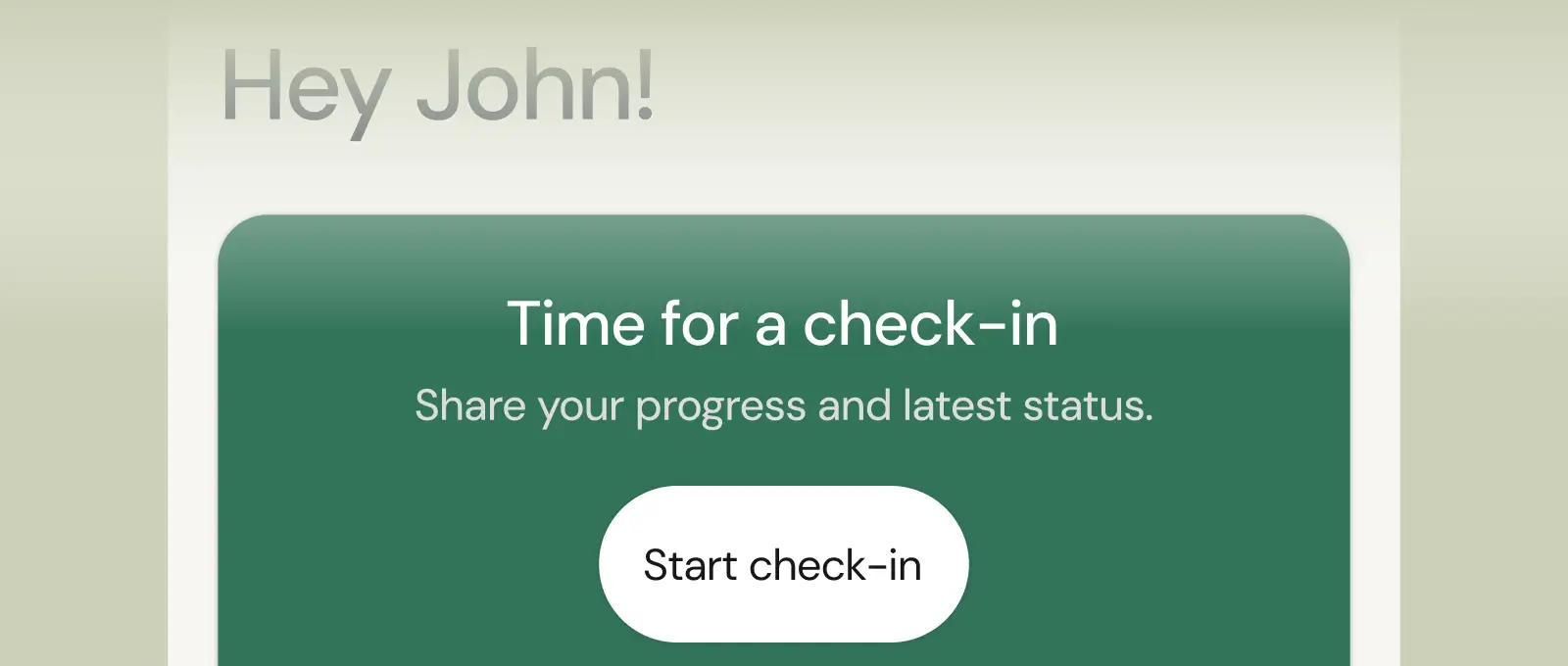
Check-ins & forms
Collect feedback, assess readiness, and stay connected with customizable forms and quick check-ins.
See what Coachway can do for your coaching business
Coachway was built after working with 150+ coaches who all had the same frustrations - slow platforms, clunky workflows, wasted hours. Book a demo and see what we fixed. 15 minutes, and you'll know if it's the right fit.


