



One screen. Every client. Zero tab switching.
The unified inbox where every coach who scales past 30 clients spends most of their day. Client list, conversation thread, and live context - all in one view. No popups. No 5 tabs. Just the next thing your client needs.


Every client visible. Always.
No more switching between WhatsApp threads, Stripe dashboards, and Google Sheets to know how a client is doing. The left column lists every client in your roster - online status, last activity, unread count, and a coral flag if they've missed a check-in. Sort by most-recent activity, by struggling-first, or by program week. The first thing you see when you open Coachway is the full picture: who needs you today, who's crushing it, who's gone quiet.

Inline check-ins. The conversation has context built in.
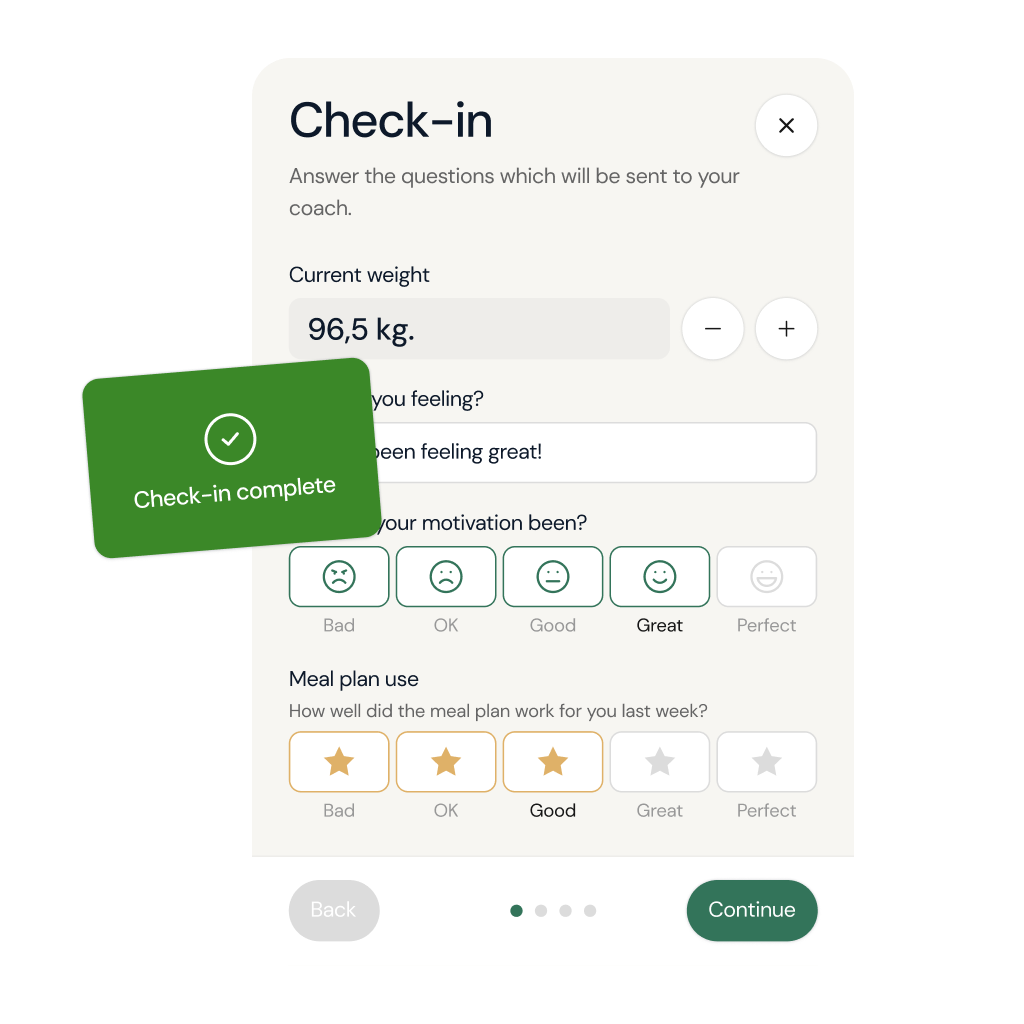
The middle column is the conversation, but it's not a flat chat window. When your client submits their weekly check-in, it appears inline as a glass sub-card with energy, nutrition, and workout ratings, written reflection, weight delta, and progress photos. You read it in context, reply in the same thread, and your reply lands in their notification feed. The numbers are right there, in the conversation, where the coaching happens.
Client Overview
One inbox for every client
Every client in your roster. Online status, last activity, unread count, sorted however you work. Coral flags surface clients who missed a check-in or went quiet for 7+ days. Open one, see everything they need from you today.

Inline Check-ins
Check-ins live inside the conversation
When your client submits their weekly check-in, it appears in the conversation thread as a glass card. Energy, nutrition, workout ratings on five-circle scales. Written reflection. Weight delta. Progress photos. You read it in context, reply in context. No tab switching.

Live Client Context
Right-column context, their full story one glance away
The right column updates the moment you click a client. Current weight + last 4 check-ins as inline charts. Current week of program. Quick-action buttons to their meal plan, workout, payments, or full exercise history. You coach with the full file in front of you, always.

One-Click Reply
Reply in seconds with one-click templates
Stack of saved replies for the conversations you have 50 times a week: 'Great week, here's what I'd tweak', 'Send a photo of your meal', 'Let's adjust calories down 100'. One click drops the template in, you personalize the name and the specific number, hit send. The 5-minute reply becomes the 30-second reply.

Built To Scale
Built for the coach managing 30, 60, or 100+ clients
Search across all clients in milliseconds. Filter by program week, by check-in status, by last activity. Pin the four clients who need you today. The Power Panel doesn't slow down at 100 clients, it gets sharper. Built on knowledge from working with 150 online coaches over 6+ years, designed for the workflow at scale: check-ins drop from 10-15 minutes per client to 2-3.

All features
One screen. Every panel. Zero tab switching.
The flagship move: while your client's chat stays anchored on the left, the right side flows between Overview, Nutrition, Workouts, Vault, and Automations as fast as you can think. Open a meal plan. Edit it. Slide back. The chat is still where you left it, scrolled to where you left it. Built panel-by-panel from day one, so the workflow bends to you instead of the other way around.

A chat that finally feels like the apps your clients already use.
React to a message. Reply to a specific one. Edit a typo without notifying anyone. Send a 30-second voice note instead of typing five paragraphs. See exactly when your client read your reply, and decide for yourself when their incoming message clears 'unread'. The polish a coaching chat should have had from day one, baked in from the first message.
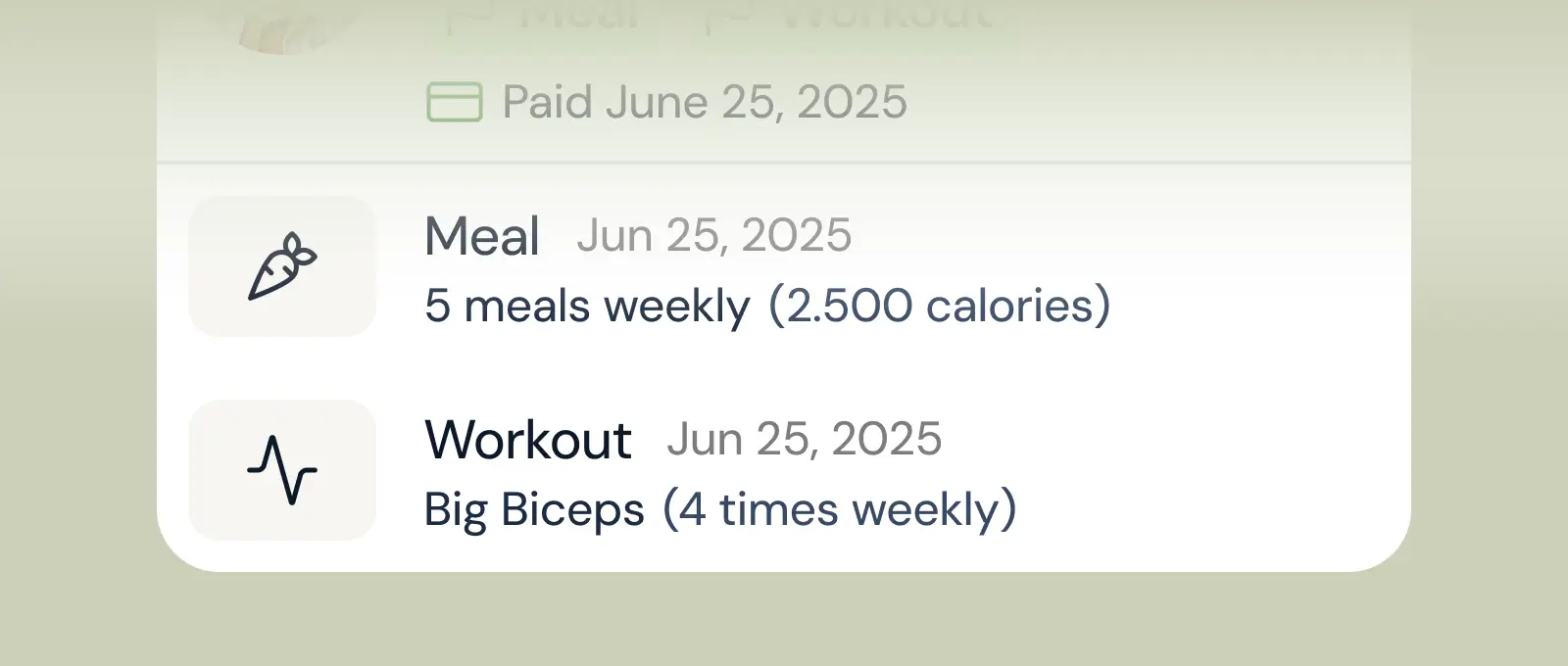
Client progress
Track workouts, milestones, and personal bests with clear dashboards that show improvement over time.
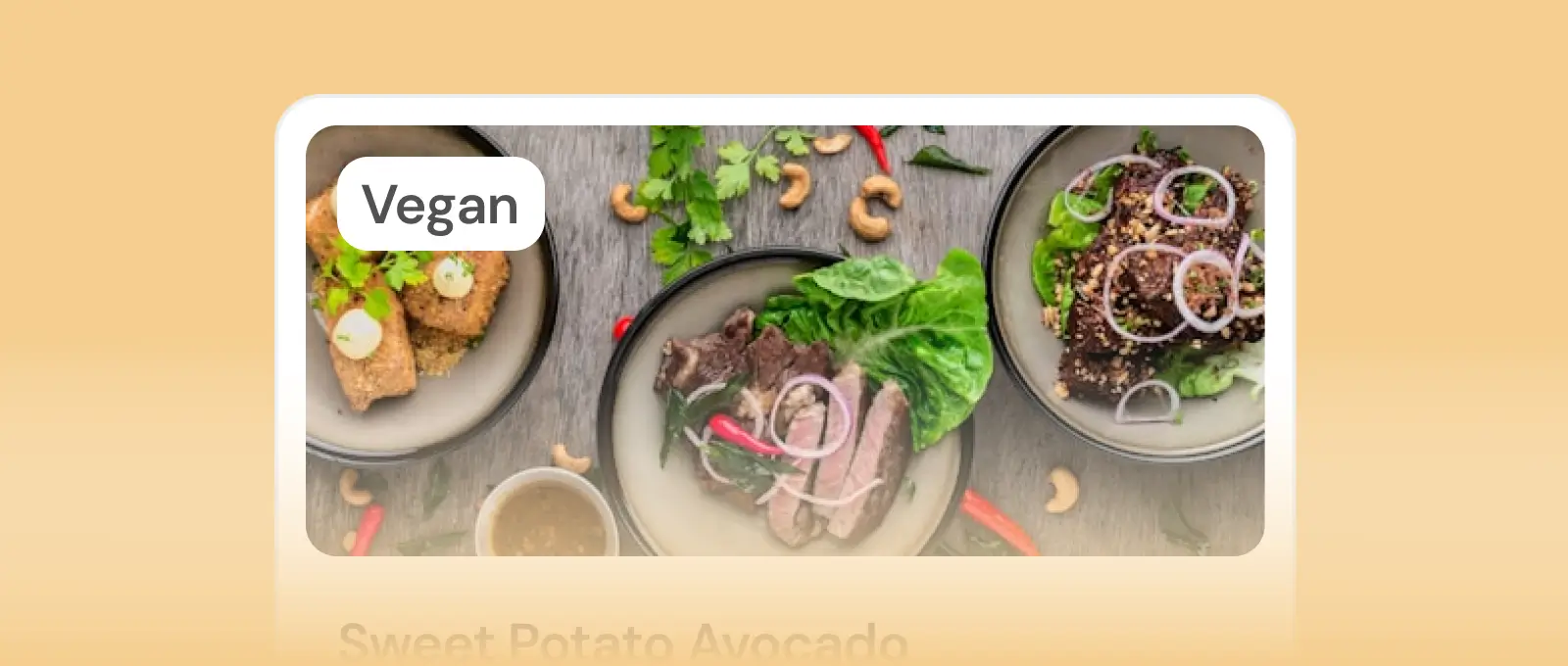
Mealplanner
Create tailored nutrition plans that align with client goals, complete with smart suggestions and easy adjustments.
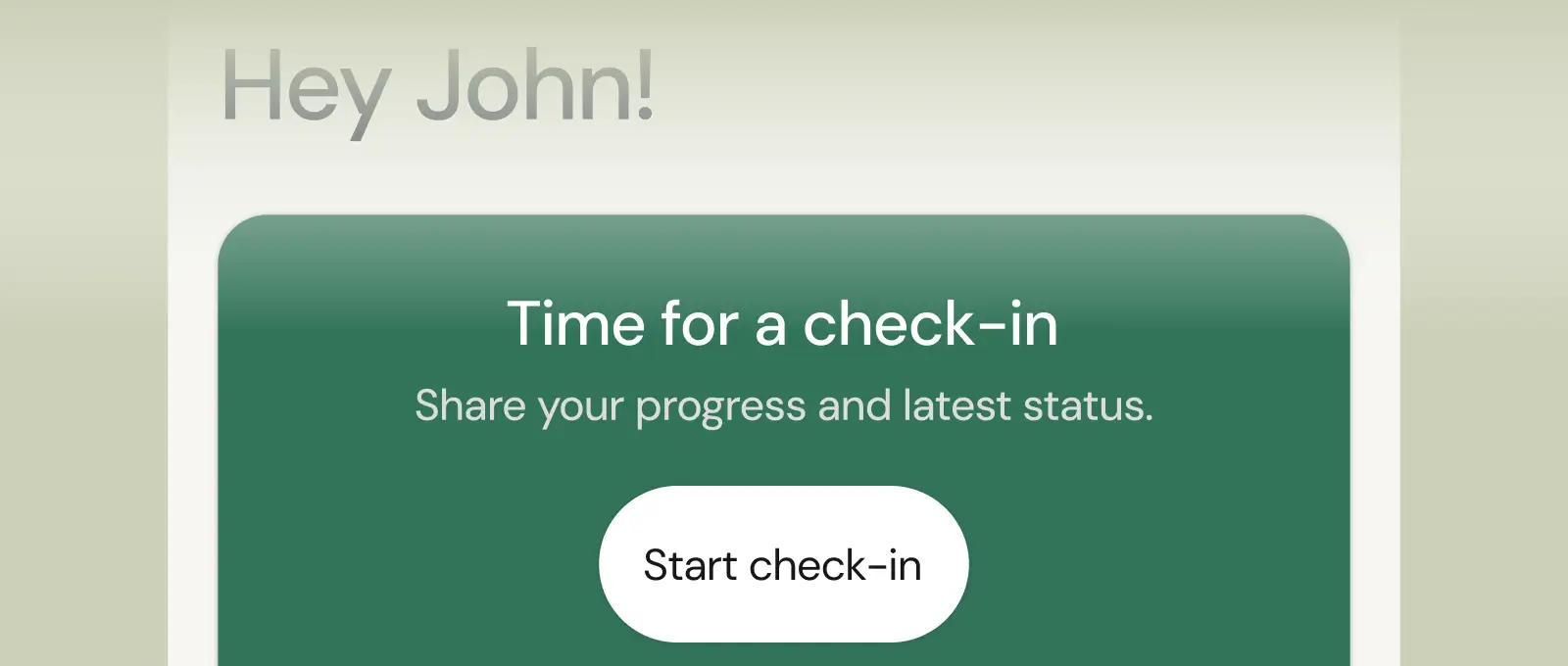
Check-ins & forms
Collect feedback, assess readiness, and stay connected with customizable forms and quick check-ins.
See what Coachway can do for your coaching business
Coachway was built after working with 150+ coaches who all had the same frustrations — slow platforms, clunky workflows, wasted hours. Book a demo and see what we fixed. 15 minutes, and you'll know if it's the right fit.


