



Offer text: proof of what they signed up for
A customizable agreement your client reads and accepts as part of checkout - logged with a timestamp. Set it once, tweak it per client, and keep documented proof of exactly what they agreed to.
Clients who know exactly what they committed to - the length, the start date, what is and is not included - show up differently. Setting the terms up front turns a vague signup into a real agreement both of you stand behind.

Set it once
Write your terms once, reuse them every time
Set a default in Settings -> Account -> General -> Default offer text and it prefills for every new client you invite. When you assign someone a payment plan, that default is already there and fully editable - so you can drop in the exact length, start date and any terms you negotiated.

Accepted at checkout
They tick the box before the payment goes through
Accepting the offer text is a required step in the checkout flow, sitting right before the card details. The client cannot pay without reading and agreeing first, so the terms are never an afterthought emailed over separately - they are part of buying in.
What to put in it
Most coaches include
Why it matters
For the awkward conversations you hope never happen
Ghosted mid-program
A client goes silent halfway through and refuses to pay the rest - point back to the program length and commitment they agreed to.
Chargeback disputes
They tell their bank they never agreed to the charge - the accepted offer text is exactly the kind of evidence a dispute case calls for.
"I forgot what I signed up for"
No more guessing about length or what was included - reopen the terms and the answer is right there in their own agreement.
Set commitment up front
Make program length and start date crystal-clear before a single payment is taken.
Document what is included
Workouts, nutrition, check-ins, messaging - spelled out so expectations match reality.
State cancellation terms
Notice periods and any refund policy, agreed up front, not argued after.
Everything Offer text can do
See all featuresSee where it lives before they pay
Book a demo and we will walk the whole flow - set the default, edit per client, watch them accept as they check out.
Questions, answered
Where do I set my offer text?
Settings -> Account -> General -> Default offer text sets a default that prefills for every new client you invite. You write it once.
Can I change it per client?
Yes. When you assign a payment plan the default is prefilled and fully editable, so you can set the exact length, start date and any negotiated terms for that client.
When does the client accept it?
Right inside the checkout flow, just before the card details. It is the same moment they commit to paying, so the two go together.
What proof do I actually get?
A clear record of exactly what they agreed to and when, ready to fall back on if a client disputes a charge or goes quiet. Their acceptance is logged with a timestamp and tied to the payment.
What should I include?
Most coaches include program length and commitment, start date, what is included, cancellation terms and any refund policy. (This is a documented agreement, not legal advice - check what applies in your country.)
Where can I find the accepted agreement later?
Open the client's payment profile in Coachway and it sits right alongside their plan. You can reopen the exact wording they agreed to at any point, even months in.
Can a client pay without accepting?
No. The accept box has to be ticked for checkout to continue, so you never end up with a paying client who skipped the terms.
If I edit the offer text after a client accepts, does theirs change?
No - each client's accepted version is locked to exactly what they agreed to at checkout. Edits only apply to clients you invite or re-bill afterwards.
Does this only work for new clients?
No - the default prefills for new invites, but you can set or edit the offer text whenever you assign or change a payment plan, so existing and re-billing clients are covered too.
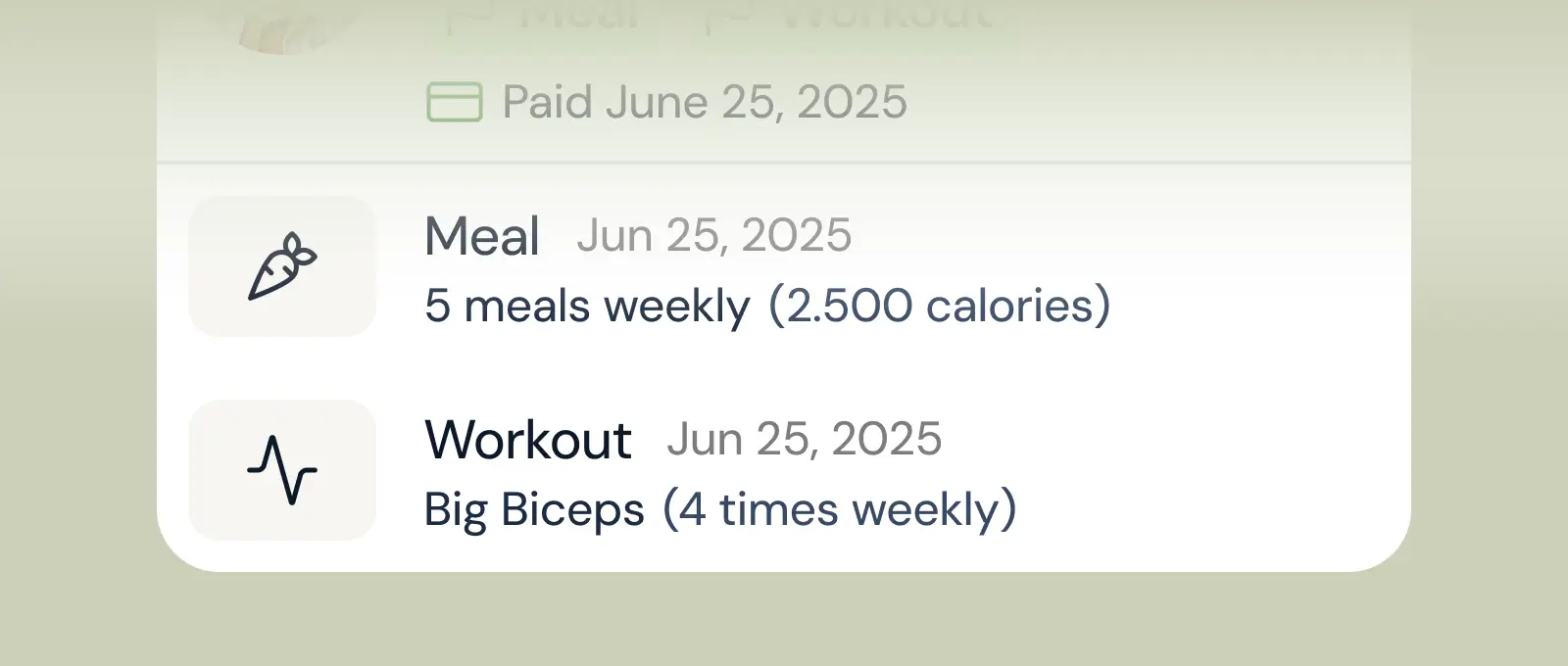
Client progress
Track workouts, milestones, and personal bests with clear dashboards that show improvement over time.

Meal planner
Create tailored nutrition plans that align with client goals, complete with smart suggestions and easy adjustments.
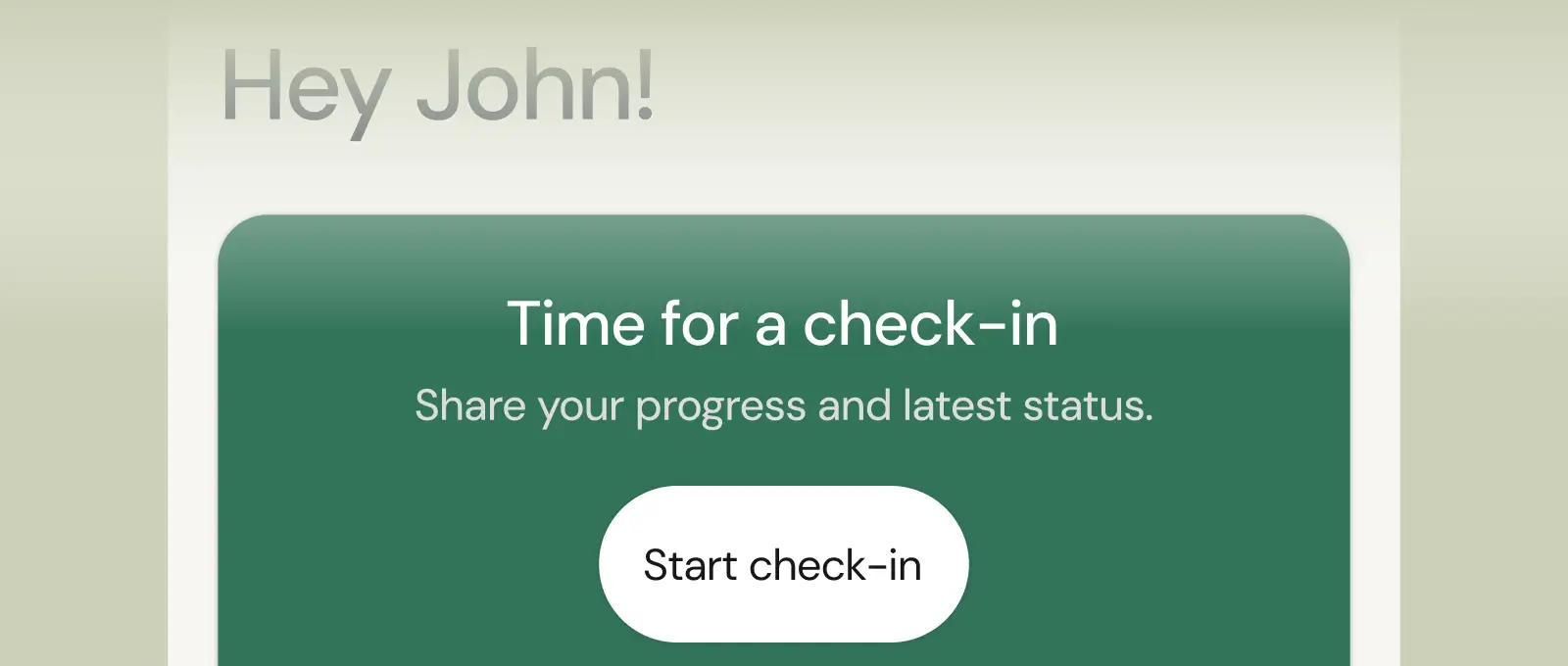
Check-ins & forms
Collect feedback, assess readiness, and stay connected with customizable forms and quick check-ins.
See what Coachway can do for your coaching business
Coachway was built after working with 150+ coaches who all had the same frustrations - slow platforms, clunky workflows, wasted hours. Book a demo and see what we fixed. 15 minutes, and you'll know if it's the right fit.


