



Broadcasts: one message, every client, still personal
Message your whole roster in the time it takes to message one. Pick everyone, or narrow to a coach or tag, then drop in variables and attachments so each client gets their own name and details. It lands as a normal chat with a push.
Most coaches mean to check in with everyone each week. Broadcasts make it a 30-second job instead of an 80-message chore - so it actually happens.

Choose who
Reach exactly the right clients
Open Clients, hit Broadcast, and pick your audience. Send to everyone, narrow to a coach or a tag, or tick the exact clients you want. The panel shows precisely how many will receive it before you send a thing.

Make it personal
Variables and attachments, just like a one-to-one chat
Drop in variables and everyone sees their own details - the client first name, their full name, or your coach name. Build out the message with images, video, voice notes or documents, the same way you would in any single conversation.
When coaches use it
Built for the moments you talk to everyone
Monday roster check-in
A start-of-week nudge to your whole active roster - "how did the weekend go?" - in one send.
Launch to a segment
A new 12-week program announced only to your weight-loss tag, or only one coach's clients.
Keep everyone engaged
Holiday-week motivation, a new-recipe drop, or a quick win to celebrate - to everyone at once.
Re-engage the quiet ones
A warm nudge to clients who have gone quiet - sent to just that group, before they drift.
Seasonal challenge kickoff
Rally everyone behind a 4-week step challenge or summer push with one announcement.
Important admin notice
A holiday-hours note or a heads-up about an app update - to everyone, without 80 copy-pastes.
Everything Broadcasts can do
See all featuresMessage your whole roster in one go
Book a demo and we will show you how to pick a segment, personalize with variables, and reach every client at once.
Questions, answered
Can clients tell it was a broadcast?
No. Each client only ever sees their own one-to-one chat with you - the recipient list, how many people you sent to, and who else got it all stay private to you.
Can I send to just some clients?
Yes - filter the client list by coach or tag, or tick exactly the clients you want with checkboxes, then broadcast to that group.
What happens when a client replies?
Their reply lands in your normal inbox as its own conversation, ready for you to answer like any other message. Other clients never see it.
Can I personalize and attach things?
Yes. Insert the client first name, full name or your coach name as variables, and attach images, videos, voice notes or documents.
Do clients get a push notification?
Yes. It triggers the same push notification as any message you send by hand, so it surfaces on the lock screen and in the app rather than sitting unseen in an inbox tab.
Can I schedule a broadcast, or does it send right away?
A broadcast sends as soon as you hit send. To send messages later or on a schedule, set up an Automation.
Is there a limit on how many clients I can send to?
No fixed cap - it is built to reach your entire active roster in a single send, whether that is a dozen clients or a few hundred.
Do I see who it is going to before it sends?
Yes - you choose the audience and the panel shows the exact recipient count before you send, so you can double-check the group first.
Where do I send a broadcast from?
From the Clients page in the Coachway web dashboard - open it, click Broadcast, and pick your audience.
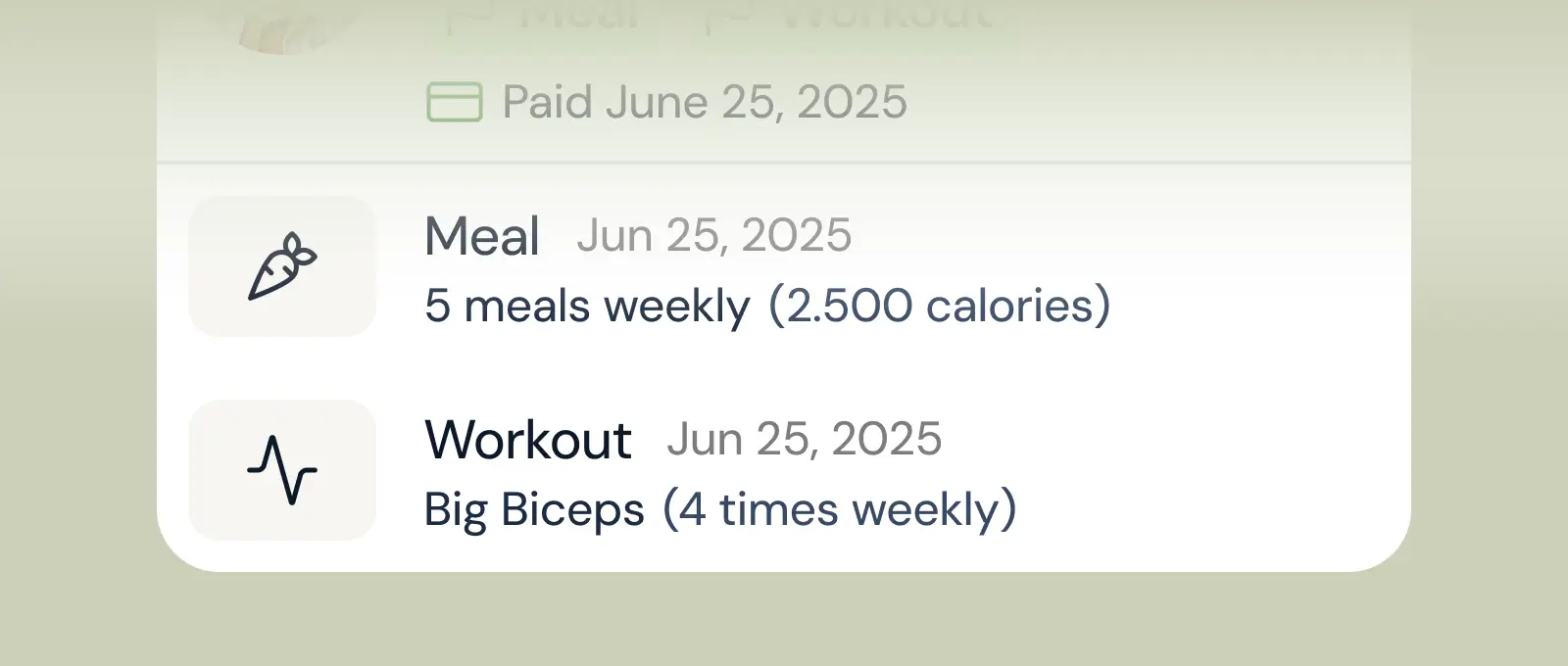
Client progress
Track workouts, milestones, and personal bests with clear dashboards that show improvement over time.
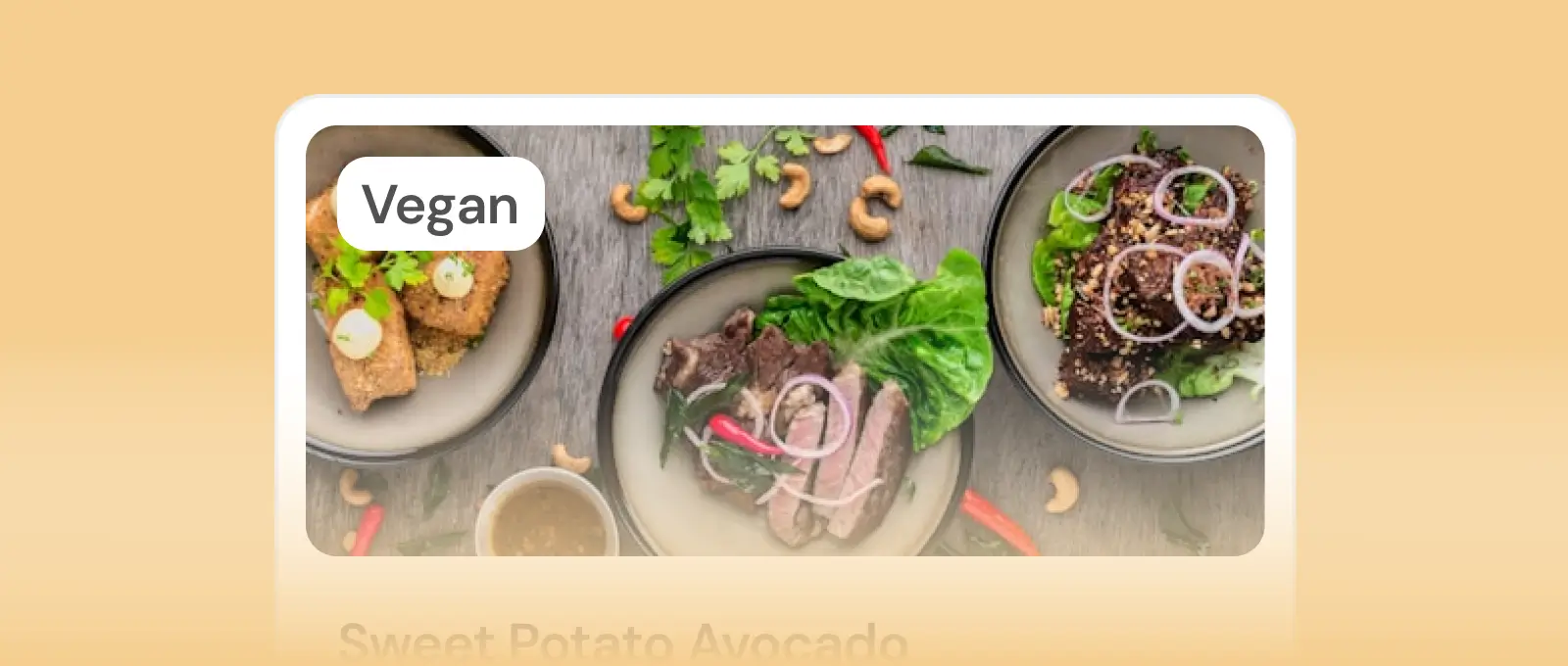
Meal planner
Create tailored nutrition plans that align with client goals, complete with smart suggestions and easy adjustments.
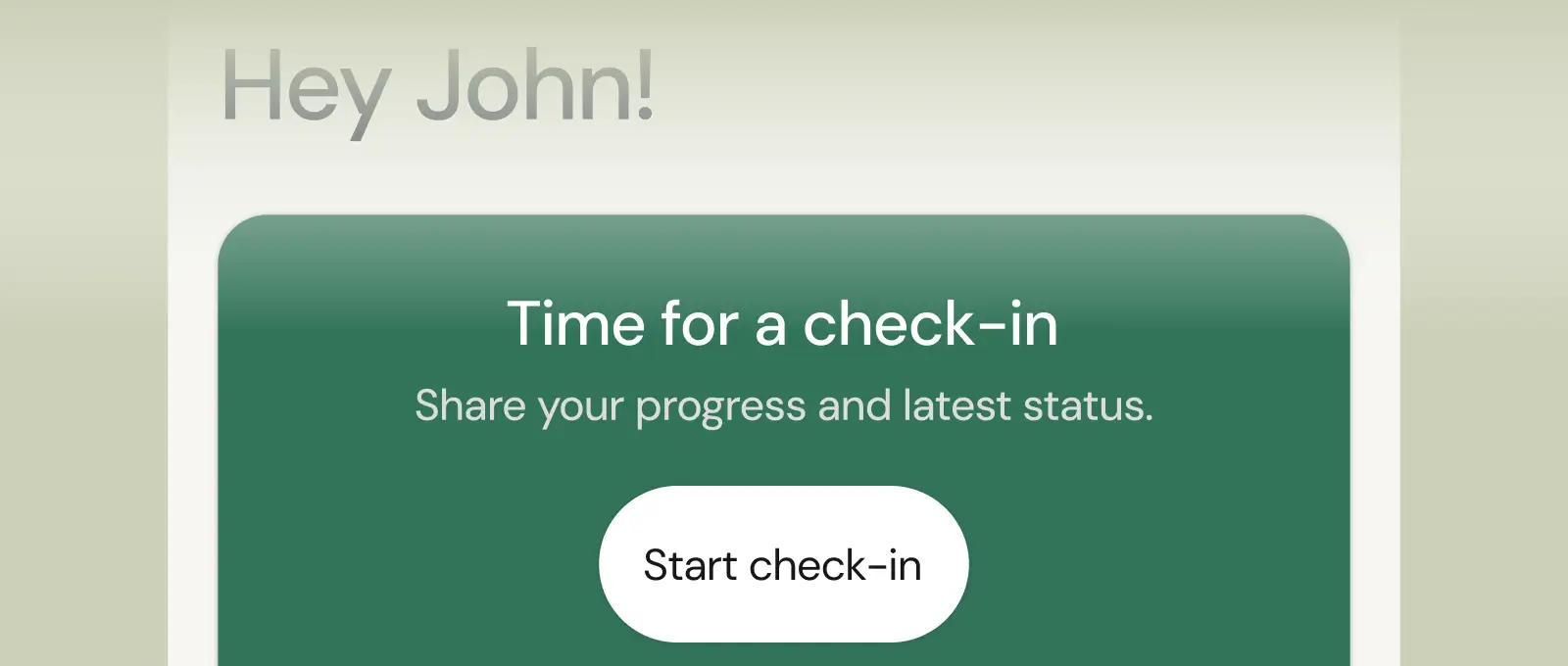
Check-ins & forms
Collect feedback, assess readiness, and stay connected with customizable forms and quick check-ins.
See what Coachway can do for your coaching business
Coachway was built after working with 150+ coaches who all had the same frustrations - slow platforms, clunky workflows, wasted hours. Book a demo and see what we fixed. 15 minutes, and you'll know if it's the right fit.


