


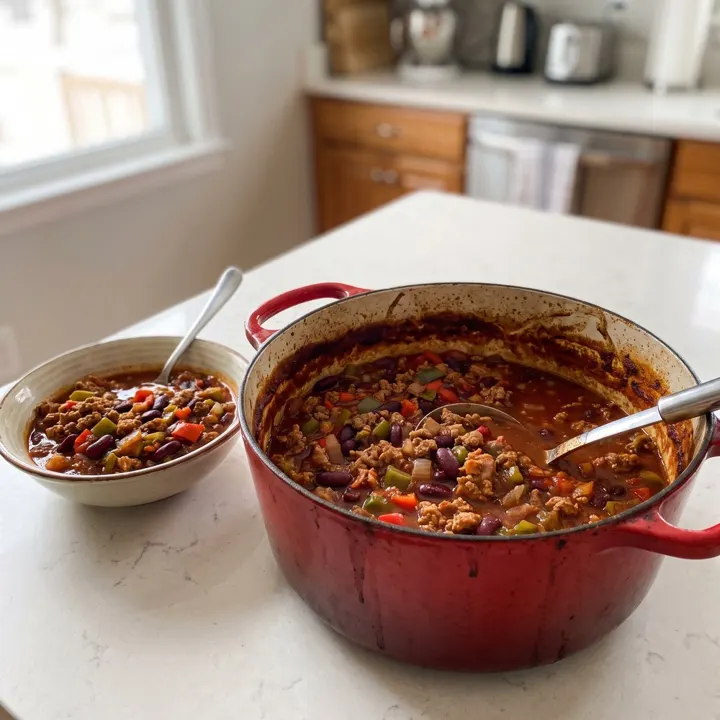
 From Dana's meal plan
Recipe example
Turkey chili
- per serving
- 432kcal
- protein
- 41g
- carbs
- 25g
- fat
- 17g
6 servings2,592 kcal in the pot
Ingredients
Meal plans, workouts, check-ins, chat and payments in one place, in US, UK or metric units. Every feature included: no upsells, no locked features.
ActiveFall Comfort Meal Plan180g260g71g2,400KCAL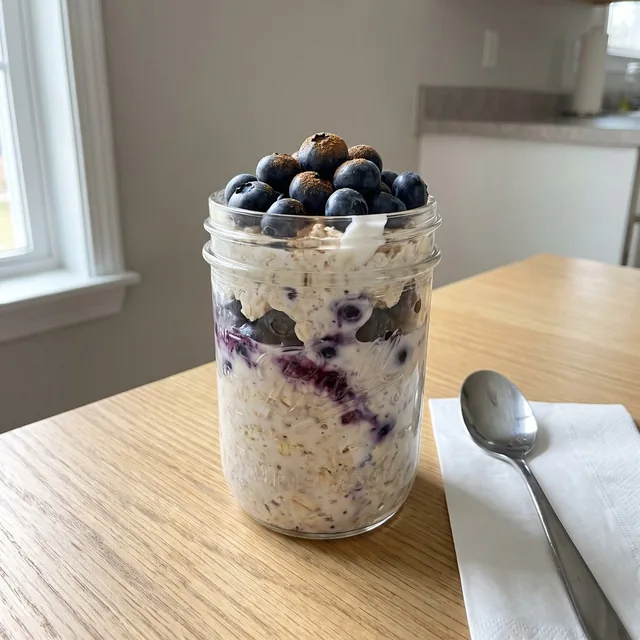 Blueberry overnight oats1 serving331kcal
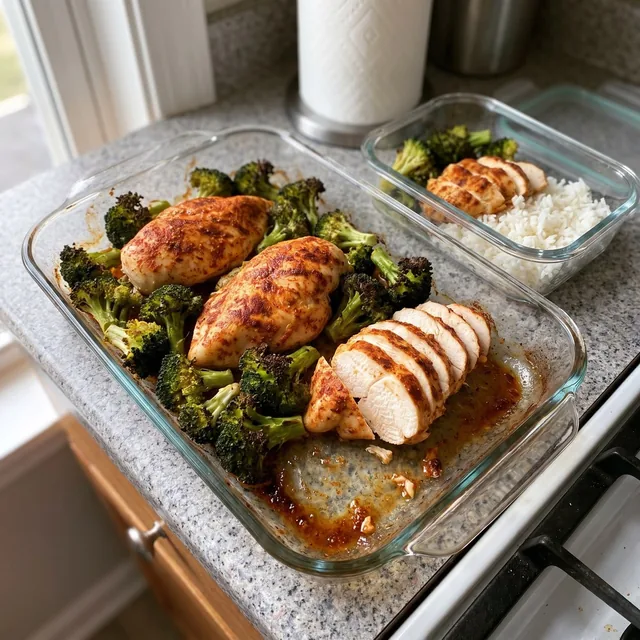 Meal prep chicken and rice1 serving428kcal
 Greek yogurt berry parfait1 serving310kcal
Check-in receivedFri, Oct 30
140.9lb−1.5 lb
Weight this week
Same clients, same week. Flip it and see where the work goes.Same clients, same week. Swipe to see where the work goes.
Check-ins
18 DMs, a spreadsheet and a camera roll full of screenshots.
One inbox. Photos and numbers side by side.
DMs + Sheets 184.6 lb · 34.5 inPrograms
Copy-paste last week's Google Sheet, then fix what broke.
Build the week once. 135 lb on the bar, and it shows on their phone.
Google Sheets 3 x 6-8 · 135 lbMeal plans
A PDF you rebuild for every client.
A plan that hits their calories, in their own units.
PDF 1 cup · 4 ozWho's slipping?
Scroll through every chat to find who went quiet.
New check-ins stay marked until you review them.
Instagram DMs 3 new check-insPayments
Chase Venmo requests and screenshot the receipts.
Clients pay into your own Stripe. Coachway takes 2.4% per payment, plus Stripe's fees.
Venmo $199.00 paid★★★★★A clean, intuitive, and well-organized app.
Gina Wiig on Trustpilot
Your clients take a photo of a meal, or type what they ate. The app splits it into foods with amounts, calories and a likely range. They fix what's off and tap Add.
In the client app since Nov 7
Log with AILunch
538kcal
likely 380-700
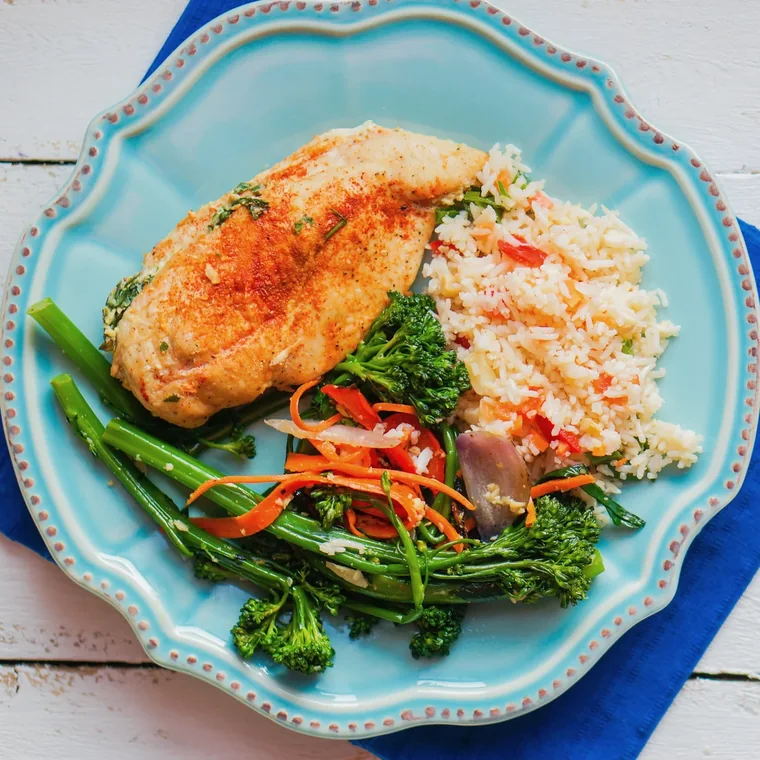
One camera, with a Meal tab and a Barcode tab. Or they type what they ate, like "2 eggs and toast with butter". Their usual foods and the recipes from their meal plan come up as they type.
One camera, with a Meal tab and a Barcode tab. Or they type what they ate, like "2 eggs and toast with butter".
Each food with its amount and calories, and a likely range for the whole meal.
"No rice, more chicken" gets a new answer. Amounts they changed themselves stay the way they set them.
Grilled chicken with rice and broccolini1 serving538kcalNothing goes into their log until they do, and Undo takes it back. A meal they haven't added yet stays a draft.
The AI works out what's in the food. The coaching stays with you.
Turn it on per client under Settings > Nutrition, or make it your default for new clients. You see a meal only after your client taps Add.
In Development > Nutrition every AI meal carries an AI estimate tag, and one click shows the photo, the range, the foods, what the AI assumed and what your client corrected.
Development > Nutrition. The week view marks the days with AI meals, for example "4 items · 1 with AI".
Build plans from your own recipes. Change the servings and every amount follows, with the calories and macros worked out per serving.
428kcal41 g protein per serving
331kcal22 g protein per serving
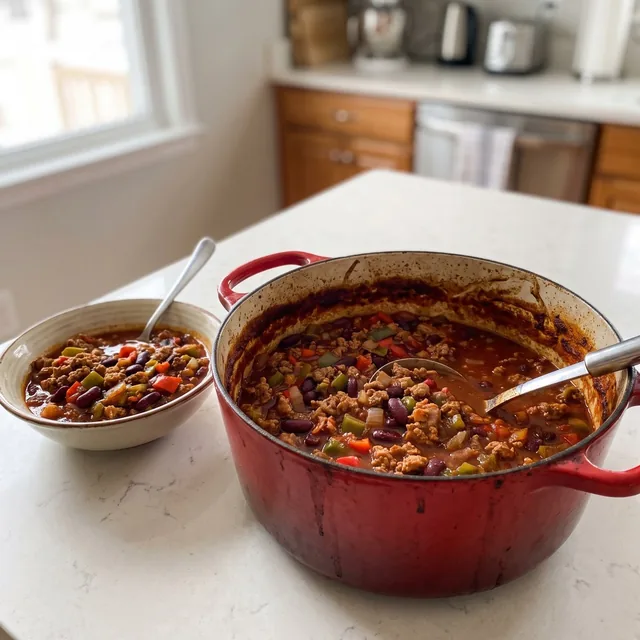 432kcal
41 g protein per serving
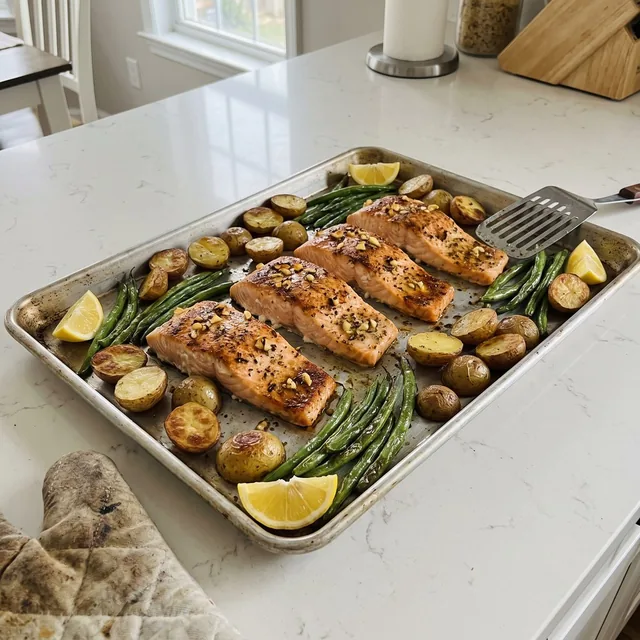 515kcal
35 g protein per serving
310kcal29 g protein per serving
 391kcal
31 g protein per serving
 314kcal
20 g protein per serving
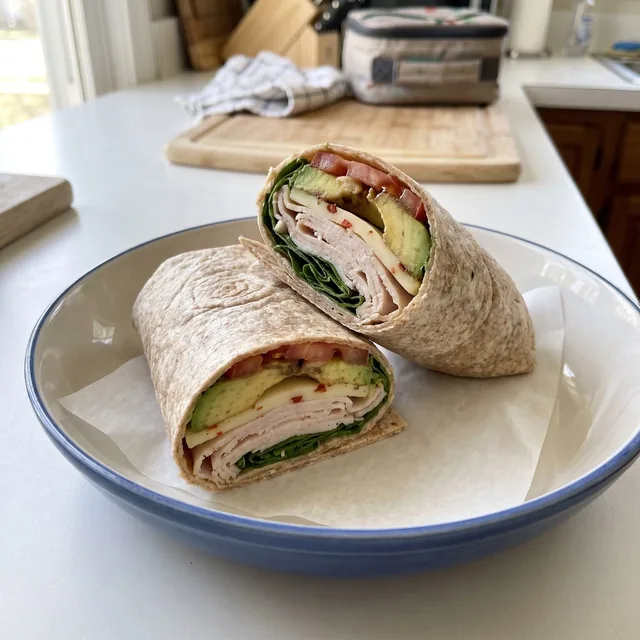 444kcal
38 g protein per serving
Recipe examples. Calories and protein per serving.
From Dana's meal plan
Recipe example
Ingredients
0 of 11 in the cart
Some clients want every macro. Some will never weigh rice. Both log in the same client app they use for workouts and check-ins.
For the counters
Search and tap to log a serving, scan the barcode on a package, or quick add the calories when they know them.
Sample search. Type a food, then use the plus buttons to add it to dinner.
Tap + to add a food to dinnerAdded to dinner0 items · 0 kcal
Sample search. Try chicken, eggs or oats.
For everyone else
They snap the plate and add a note. You see every plate and comment on it, so the food conversation keeps going between check-ins without crowding the main chat.
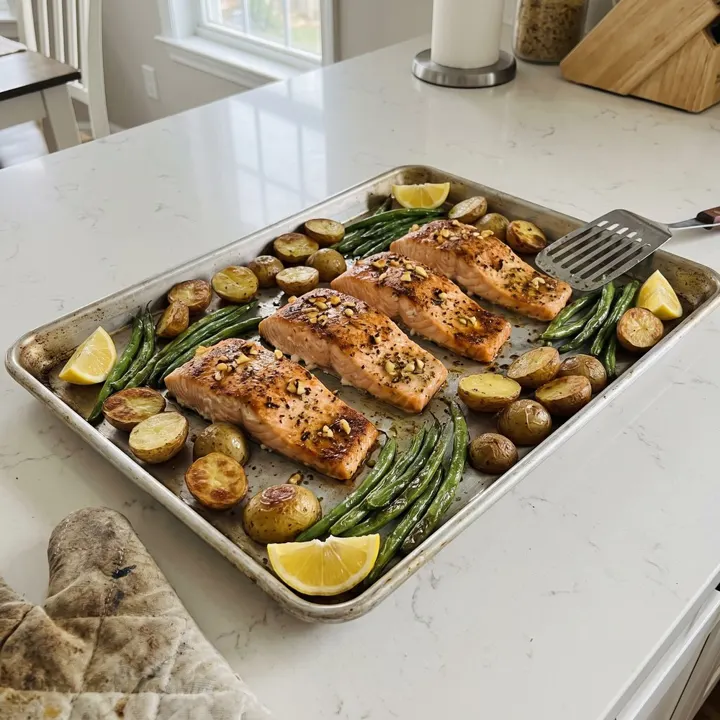
Salmon night. Half the potatoes, extra green beans.

Breakfast burrito bowl. Eggs, black beans, hash browns.
You: Solid plate. Add a side of fruit on training days.
Your marathoner wants every macro. Your client who's brand new would quit if she saw one. You choose what each client gets, and the app sticks to it.
Every nutrition tool available.
Set a default for new clients, then change it for anyone. You turn on the AI food log here too, per client or as your default.
ActiveFall Comfort Meal Plan180g260g71g2,400KCALBlueberry overnight oats1 serving331kcalMeal prep chicken and rice1 serving428kcalGreek yogurt berry parfait1 serving310kcal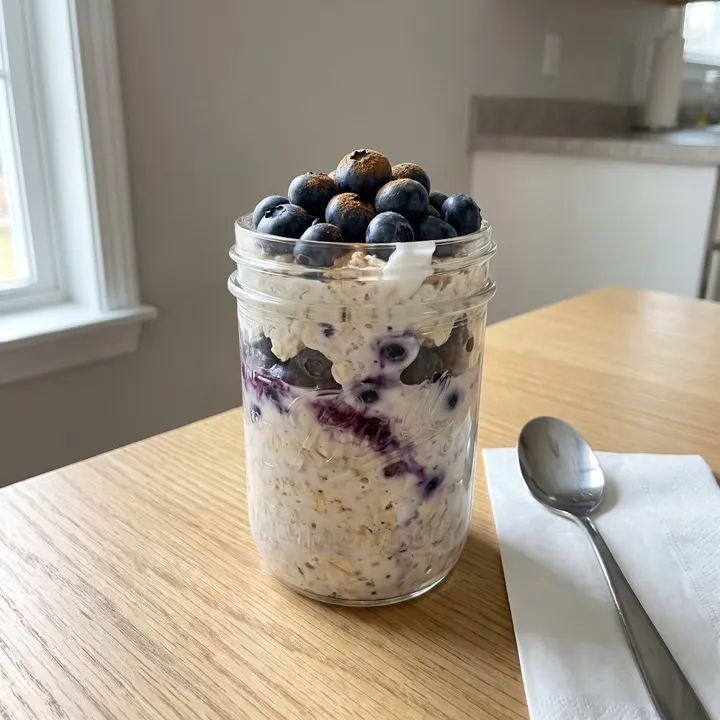
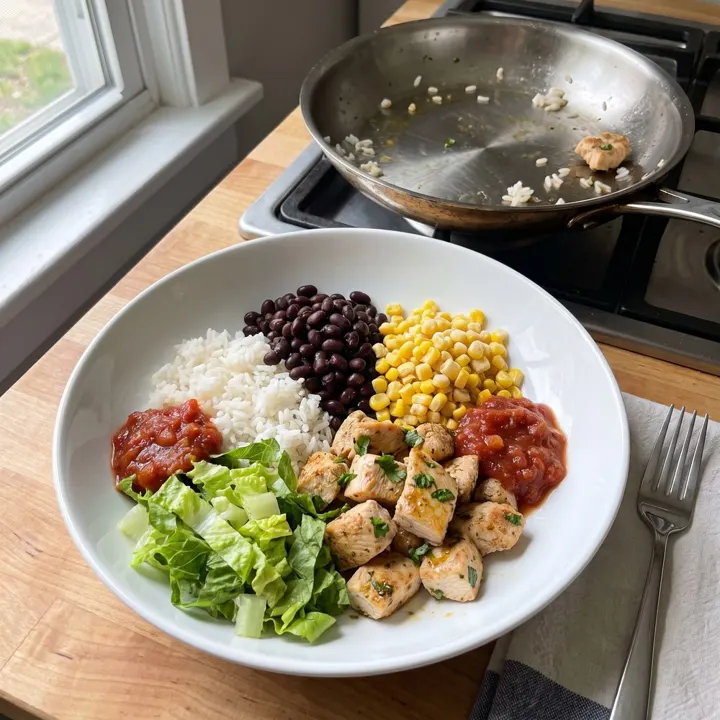 ActiveFall Comfort Meal PlanBlueberry overnight oats1 serving10 minMeal prep chicken and rice1 serving30 minTurkey chili1 serving45 minGreek yogurt berry parfait1 serving5 min
Dana's Food tab with this setup
MondayTraining day
2,400kcal
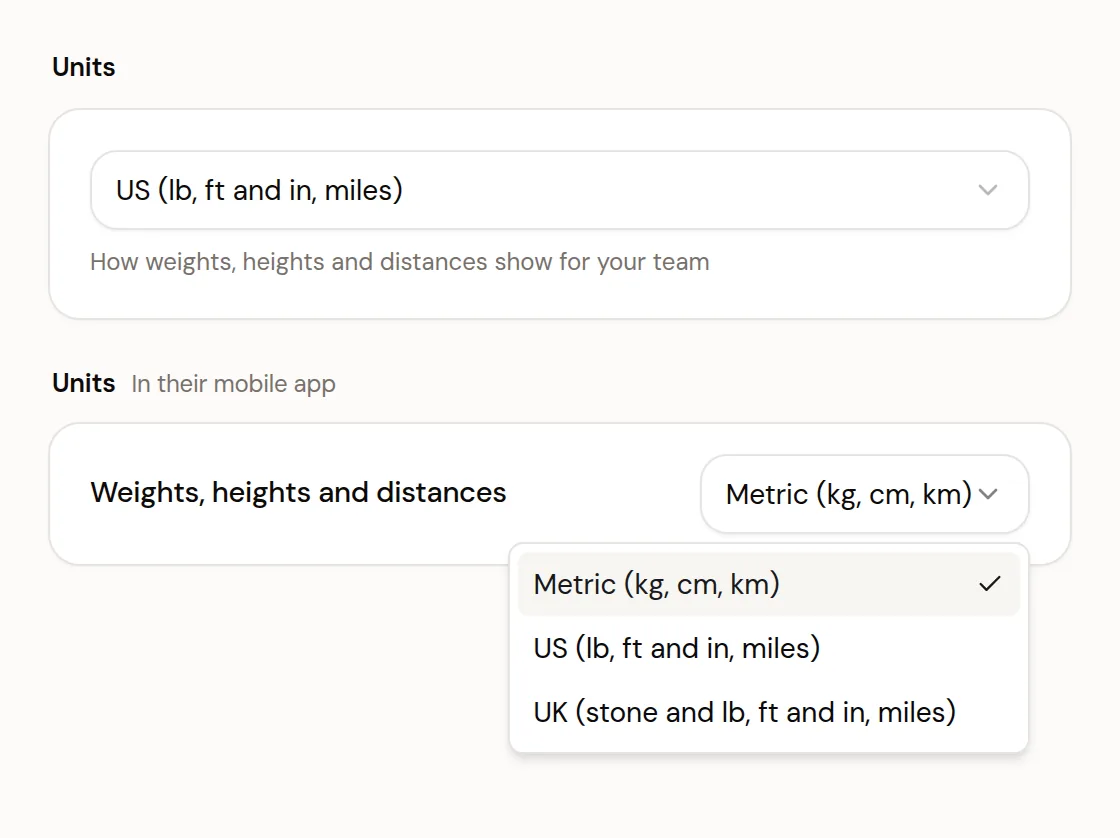
You choose the units you see. Each client sees the app in theirs, set by you or by them. New US clients start in US units, and switching never changes the data.
One client, three ways
Same client, same data. In UK units, workout weights and recipes stay in kg and grams.
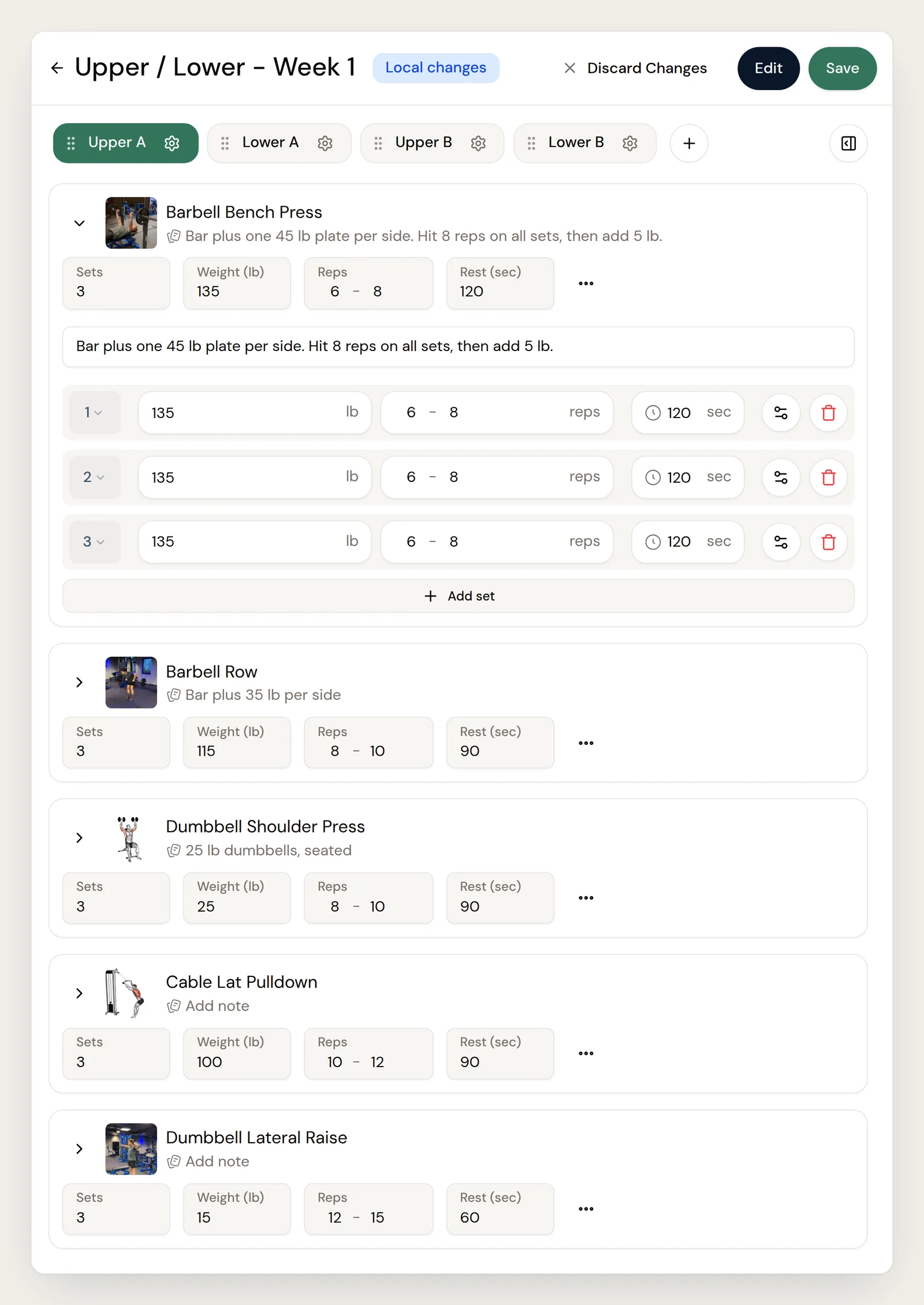
Bar plus one 45 lb plate per side. Hit 8 reps on all sets, then add 5 lb.
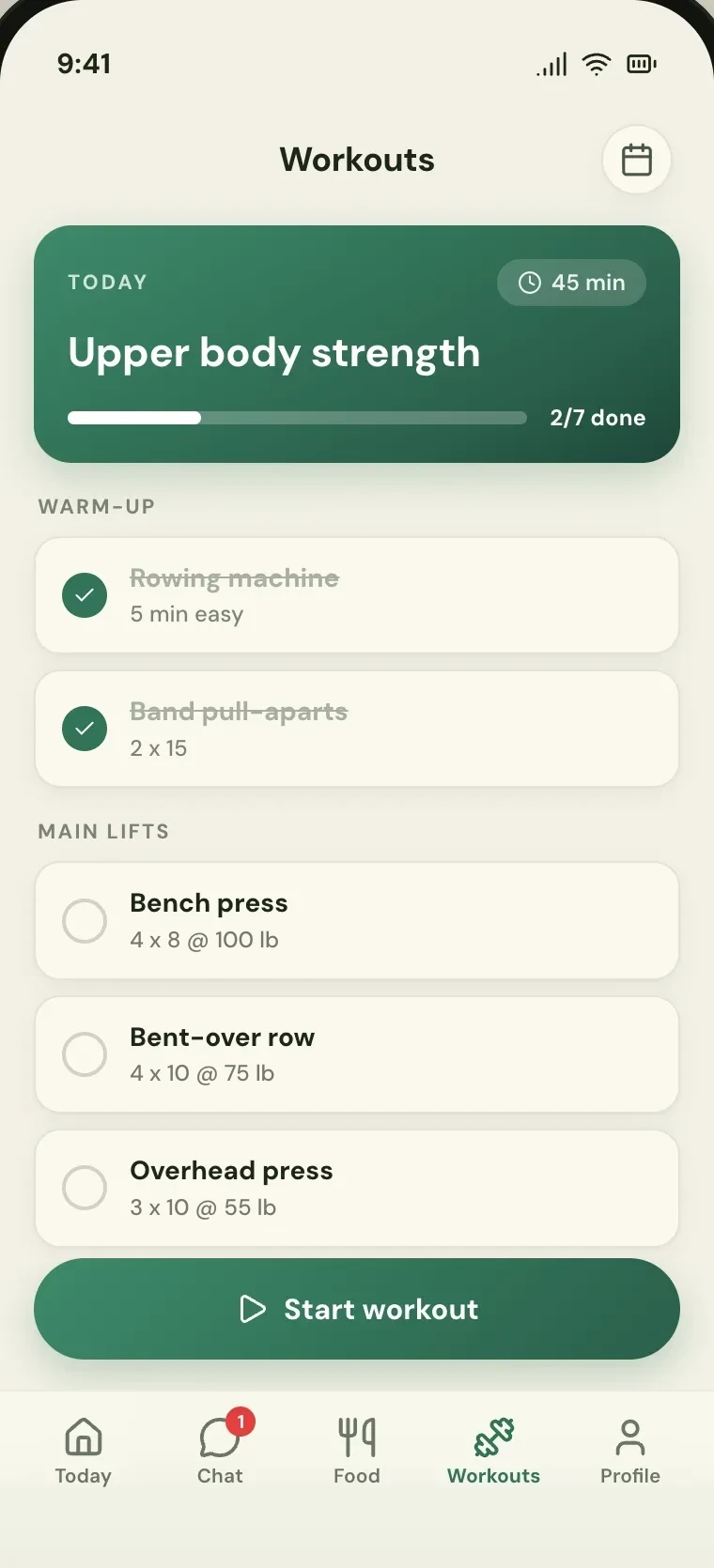
Weight, measurements, photos and answers land in one card in your inbox, with each score's change since last time.
YouYour inbox, on the web
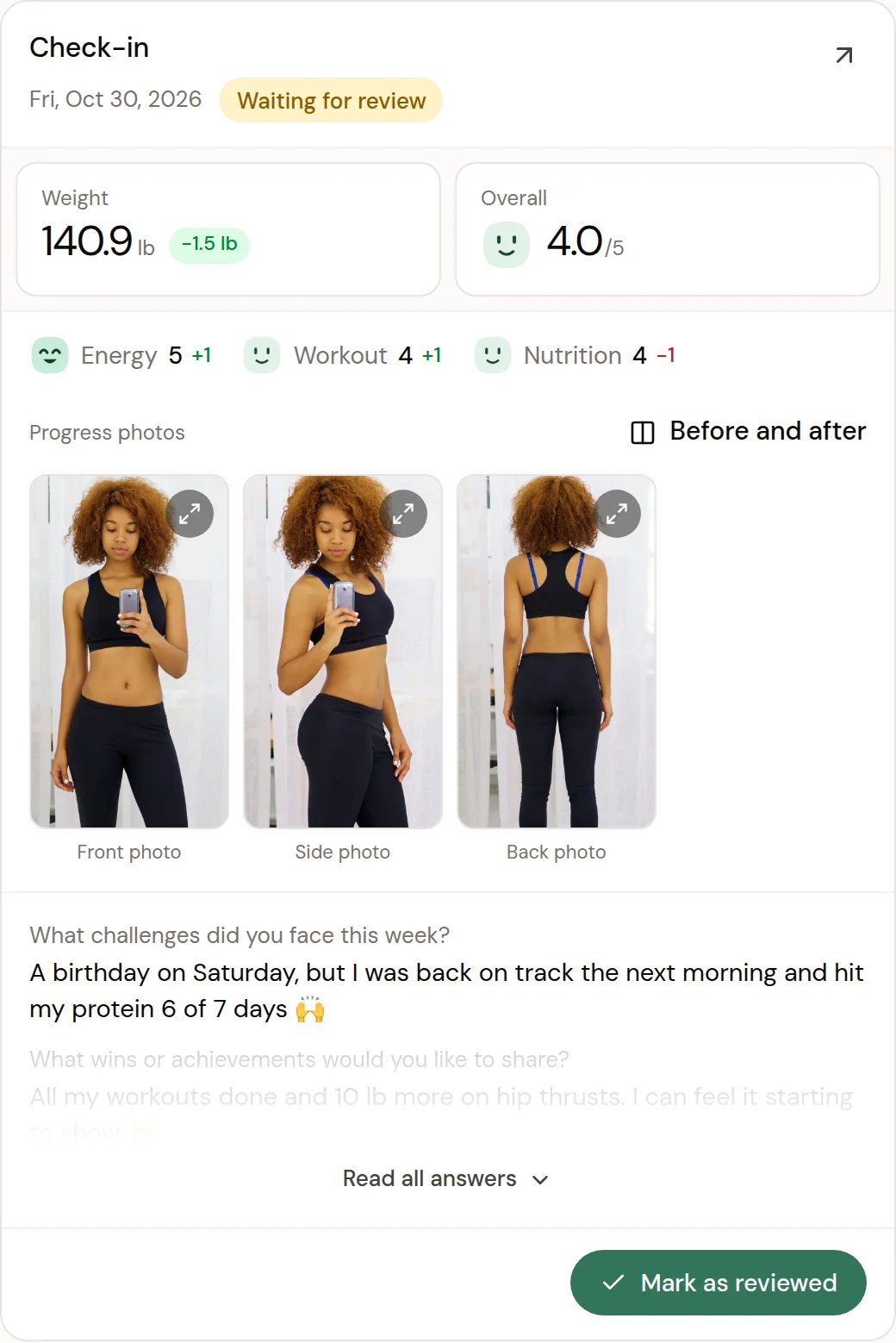
Your clientThe check-in, in the app
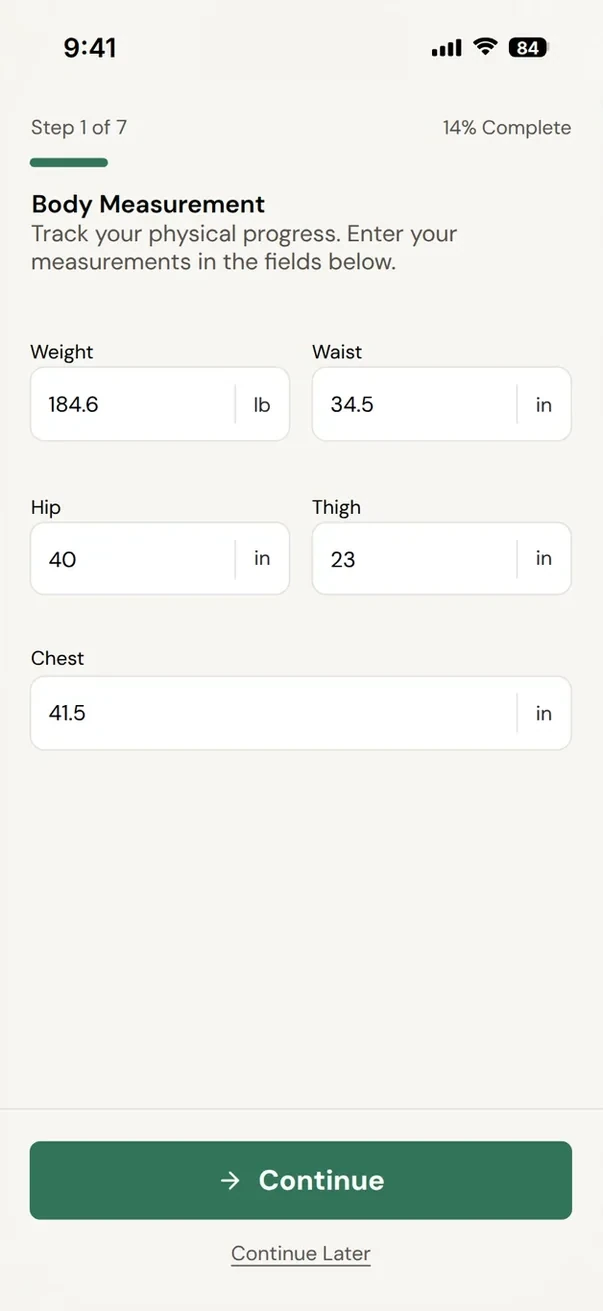
One question per screen. Continue later saves a draft.


· Friday update
Turn two check-in photos into a before and after you can post, with your client's OK. Slider or side by side, in 9:16, 4:5 or 1:1.
· Friday update
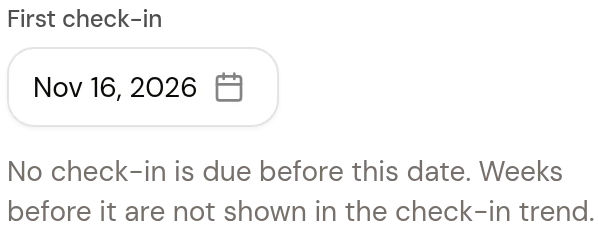
Skip a week when a client is sick or away. It shows as skipped, not missed, and you set the date of their first check-in.
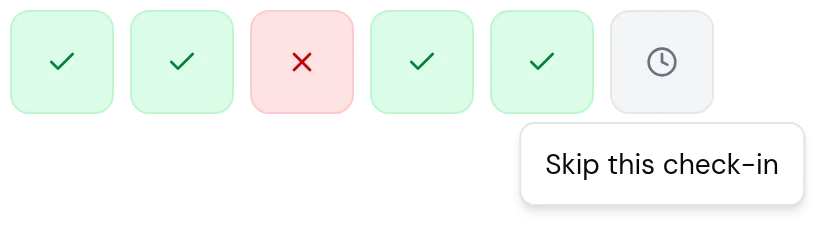
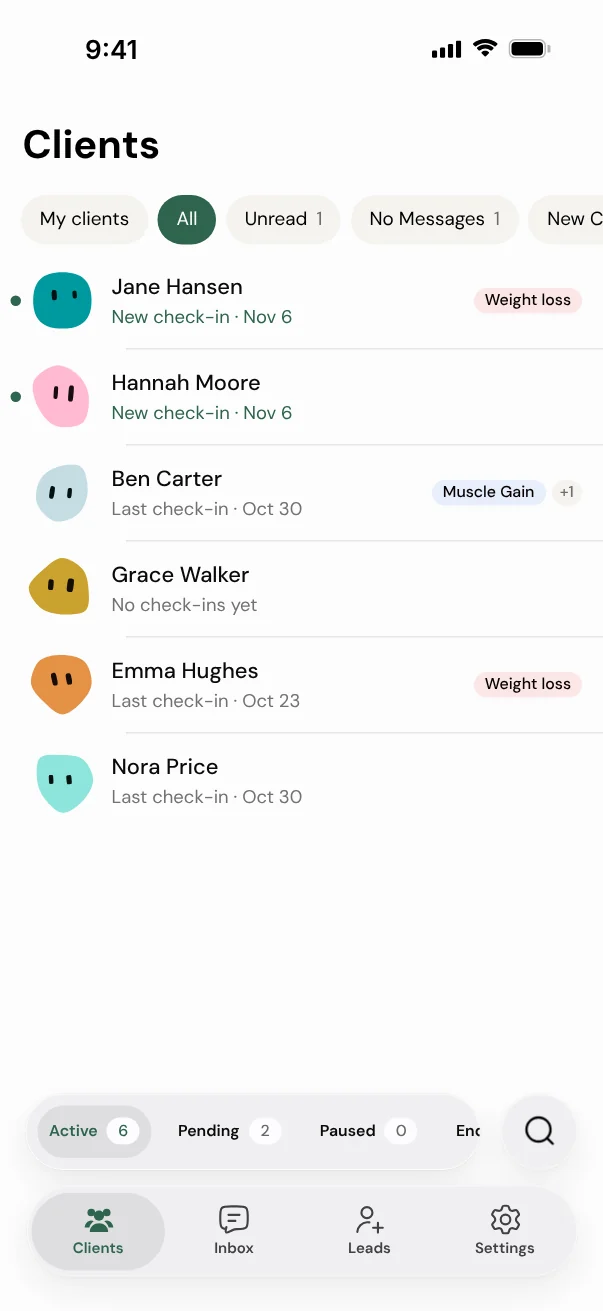
See who checked in, who didn't and who has an unread message. On the web and in the coach app.
Paid into your own Stripe account.
Every Friday we post what we shipped that week, and you get it the same week.
“...what they didn't have when I started with them, like nutrition tracking, they have now added.”
· In the client app
Clients snap or describe a meal, fix the estimate, then add it.
See how it works
 538 kcallikely 380-700
· Friday update
Clients, check-ins and leads on your phone, with alerts for new leads and failed payments. Same app, nothing new to download.
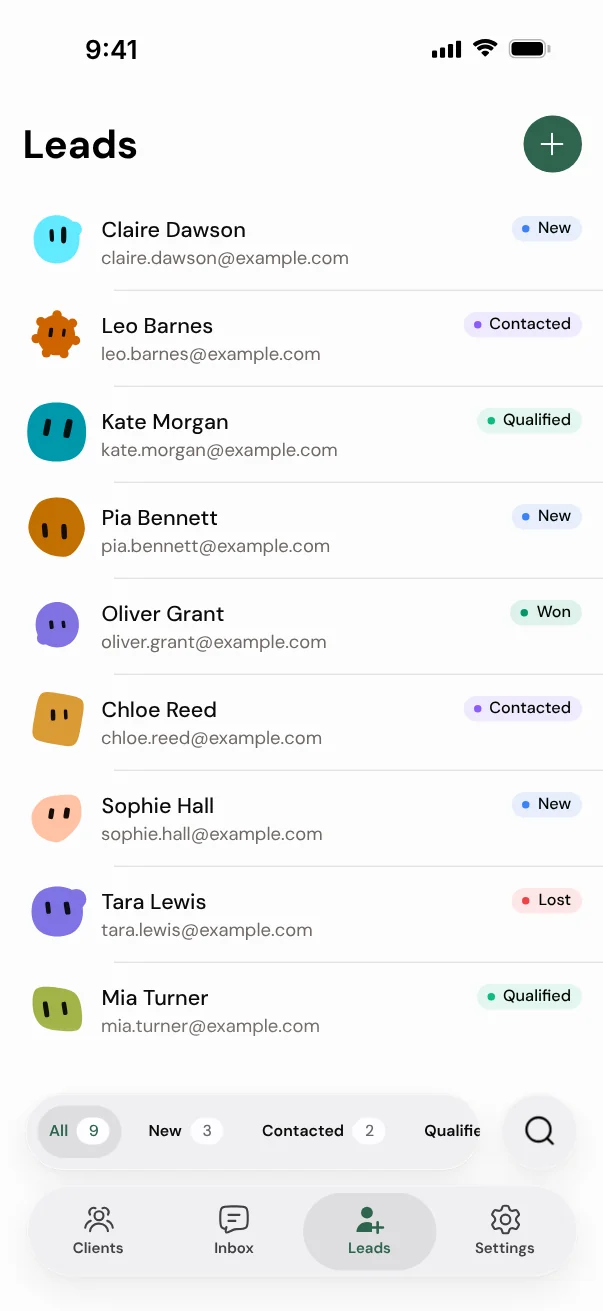
· Friday update
In your client community, see who reacted to a post, not just how many.
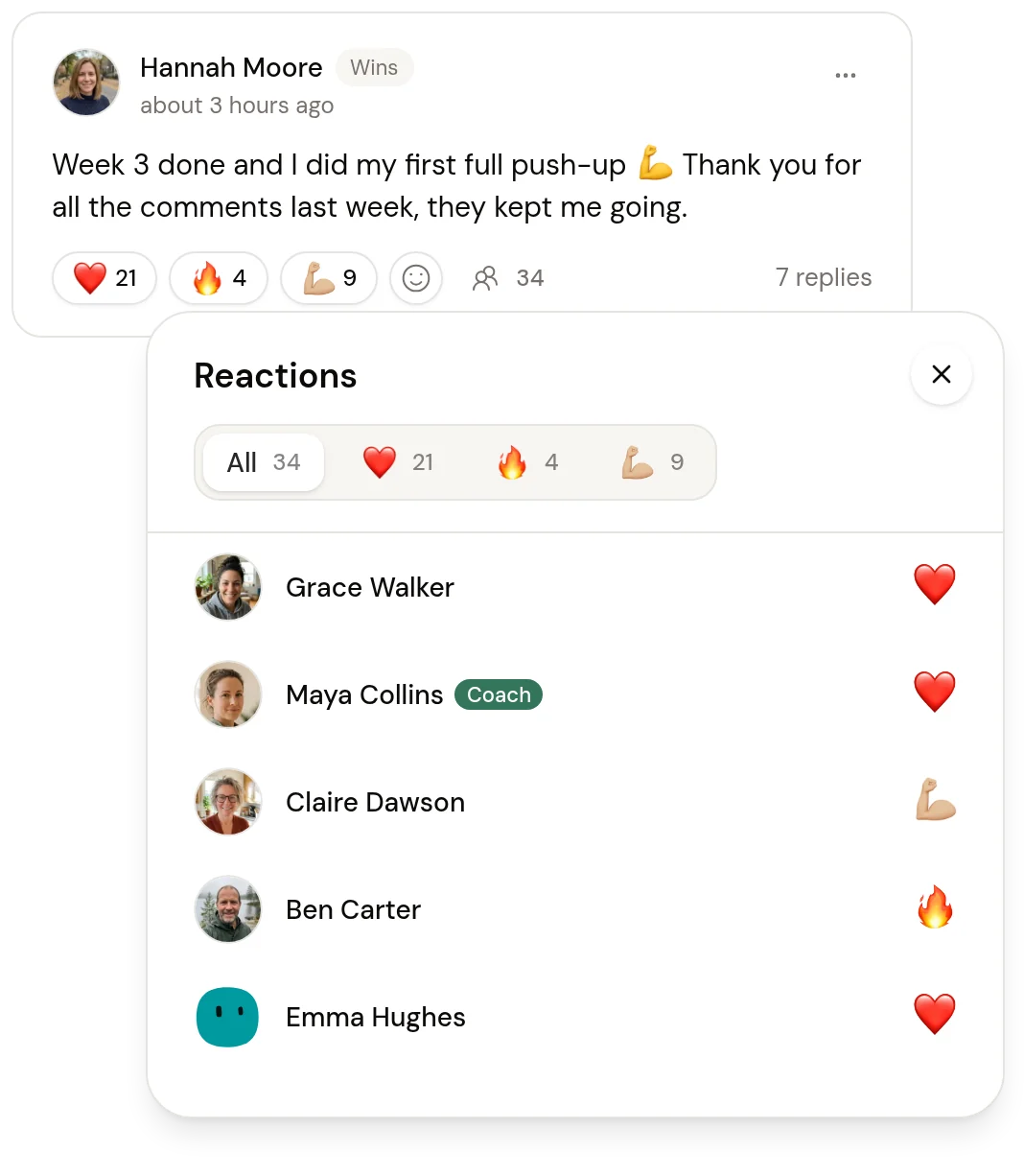
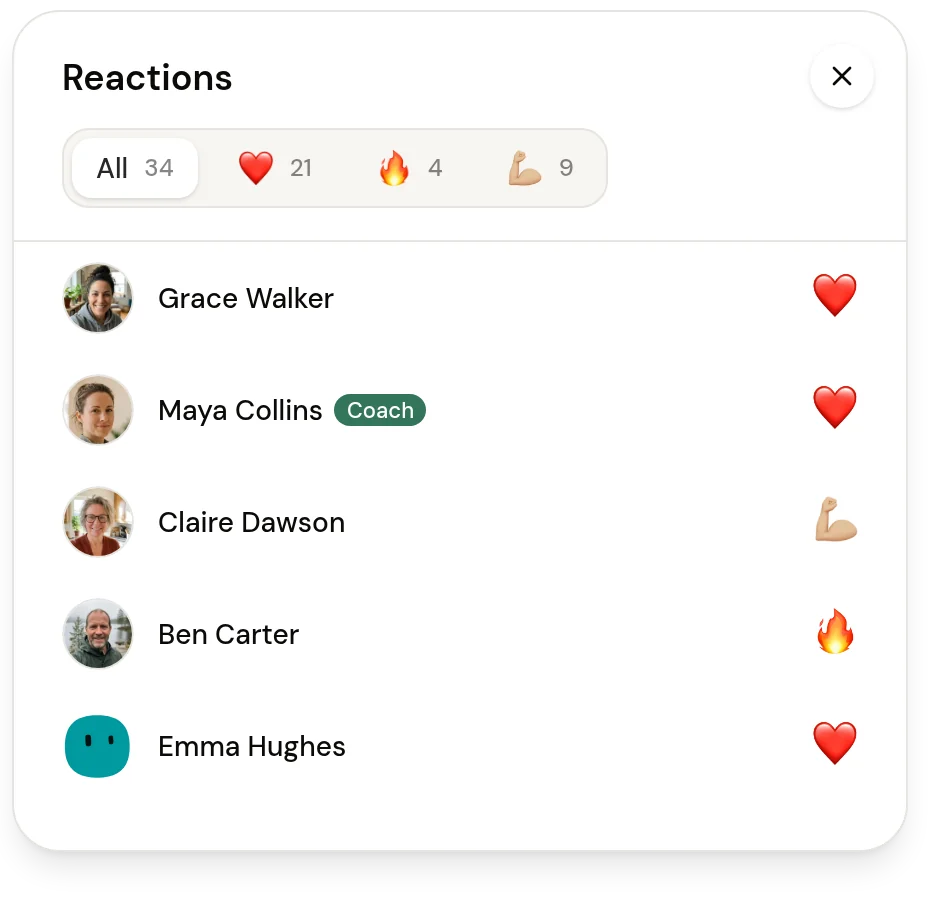
· Friday update
Charge once, monthly until someone ends it, or monthly for a set number of months.
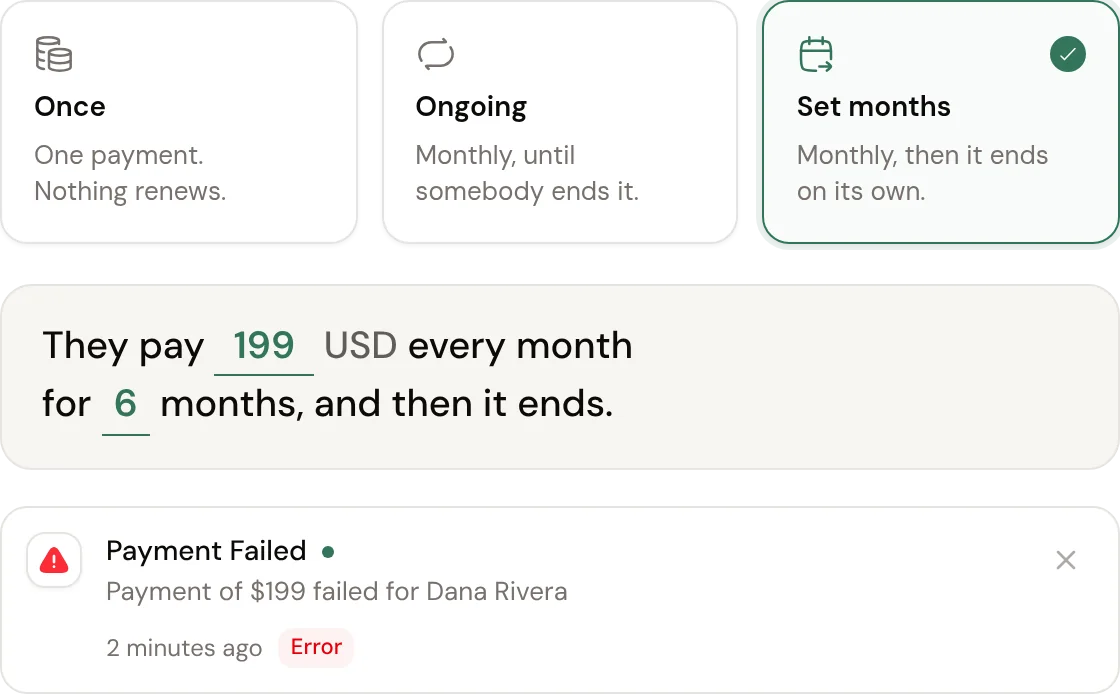
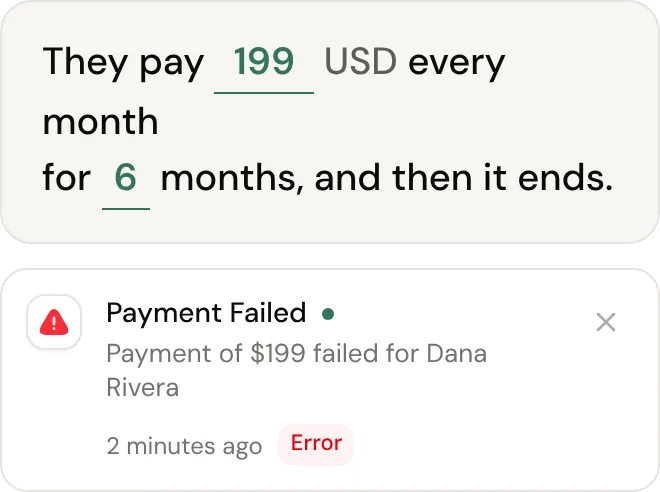
· Friday update
Stickers from a client's progress, like their weight line, to save and post.
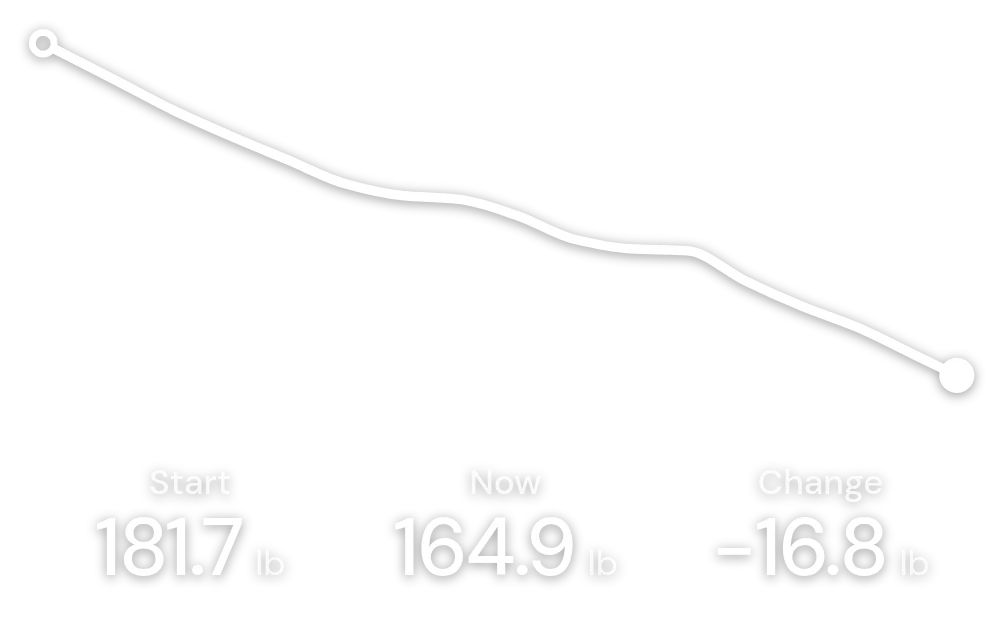
· Friday update
Up to three fields per set, follow-along exercises, and articles inside a workout.
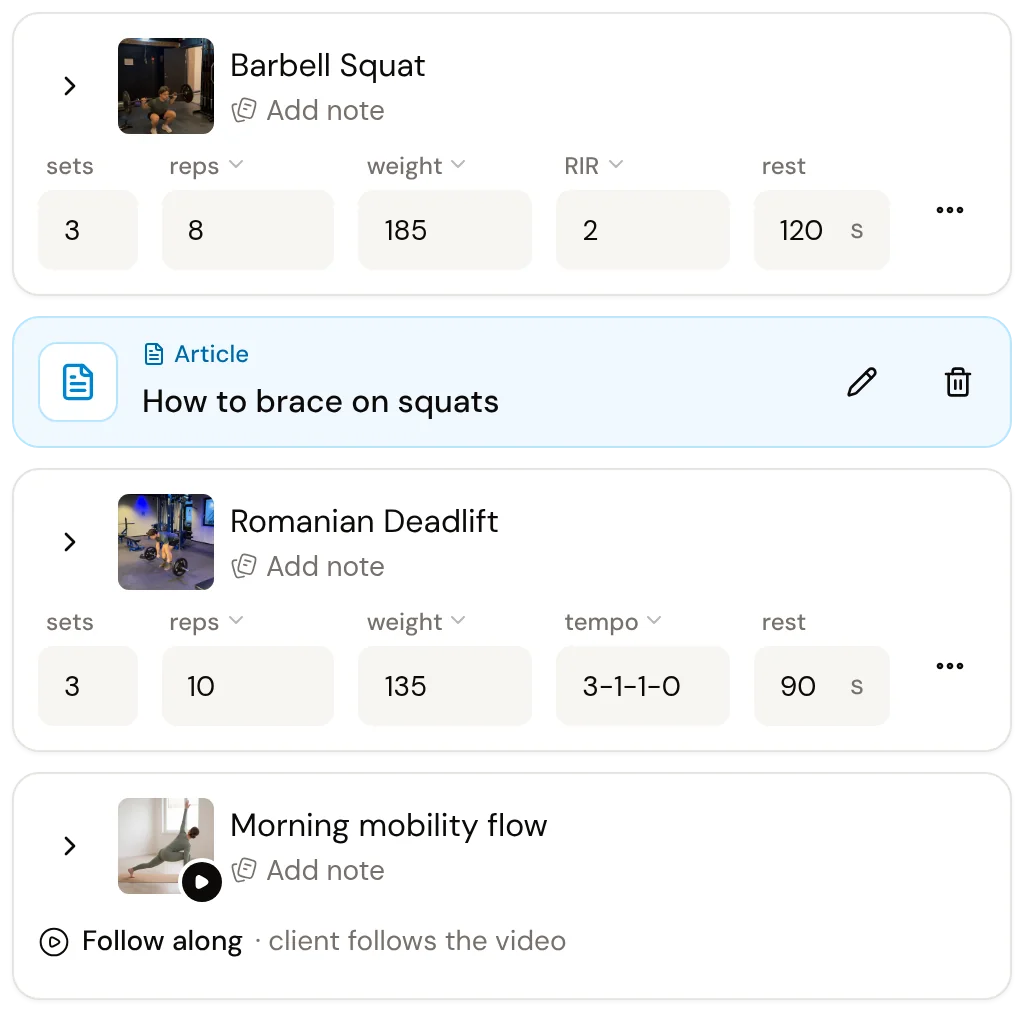
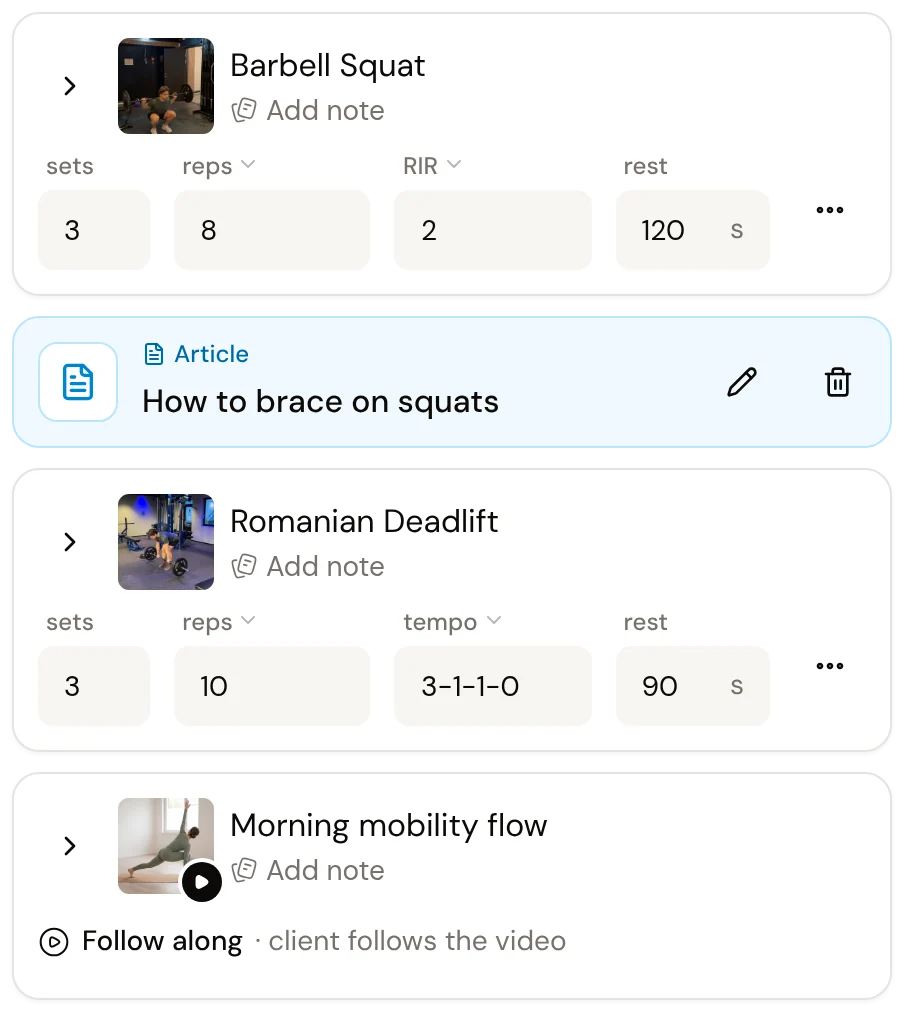
Every feature is in the one price. Here's what that covers.
01Training
02Meal plans
03Food logging
04Targets and access
05Check-ins
06Clients
07Payments
08Your business
Support Real people on chat, 11am to 5pm Eastern, Monday to Friday.
No tiers. You get every feature, and the price follows your number of active clients.
See everything that's includedPrices in USD. Sales tax may apply depending on your state. Client payments go into your own Stripe account; Coachway takes 2.4% per transaction, plus Stripe's own fees.
An active client is a client with access to the app.
$39/month
Your first 5 active clients included
+ $4.99 a month for each extra active client
$39.00 a month
All 5 included in $39
I can honestly say that Coachway is the best one ever.
I’ve used several coaching apps before, but nothing compares to Coachway. They constantly improve the app, respond quickly, and make you feel prioritized. My clients love how user friendly it is, and as a coach, you can fully customize it or use the tools already built in.
I highly recommend Coachway and the team! They are awesome <3
Jessica Jennifer Pap
The best coaching platform I have used. Customer support is great and quick. They have all the tools I need, and what they didn't have when I started with them, like nutrition tracking, they have now added. Really the best all in one platform for my coaching!
Eiric Norström-Johnsen
I've used multiple coaching platforms in the past, and nothing can compare to the fast response, service, and functionality of Coachway. Definitely fills all of our criteria for a great coaching platform!
Kaja Sandnes
A clean, intuitive, and well-organized app. Creating workout programs, nutrition plans, and managing clients is simple and efficient. Highly recommended!
Gina Wiig
During my time as an online coach, I’ve tested several different platforms, but I can honestly say that Coachway is the best one ever.
They are constantly evolving, customer service is incredibly responsive, the platform is easy for both me and my clients to use, and it has EVERYTHING a coach needs. This is a team that really knows what they’re doing; they genuinely care about user satisfaction and are truly invested in their customers. Highly recommended!
Rosita
The best platform for coaches - My clients LOVE it, and it's making my life easier.
I switched to Coachway couple of months ago - And I'm already really happy. They helped me transfer everything, and my clients are already loving it.
It saves me time, AND makes it easier for me, to give my clients the BEST service.
If you are a serious coach - You will love Coachway!
Frederik Sørensen
Coachway is an excellent platform! It offers many smart features that save me time and give me a clear overview of my clients.
What I appreciate most about Coachway is that the team is genuinely open to feedback about the software and consistently makes relevant and valuable improvements. They are also highly accessible and responsive whenever I have questions.
With several exciting new features on the way, Coachway is positioning itself as the clear market leader among coaching platforms. Truly first-class!
Niklas Sørlie
I recently just changed over to CoachWay for my online coaching after trying several different plattforms before. And my experience so far has been great. The support chat is so fast to follow up on any questions, and I really like that they are constantly working to create new features in the plattform for both us as coaches and for our clients. Very excited for the future with CoachWay.
Ragnhild Seim
Chat with the Coachway team 11am to 5pm Eastern, Monday to Friday.
How do I copy Jordan's program to a new client?
Coachway supportOpen Jordan's program and copy it to the new client, then adjust the weights. Happy to help if you get stuck.
Yes. You add a card to start your 14-day free trial, and there's no charge today. Cancel anytime in your account under Billing.
$39 a month covers your first 5 active clients. Each extra active client is $4.99 a month. Every feature is included, and there's no setup fee and no contract. Prices are in USD, and sales tax may apply depending on your state.
A client who has access to the app. If a client takes a break, remove their app access and they leave the count.
No. You can build programs, meal plans and check-ins and try every part of Coachway before you invite anyone.
Yes. Cancel anytime in your account under Billing. No contract.
No. The client app is free to download on iPhone and Android. Clients pay you, not Coachway, and they pay on the web, not inside the app.
Yes. Choose US, UK or metric for your account, and each client sees the app in their own units, set by you or by them. US shows pounds, inches, feet and inches, miles, and recipes in ounces, cups and spoons. UK shows body weight in stone and pounds and keeps workout weights and recipes in metric. New US clients start in US units.
Yes. Check-in forms can include ratings, written answers, weight, measurements and progress photos, and you read them in one card in your inbox. You can skip a week when a client is sick, and set the date of their first check-in.
Send us your client list and we'll tell you what can come across before you decide. You can also start with a few clients and add more when you're ready.
Your client takes a photo of a meal, or types what they ate. The app splits it into foods with amounts, calories and a likely range. They can fix any amount, or type what's different and get a new answer, then tap Add. Nothing is logged until they do, and Undo takes it back.
You choose. Turn it on per client under Settings, Nutrition, or make it your default for new clients. You see a meal only after your client taps Add. It shows in their food log marked AI estimate, and one click opens the photo, the likely range, the foods, what the AI assumed and any changes your client made.
No. You pick what each client gets: Full access, Standard, Photo only or Plan only. A client on Photo only snaps meals with no counting, and you comment on their photo diary.
Clients pay into your own Stripe account, and Coachway never holds your money. Coachway takes 2.4% per transaction, plus Stripe's own fees.
Yes. You sign in to the same Coachway app with your coach login, nothing new to download. Coach app 2.0 has Clients, Inbox, Leads and Settings, with check-ins, client pages and push notifications for failed payments, new leads and finished onboarding forms.
Yes. Invite them by email under Settings, Team. They get their own login under your subscription, and you set what each role can see, including only their own clients.
Your data is hosted on EU-based servers under GDPR. Our Data Processing Agreement lists every service that handles it, including a few that can process data in the US. Your content stays yours, and you can export meal plans and workout programs as PDFs.
Real people on chat, 11am to 5pm Eastern, Monday to Friday.